_811205.png)
_e196d8.png)
_32b3d9.png)
_1c53fe.png)

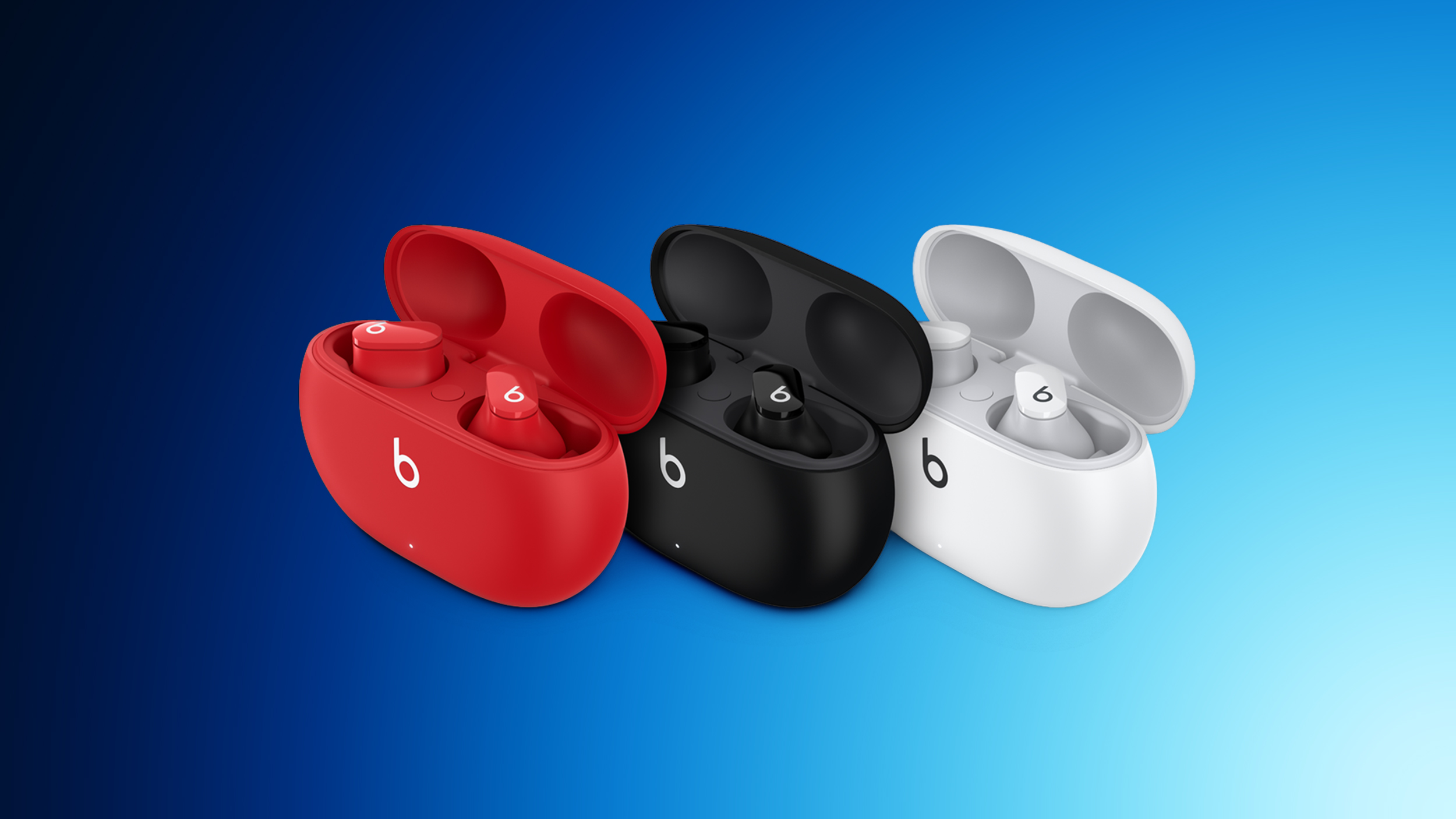
Apple today released a new firmware update for the Beats Studio Buds. The firmware, 1B211, addresses a Bluetooth vulnerability.
Apple's security support document for the update says it fixes a bug that could allow an attacker in Bluetooth range to listen through the microphone of the device.
The vulnerability would only be affected if someone was in Bluetooth range and the Studio Buds were not yet paired and seeking pair requests.
The bug was in open source code, and Apple Software was among the affected projects.
Updating the firmware of the Beats Studio Buds can be done by pairing them with an iPhone, iPad, or Mac, putting them on a charger, and keeping them in Bluetooth range of the paired device.
This article, "Beats Studio Buds Firmware Update Patches Bluetooth Vulnerability" first appeared on MacRumors.com
Discuss this article in our forums
Apple's security support document for the update says it fixes a bug that could allow an attacker in Bluetooth range to listen through the microphone of the device.
The vulnerability would only be affected if someone was in Bluetooth range and the Studio Buds were not yet paired and seeking pair requests.
The bug was in open source code, and Apple Software was among the affected projects.
Updating the firmware of the Beats Studio Buds can be done by pairing them with an iPhone, iPad, or Mac, putting them on a charger, and keeping them in Bluetooth range of the paired device.
Tag: Beats
This article, "Beats Studio Buds Firmware Update Patches Bluetooth Vulnerability" first appeared on MacRumors.com
Discuss this article in our forums
Recommended Comments
Join the conversation
You can post now and register later. If you have an account, sign in now to post with your account.