_811205.png)
_e196d8.png)
_32b3d9.png)
_1c53fe.png)

This week's best Apple-related deals include multiple third-party retailer accessory sales from Samsung, Nomad, Dell, and Otterbox. We're also tracking one of the first big price discounts on the iPhone Air MagSafe Battery in our recap of the week's best deals below.
 Note: MacRumors is an affiliate partner with some of these vendors. When you click a link and make a purchase, we may receive a small payment, which helps us keep the site running.
Where can I get it? Amazon
Where can I find the original deal? Right here
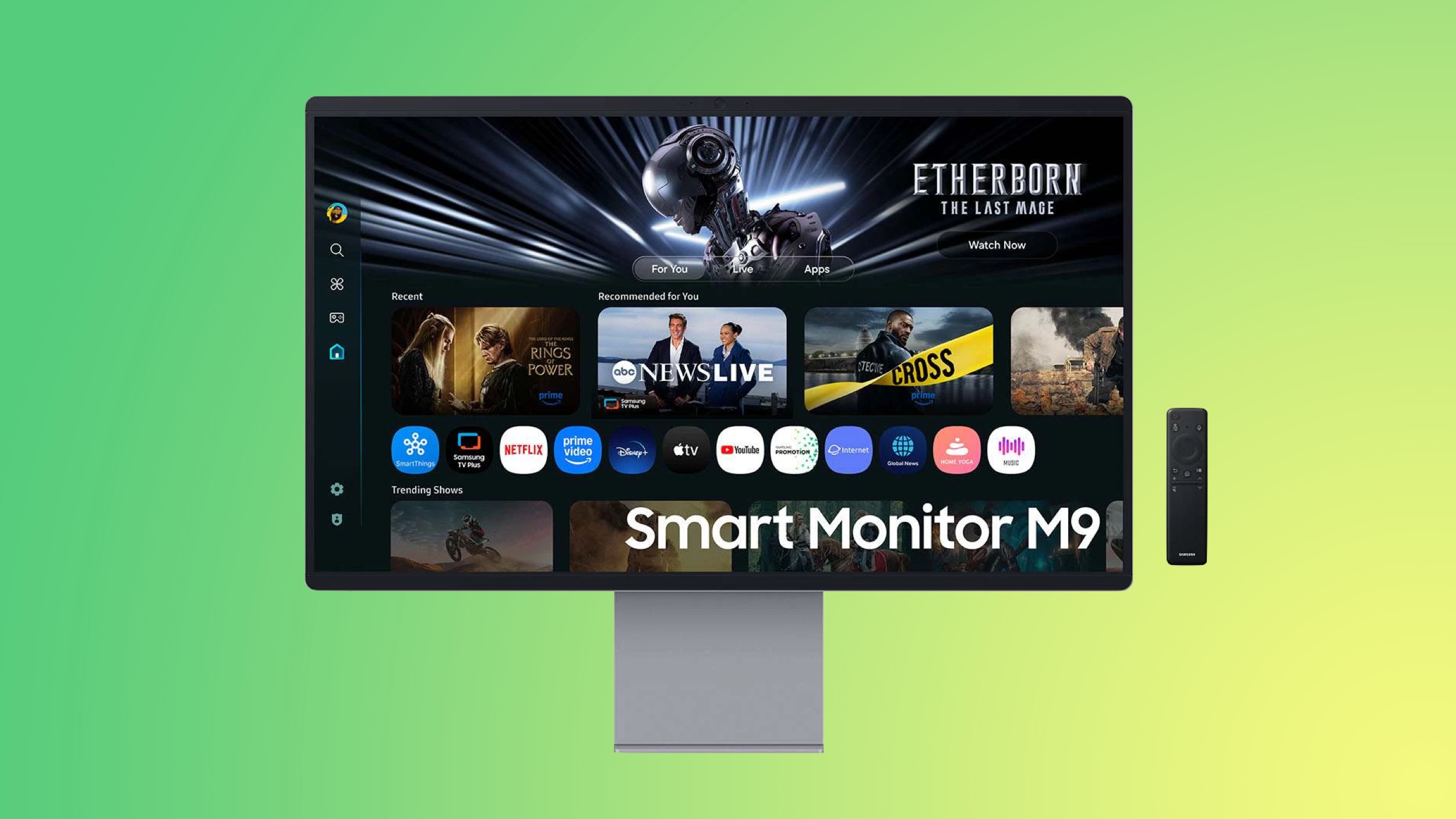
Samsung introduced a few big discounts on its monitors, TVs, and more this week on Amazon, including the return of the all-time low price on the newest Smart Monitor. You can get the 32-inch Smart Monitor M9 for $1,299.99, down from $1,599.99.

Where can I get it? Nomad
Where can I find the original deal? Right here
Nomad this week has an overstock sale going on with major discounts across a few different product categories. This includes iPhone 17 cases, MagSafe-compatible charging stations, iPad folios, and much more.
Where can I get it? Amazon
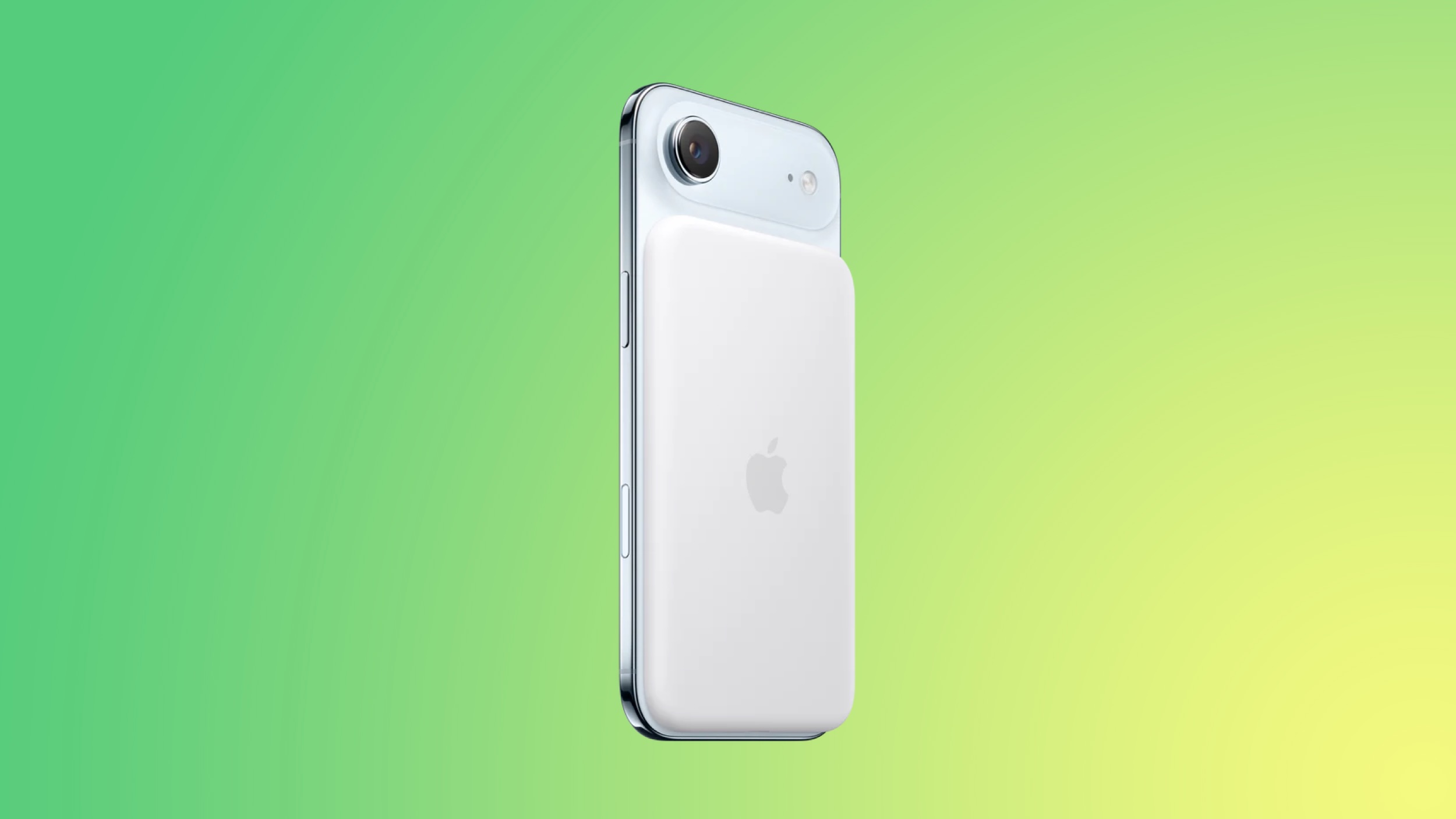
Amazon is discounting the iPhone Air MagSafe Battery to $79.00, down from $99.00. This is one of the first notable discounts on the new accessory, and it currently has an estimated February 25 delivery date.
Where can I get it? Dell
Where can I find the original deal? Right here
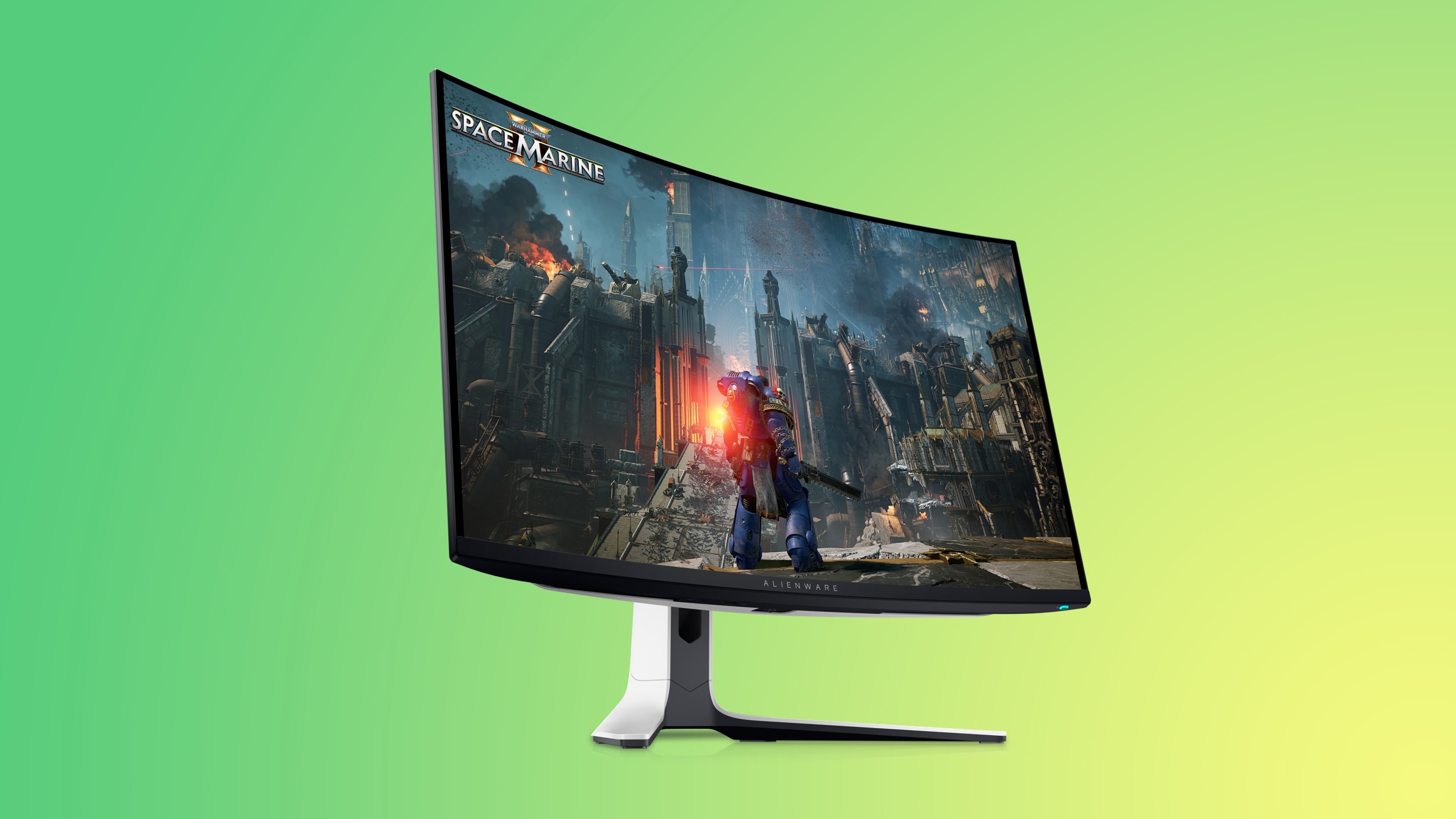
Dell has a big sale running this week on multiple product categories, and it includes accessories not only from Dell but also Alienware, Logitech, Bose, and JBL. You'll find up to $200 off select monitors from multiple brands in this event, including popular Alienware gaming monitors like the 27-inch Alienware 4K QD-OLED Gaming Monitor for $699.99, down from $899.99.
Where can I get it? Otterbox
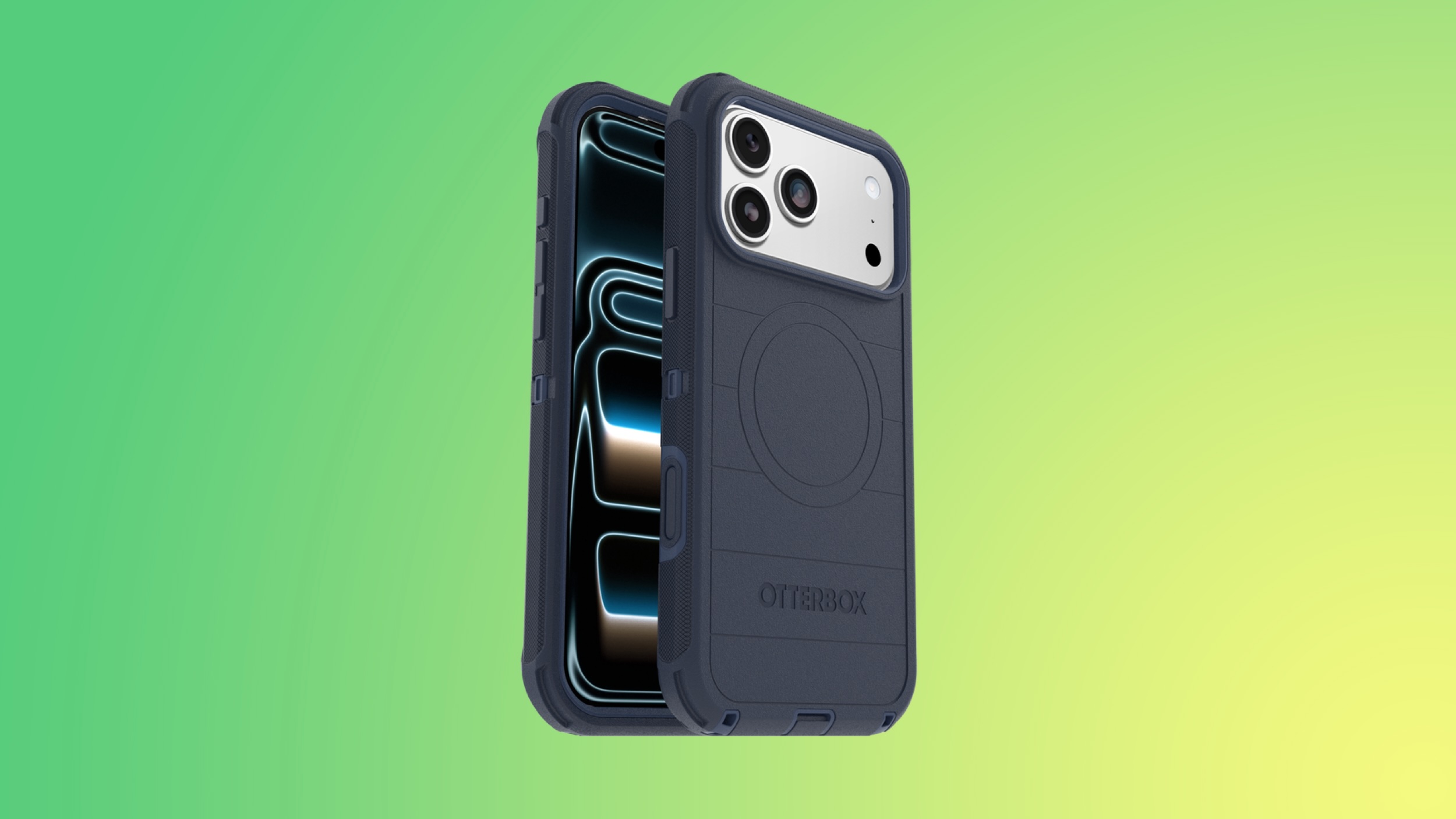
You can get 25 percent off sitewide this week at Otterbox, just use the code OTTER25 at checkout to save on iPhone cases, screen protectors, accessories, and much more. This sale will end on February 22.
If you're on the hunt for more discounts, be sure to visit our Apple Deals roundup where we recap the best Apple-related bargains of the past week.
Interested in hearing more about the best deals you can find in 2026? Sign up for our Deals Newsletter and we'll keep you updated so you don't miss the biggest deals of the season!
This article, "Best Apple Deals of the Week: Get Up to $1,200 Off Samsung's Best Monitors and More" first appeared on MacRumors.com
Discuss this article in our forums
Note: MacRumors is an affiliate partner with some of these vendors. When you click a link and make a purchase, we may receive a small payment, which helps us keep the site running.
Samsung
- What's the deal? Save on Samsung monitors, TVs, and more
Where can I get it? Amazon
Where can I find the original deal? Right here
Samsung introduced a few big discounts on its monitors, TVs, and more this week on Amazon, including the return of the all-time low price on the newest Smart Monitor. You can get the 32-inch Smart Monitor M9 for $1,299.99, down from $1,599.99.
Nomad
- What's the deal? Take up to 49% off Nomad iPhone cases, chargers, and more
Where can I get it? Nomad
Where can I find the original deal? Right here
Nomad this week has an overstock sale going on with major discounts across a few different product categories. This includes iPhone 17 cases, MagSafe-compatible charging stations, iPad folios, and much more.
iPhone Air MagSafe Battery
- What's the deal? Take $20 off
Where can I get it? Amazon
Amazon is discounting the iPhone Air MagSafe Battery to $79.00, down from $99.00. This is one of the first notable discounts on the new accessory, and it currently has an estimated February 25 delivery date.
Dell
- What's the deal? Save on monitors and other accessories from Dell, Alienware, and more
Where can I get it? Dell
Where can I find the original deal? Right here
Dell has a big sale running this week on multiple product categories, and it includes accessories not only from Dell but also Alienware, Logitech, Bose, and JBL. You'll find up to $200 off select monitors from multiple brands in this event, including popular Alienware gaming monitors like the 27-inch Alienware 4K QD-OLED Gaming Monitor for $699.99, down from $899.99.
Otterbox
- What's the deal? Take 25% off sitewide
Where can I get it? Otterbox
You can get 25 percent off sitewide this week at Otterbox, just use the code OTTER25 at checkout to save on iPhone cases, screen protectors, accessories, and much more. This sale will end on February 22.
If you're on the hunt for more discounts, be sure to visit our Apple Deals roundup where we recap the best Apple-related bargains of the past week.
Deals Newsletter
Interested in hearing more about the best deals you can find in 2026? Sign up for our Deals Newsletter and we'll keep you updated so you don't miss the biggest deals of the season!
Related Roundup: Apple Deals
This article, "Best Apple Deals of the Week: Get Up to $1,200 Off Samsung's Best Monitors and More" first appeared on MacRumors.com
Discuss this article in our forums
Recommended Comments
Join the conversation
You can post now and register later. If you have an account, sign in now to post with your account.