_811205.png)
_e196d8.png)
_32b3d9.png)
_1c53fe.png)

If you installed the macOS 27 Golden Gate developer beta and have signed up to the Siri AI waitlist but are still waiting to be accepted, there's a Terminal command workaround that enables the new virtual assistant on your Mac immediately.
If you're still reading, since you're on the first macOS 27 developer beta, we're assuming you are running it on a test machine, and not on your primary Mac. We're also assuming you're comfortable with using the Terminal app. MacRumors cannot take responsibility for lost data. You should always have a backup.
With that said, early reports indicate the workaround is safe, and you won't need to reverse it once officially off the waitlist. Note that Siri AI is not available in the EU and China.
Here's how it's done.
Input the following command at the prompt and press Enter: sudo defaults write "/Library/Preferences/FeatureFlags/Domain/GenerativeModels.plist" "EnhancedSiriWaitlist" -dict-add Enabled -bool NO
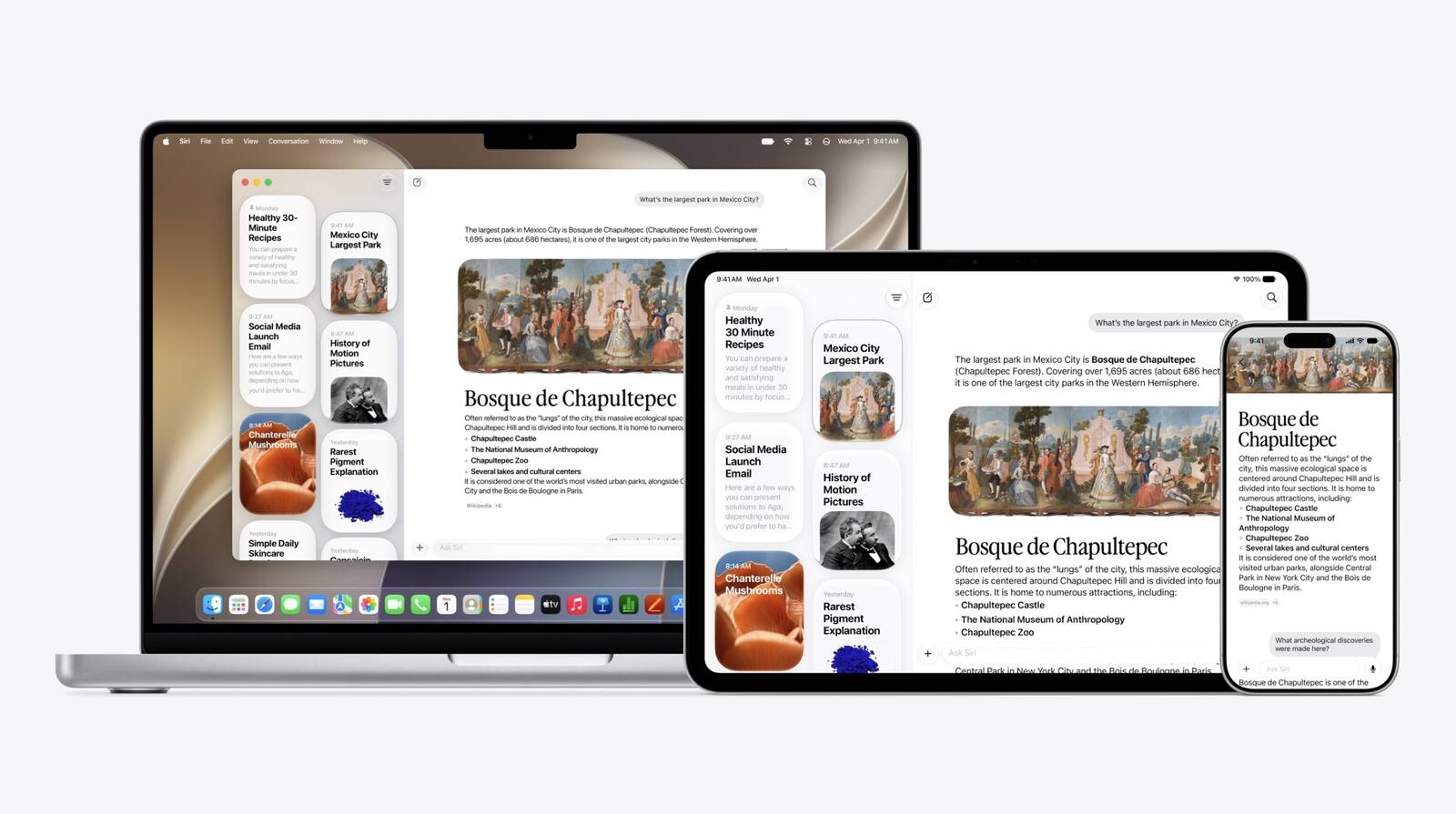
Restart your Mac to apply the change.After restarting, you can try it out right away. In the dedicated Siri app, for example, you can have back-and-forth conversations with Siri in text or voice modes, and your conversation history is synced across your devices via iCloud.
Siri AI can draw on personal context understanding to search across messages, emails, photos, and more, and get things done across apps with even more system-wide app actions.
On Mac, Siri is now also integrated into Spotlight and available via right-click context menus on any file or window. Note that Siri AI is initially only available in English. Let us know how you get on in the comments.
This article, "Bypass Siri AI Waitlist on macOS 27 Golden Gate Beta: Here's How" first appeared on MacRumors.com
Discuss this article in our forums
If you're still reading, since you're on the first macOS 27 developer beta, we're assuming you are running it on a test machine, and not on your primary Mac. We're also assuming you're comfortable with using the Terminal app. MacRumors cannot take responsibility for lost data. You should always have a backup.
With that said, early reports indicate the workaround is safe, and you won't need to reverse it once officially off the waitlist. Note that Siri AI is not available in the EU and China.
Here's how it's done.
- Open Terminal on your Mac running the macOS 27 beta.
Input the following command at the prompt and press Enter: sudo defaults write "/Library/Preferences/FeatureFlags/Domain/GenerativeModels.plist" "EnhancedSiriWaitlist" -dict-add Enabled -bool NO
Restart your Mac to apply the change.After restarting, you can try it out right away. In the dedicated Siri app, for example, you can have back-and-forth conversations with Siri in text or voice modes, and your conversation history is synced across your devices via iCloud.
Siri AI can draw on personal context understanding to search across messages, emails, photos, and more, and get things done across apps with even more system-wide app actions.
On Mac, Siri is now also integrated into Spotlight and available via right-click context menus on any file or window. Note that Siri AI is initially only available in English. Let us know how you get on in the comments.
This article, "Bypass Siri AI Waitlist on macOS 27 Golden Gate Beta: Here's How" first appeared on MacRumors.com
Discuss this article in our forums
Recommended Comments
Join the conversation
You can post now and register later. If you have an account, sign in now to post with your account.