_811205.png)
_e196d8.png)
_32b3d9.png)
_1c53fe.png)

Apple senior vice president of software engineering Craig Federighi has explained why the company launched a standalone Siri app in iOS 27, after previously characterizing a dedicated chatbot as contrary to its Apple Intelligence strategy.
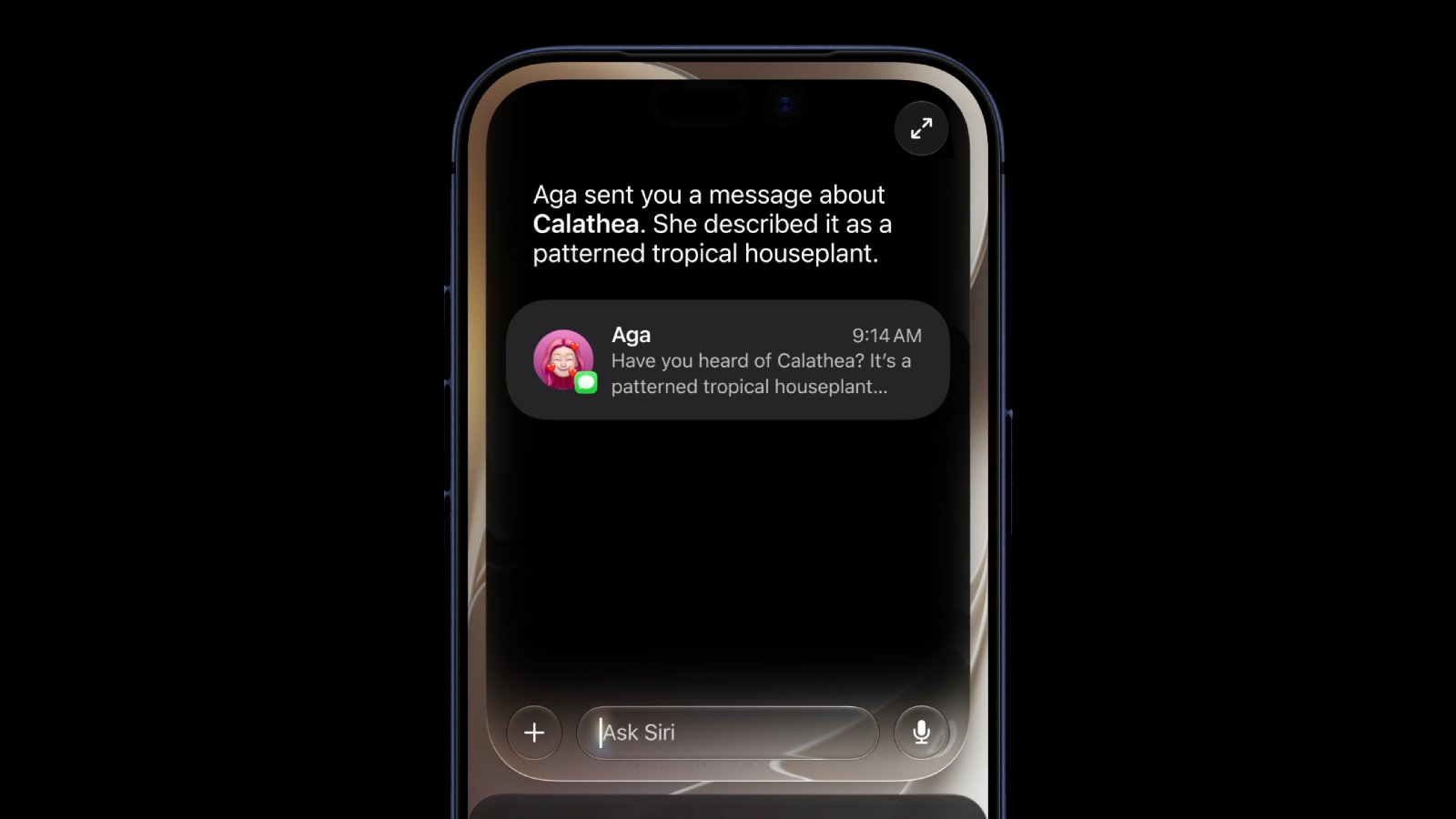
The new Siri app, announced at WWDC earlier this week, gives users a centralized place to manage and revisit their conversations with Siri AI. Federighi addressed the apparent about-face during a post-keynote discussion for the media at Apple Park this week, responding directly to a question about Apple's prior public stance.
Following WWDC 2025, Federighi and senior vice president of worldwide marketing Greg Joswiak went on a media tour in which they described Apple's approach as weaving Siri into the user's existing workflow rather than offering "a bolt-on chatbot on the side."
Federighi this week said the decision came down to a practical user need to return to and continue past Siri conversations. Apple determined that a home screen app was the most natural affordance on its platform for that purpose, and framed the Siri app as an extension of the system experience rather than a standalone product:
The iOS 27 developer beta is available now, though access to the new Siri requires joining a waitlist in Settings, with a public beta expected in July.
This article, "Craig Federighi Explains Why Apple Pivoted to a Siri Chatbot App" first appeared on MacRumors.com
Discuss this article in our forums
The new Siri app, announced at WWDC earlier this week, gives users a centralized place to manage and revisit their conversations with Siri AI. Federighi addressed the apparent about-face during a post-keynote discussion for the media at Apple Park this week, responding directly to a question about Apple's prior public stance.
Following WWDC 2025, Federighi and senior vice president of worldwide marketing Greg Joswiak went on a media tour in which they described Apple's approach as weaving Siri into the user's existing workflow rather than offering "a bolt-on chatbot on the side."
Federighi this week said the decision came down to a practical user need to return to and continue past Siri conversations. Apple determined that a home screen app was the most natural affordance on its platform for that purpose, and framed the Siri app as an extension of the system experience rather than a standalone product:
We see Siri not as a separate chatbot, just an unintegrated place you go and chit-chat, but rather as an integral, conversational tool that you use in the moment, deeply integrated into your experience.
Understanding what's on screen, able to interface, not in some separate world, but directly in the document that you're editing and that you want help proofreading, that you want tips on. And so all these experiences are conversational. They are really an extension of your system experience, deeply integrated into your flow.
Now, we did go back and forth on what's the best way, if you want to get back to such a chat that you had, because you want to continue it, you want to reference it, and quite honestly, in our platform, the most natural affordance for any user to go find something like that is to have an app that they can manage on their home screen, launch, and get back to. And so we have a Siri app, and that Siri app just re-embodies those capabilities of that core system experience.
The iOS 27 developer beta is available now, though access to the new Siri requires joining a waitlist in Settings, with a public beta expected in July.
This article, "Craig Federighi Explains Why Apple Pivoted to a Siri Chatbot App" first appeared on MacRumors.com
Discuss this article in our forums
Recommended Comments
Join the conversation
You can post now and register later. If you have an account, sign in now to post with your account.