_811205.png)
_e196d8.png)
_32b3d9.png)
_1c53fe.png)

Epic Games launched its mobile store for iPhone and iPad in the EU last year, and it has since established a popular program of weekly game giveaways. This week, it is making one of the most awarded indie action games of recent years free to download for a limited time.
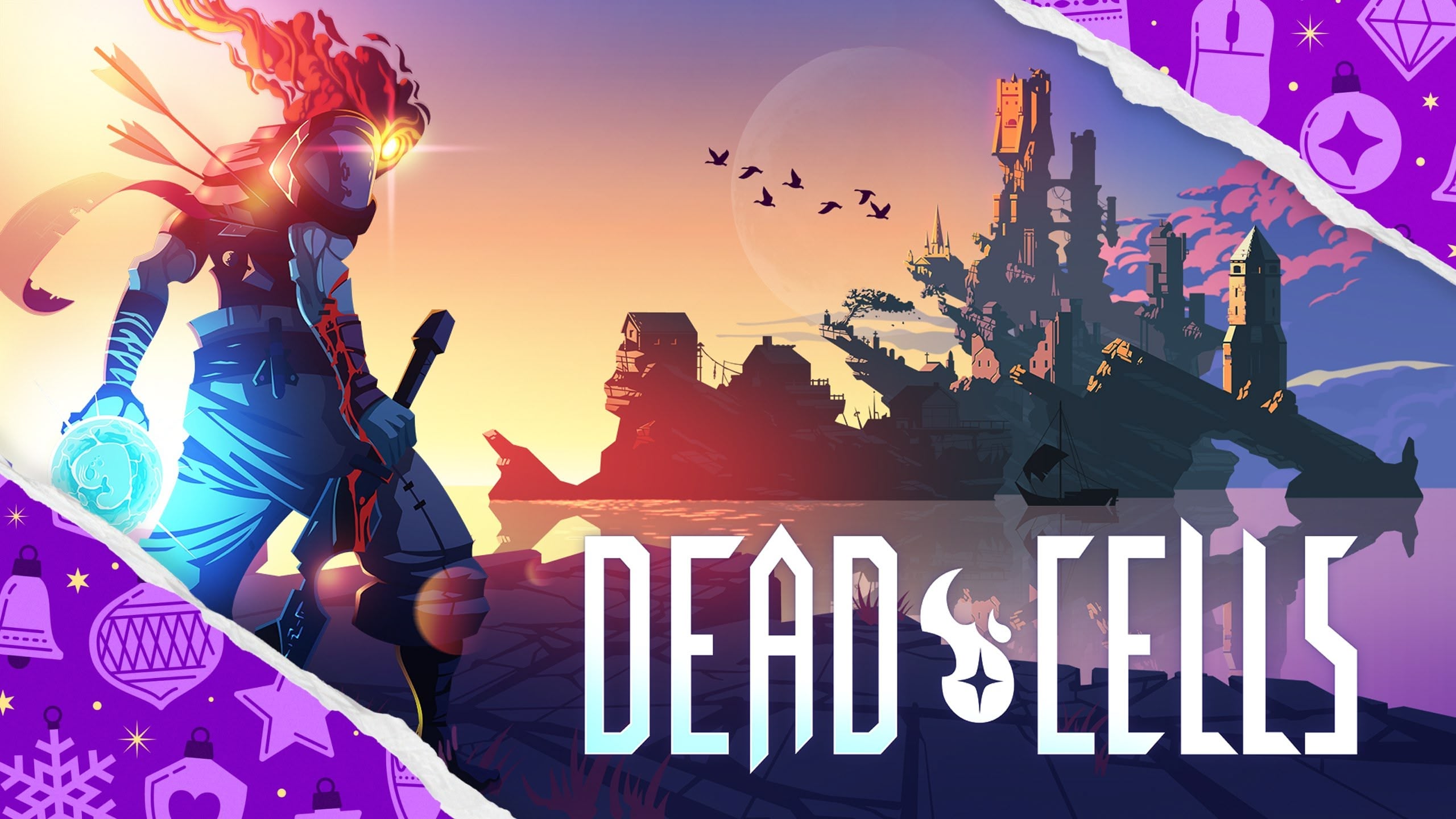
Dead Cells is an action-platformer from developer Motion Twin that combines elements of traditional side-scrolling combat with roguelike design. Players explore a procedurally generated castle, where levels, enemy placements, and rewards change with each run.
The game is known for its responsive combat, permanent progression mechanics, and branching level paths that unlock over time. Its pixel-art presentation and soundtrack have been lauded by critics, and regular post-launch updates have expanded the game with new content, keeping players coming back for more.
Epic has reported that hundreds of millions of free games have been redeemed on its store. If you're in the EU and haven't taken advantage of previous Epic Games store giveaways, grabbing a free copy of Dead Cells is, by all accounts, a good way to start. The offer ends on December 18, and you'll need to create an Epic account if you don't already have one.
The Epic Games Store for iOS is only available in the European Union right now because alternative app stores and distribution methods are not allowed in other countries.
This article, "'Dead Cells' Free for a Limited Time on Epic Games' iOS Store in the EU" first appeared on MacRumors.com
Discuss this article in our forums
Dead Cells is an action-platformer from developer Motion Twin that combines elements of traditional side-scrolling combat with roguelike design. Players explore a procedurally generated castle, where levels, enemy placements, and rewards change with each run.
The game is known for its responsive combat, permanent progression mechanics, and branching level paths that unlock over time. Its pixel-art presentation and soundtrack have been lauded by critics, and regular post-launch updates have expanded the game with new content, keeping players coming back for more.
Epic has reported that hundreds of millions of free games have been redeemed on its store. If you're in the EU and haven't taken advantage of previous Epic Games store giveaways, grabbing a free copy of Dead Cells is, by all accounts, a good way to start. The offer ends on December 18, and you'll need to create an Epic account if you don't already have one.
The Epic Games Store for iOS is only available in the European Union right now because alternative app stores and distribution methods are not allowed in other countries.
Tags: Epic Games, European Union
This article, "'Dead Cells' Free for a Limited Time on Epic Games' iOS Store in the EU" first appeared on MacRumors.com
Discuss this article in our forums
Recommended Comments
Join the conversation
You can post now and register later. If you have an account, sign in now to post with your account.