_811205.png)
_e196d8.png)
_32b3d9.png)
_1c53fe.png)

DuckDuckGo's free web browser now blocks most video ads on YouTube, and the feature is on by default for iPhone and Mac users running the latest version of the app.
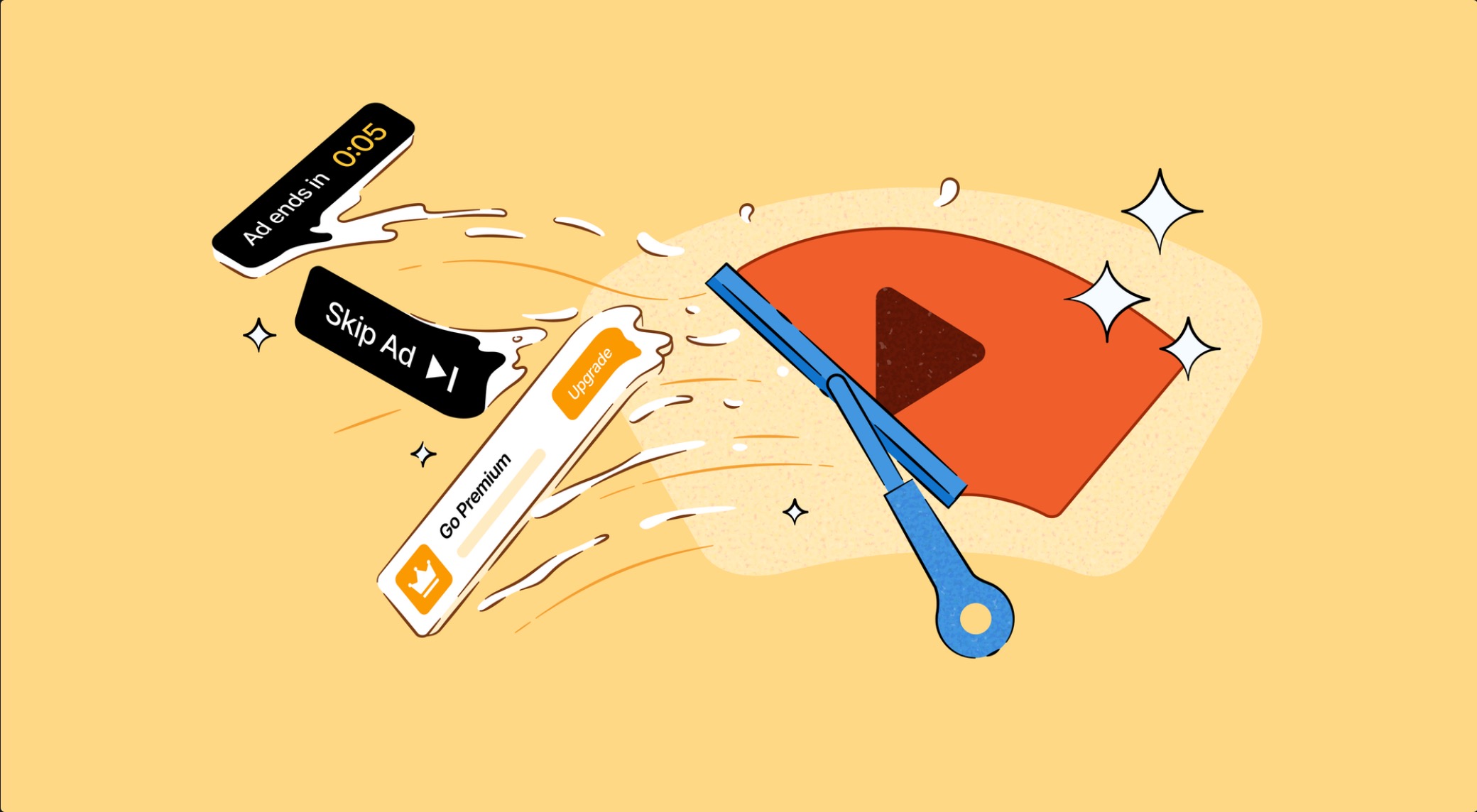
Announced on Wednesday, YouTube Ad Blocking stops ads that play before and during videos on YouTube's website, and DuckDuckGo says the result is the regular YouTube experience minus the interruptions, so features like viewing history and saving your spot in playlists keep working.
One thing to watch on iPhone is if you tap a YouTube link, it often opens the dedicated YouTube app if you have it installed. The blocking feature obviously won't work there, and you'll need to open the YouTube website inside the DuckDuckGo browser instead.
DuckDuckGo says it is using a community-maintained filter lists from uBlock Origin, along with its own rules to help minimize breakage. The company warns that videos may buffer a little longer than usual, but playback should run uninterrupted once a clip loads.
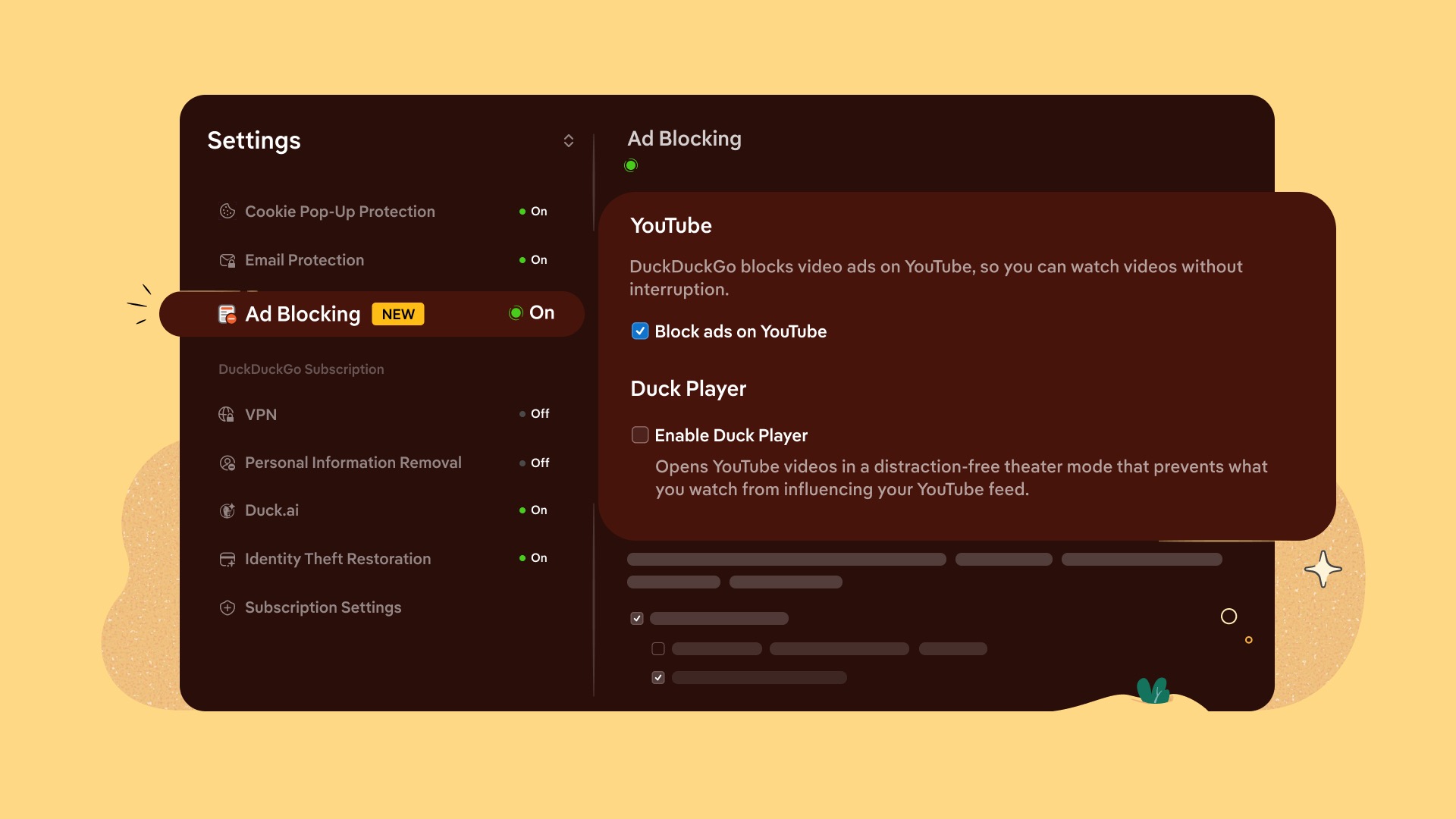
Note that YouTube Ad Blocking is separate from Duck Player, the browser's distraction-free video viewing mode, but the two can be enabled together.
The move follows Google's ongoing efforts to break ad blockers every which way it can, including recent changes to Chrome that targeted uBlock Origin. It's worth mentioning that DuckDuckGo isn't the first browser to block YouTube ads, with similar features already available in Brave and Opera.
DuckDuckGo's browser offers more than a dozen privacy protections, including ad tracker blocking and cookie pop-up removal. It's available for iOS devices on the App Store and for Mac on the Mac App Store and DuckDuckGo website.
This article, "DuckDuckGo Browser Now Blocks YouTube Ads on iPhone and Mac" first appeared on MacRumors.com
Discuss this article in our forums
Announced on Wednesday, YouTube Ad Blocking stops ads that play before and during videos on YouTube's website, and DuckDuckGo says the result is the regular YouTube experience minus the interruptions, so features like viewing history and saving your spot in playlists keep working.
One thing to watch on iPhone is if you tap a YouTube link, it often opens the dedicated YouTube app if you have it installed. The blocking feature obviously won't work there, and you'll need to open the YouTube website inside the DuckDuckGo browser instead.
DuckDuckGo says it is using a community-maintained filter lists from uBlock Origin, along with its own rules to help minimize breakage. The company warns that videos may buffer a little longer than usual, but playback should run uninterrupted once a clip loads.
Note that YouTube Ad Blocking is separate from Duck Player, the browser's distraction-free video viewing mode, but the two can be enabled together.
The move follows Google's ongoing efforts to break ad blockers every which way it can, including recent changes to Chrome that targeted uBlock Origin. It's worth mentioning that DuckDuckGo isn't the first browser to block YouTube ads, with similar features already available in Brave and Opera.
DuckDuckGo's browser offers more than a dozen privacy protections, including ad tracker blocking and cookie pop-up removal. It's available for iOS devices on the App Store and for Mac on the Mac App Store and DuckDuckGo website.
Tag: DuckDuckGo
This article, "DuckDuckGo Browser Now Blocks YouTube Ads on iPhone and Mac" first appeared on MacRumors.com
Discuss this article in our forums
Recommended Comments
Join the conversation
You can post now and register later. If you have an account, sign in now to post with your account.