_811205.png)
_e196d8.png)
_32b3d9.png)
_1c53fe.png)

Privacy-focused search engine DuckDuckGo has seen a surge in demand for its "No AI" search option in the wake of Google's May 19th I/O announcements. Google debuted a new "intelligent" search box reimagined with AI. It features AI suggestions as an upgrade to autocomplete, support for follow-up questions, expanded Personal Intelligence for connecting Gmail and Google Photos, and Search agents.
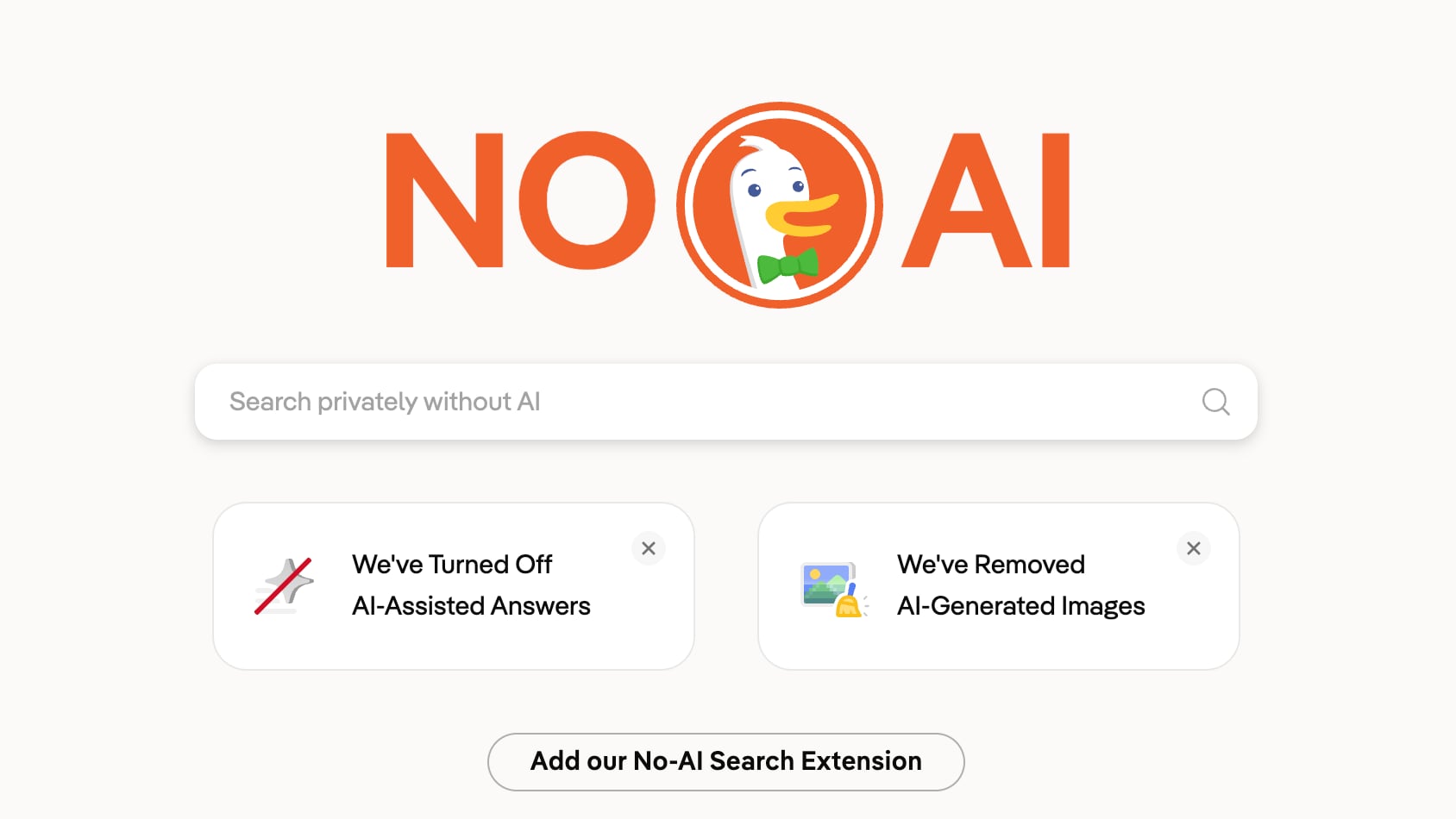
DuckDuckGo told MacRumors that visits to its No AI search page more than tripled after Google's announcement. Traffic hit the 3x mark on May 28th, and has continued to climb. Visits have averaged around 84 percent above baseline consistently since May 19.
DuckDuckGo is embracing demand for No AI search options, and it is promoting new extensions available for Chrome and Firefox that set No AI search as the default.
No AI search has no AI-assisted answers, no chat interface, and it surfaces fewer AI images. DuckDuckGo can be set as the default search engine on Apple devices, but not the specific No AI page. DuckDuckGo has its own AI tools, but they are turned off for people who opt for the No AI experience.
DuckDuckGo plans to add No AI search settings to its original extensions for Chrome, Firefox, Edge, and Opera in the near future.
Along with DuckDuckGo, there are other privacy-focused search engine options that minimize AI results. Paid search engine Kagi is one example, with no visible AI information unless you opt for AI tools. Kagi is $5 per month for a limited number of searches, and $10 a month for unlimited searches.
Because it is a paid search engine, it does not have ads and it does not collect and sell user data.
This article, "DuckDuckGo's 'No AI' Search Traffic Climbs as Users Reject Google's AI Overhaul" first appeared on MacRumors.com
Discuss this article in our forums
DuckDuckGo told MacRumors that visits to its No AI search page more than tripled after Google's announcement. Traffic hit the 3x mark on May 28th, and has continued to climb. Visits have averaged around 84 percent above baseline consistently since May 19.
DuckDuckGo is embracing demand for No AI search options, and it is promoting new extensions available for Chrome and Firefox that set No AI search as the default.
No AI search has no AI-assisted answers, no chat interface, and it surfaces fewer AI images. DuckDuckGo can be set as the default search engine on Apple devices, but not the specific No AI page. DuckDuckGo has its own AI tools, but they are turned off for people who opt for the No AI experience.
DuckDuckGo plans to add No AI search settings to its original extensions for Chrome, Firefox, Edge, and Opera in the near future.
Along with DuckDuckGo, there are other privacy-focused search engine options that minimize AI results. Paid search engine Kagi is one example, with no visible AI information unless you opt for AI tools. Kagi is $5 per month for a limited number of searches, and $10 a month for unlimited searches.
Because it is a paid search engine, it does not have ads and it does not collect and sell user data.
Tags: DuckDuckGo, Google
This article, "DuckDuckGo's 'No AI' Search Traffic Climbs as Users Reject Google's AI Overhaul" first appeared on MacRumors.com
Discuss this article in our forums
Recommended Comments
Join the conversation
You can post now and register later. If you have an account, sign in now to post with your account.