Skip to content
View in the app

A better way to browse. Learn more.

hosang I.T.

A full-screen app on your home screen with push notifications, badges and more.

To install this app on iOS and iPadOS
  1. Tap the Share icon in Safari
  2. Scroll the menu and tap Add to Home Screen.
  3. Tap Add in the top-right corner.
To install this app on Android
  1. Tap the 3-dot menu (⋮) in the top-right corner of the browser.
  2. Tap Add to Home screen or Install app.
  3. Confirm by tapping Install.

Emergency SOS via Satellite Expands to Two More Countries

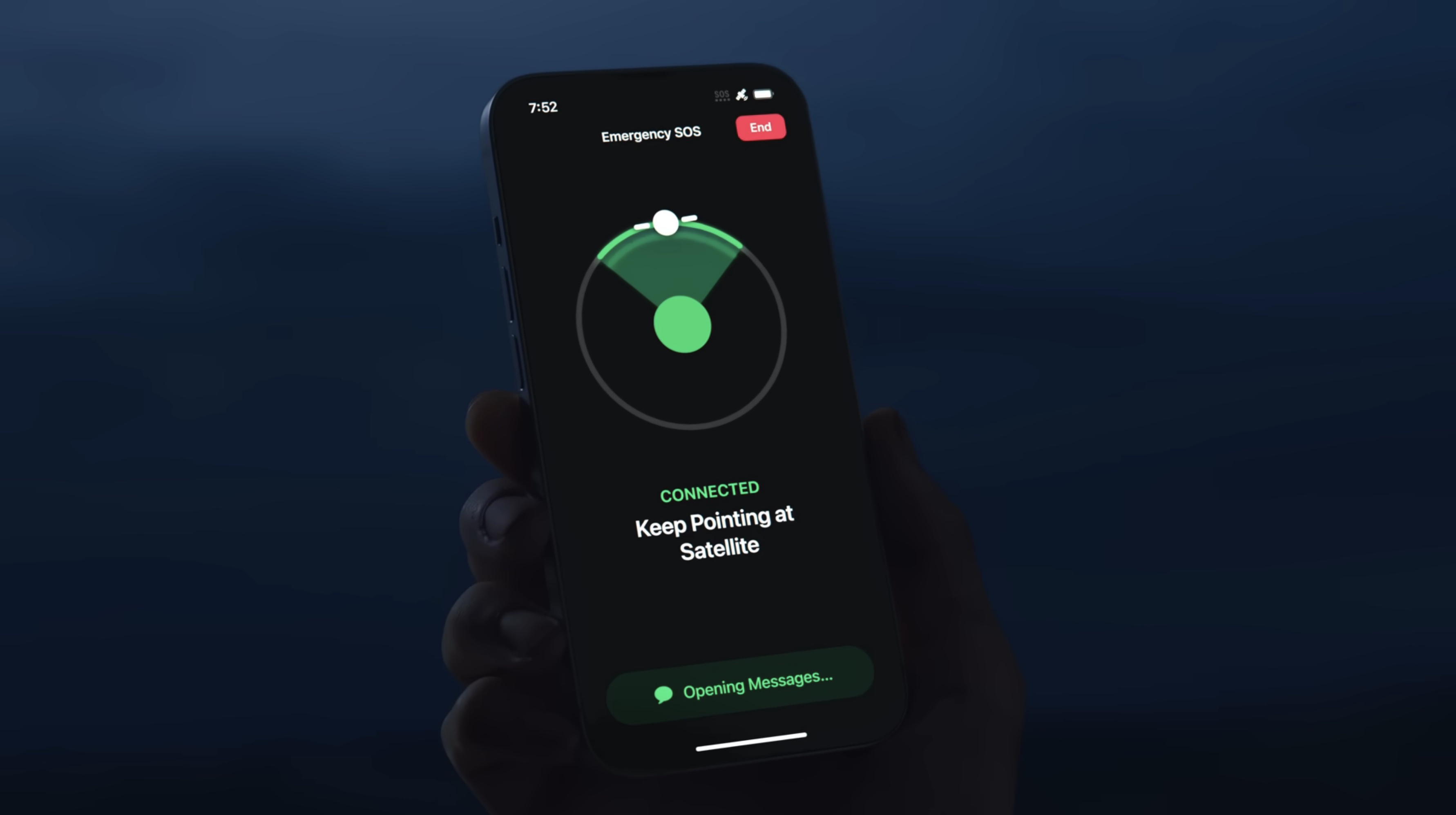
Emergency-SOS-via-Satellite-iPhone-YT.jpEmergency SOS via satellite is now available in Andorra and Iceland, according to an updated Apple support document.

Available on the iPhone 14 and newer and the Apple Watch Ultra 3, Emergency SOS via satellite allows you to text emergency services when you are in a supported area without Wi-Fi or cellular connectivity. The feature requires iOS 26.4 and watchOS 26.4 or later in Andorra and Iceland.
This article, "Emergency SOS via Satellite Expands to Two More Countries" first appeared on MacRumors.com

Discuss this article in our forums

View the full article

User Feedback

Recommended Comments

There are no comments to display.

Join the conversation

You can post now and register later. If you have an account, sign in now to post with your account.

Guest
Add a comment...

Account

Navigation

Search

Search

Configure browser push notifications

Chrome (Android)
  1. Tap the lock icon next to the address bar.
  2. Tap Permissions → Notifications.
  3. Adjust your preference.
Chrome (Desktop)
  1. Click the padlock icon in the address bar.
  2. Select Site settings.
  3. Find Notifications and adjust your preference.