_811205.png)
_e196d8.png)
_32b3d9.png)
_1c53fe.png)

With iOS 26.4, Apple has made a small but useful change to the way that Family Sharing works. Each adult member of the family can now use their own payment method for purchases, rather than being forced to share a payment method.
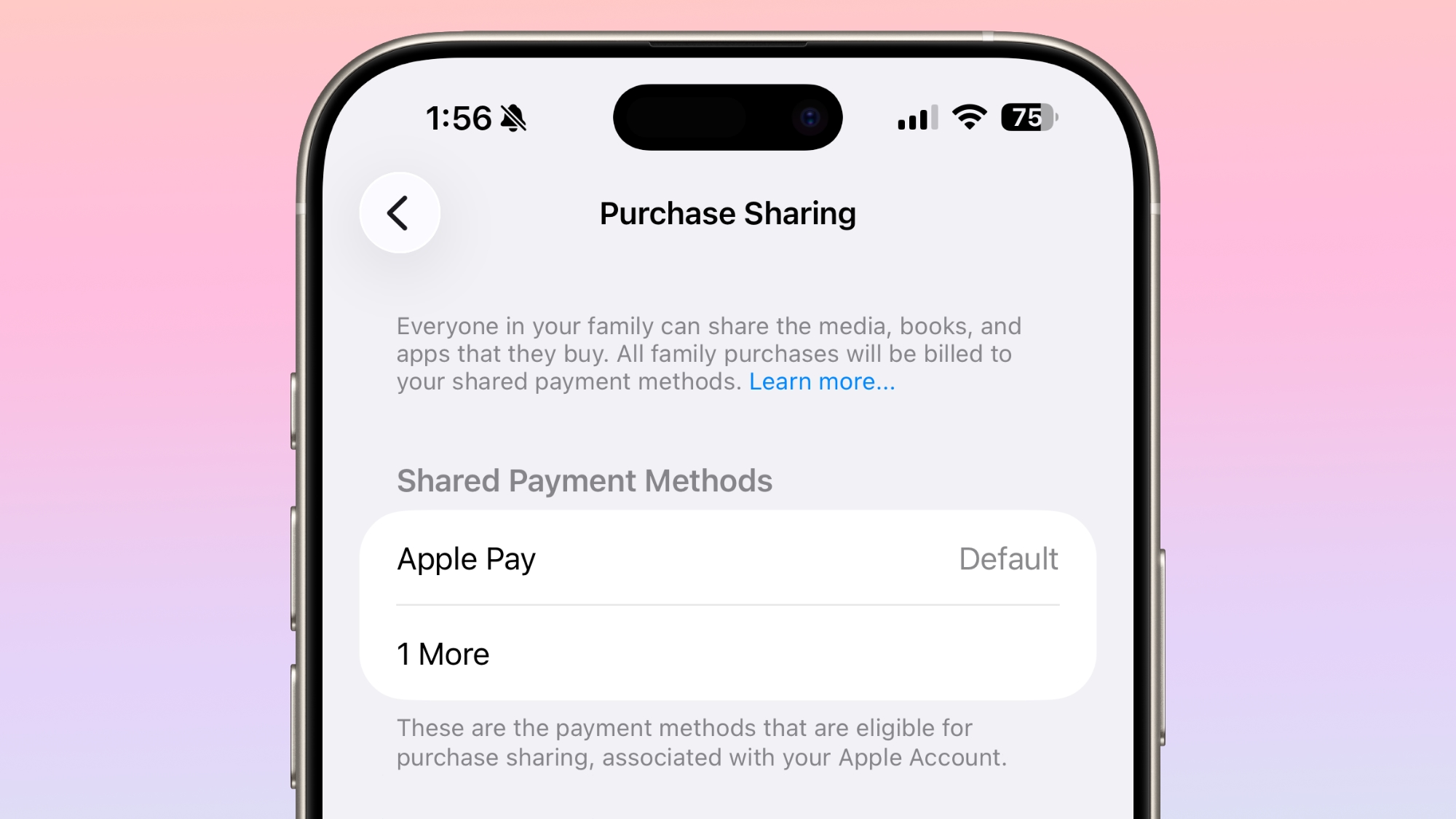
Apple has long required all of the members of a Family Sharing group to use a single shared payment method for app and content purchases when purchase sharing is turned on, with no option for family members to use separate payment methods.
The shared payment restriction is changing in iOS 26.4, and now Family Sharing members can share their content without having to share a payment method. Apple's release notes mention the change, and Apple has also updated its purchase sharing support document.
Old wording:
New wording:
Other adults in a Family Sharing group can still opt to use the organizer's payment method, but they can also input a separate payment method. The change will make it easier for people to share Apple content and subscriptions like Apple TV with friends, siblings, and others without having to pay for that person's purchases.
There was an option to maintain an Apple Account balance to pay for purchases without having the Family Sharing organizer pay, but that required each Family Sharing member to make sure to reload their purchase balance. The option to add a separate payment method is much more convenient.
Family Sharing accounts for children will continue to use the organizer's payment method for any purchases.
iOS 26.4 is likely to see a public launch next week.
This article, "Family Sharing in iOS 26.4 No Longer Forces Adults to Share a Payment Method" first appeared on MacRumors.com
Discuss this article in our forums
Apple has long required all of the members of a Family Sharing group to use a single shared payment method for app and content purchases when purchase sharing is turned on, with no option for family members to use separate payment methods.
The shared payment restriction is changing in iOS 26.4, and now Family Sharing members can share their content without having to share a payment method. Apple's release notes mention the change, and Apple has also updated its purchase sharing support document.
Old wording:
When the family organizer turns on purchase sharing and other family members in the group also turn on purchase sharing, they get access to each other's shared content, such as apps, music, movies, and more. The family organizer pays for everyone's purchases unless they turn off purchase sharing.
New wording:
When the family organizer turns on Purchase Sharing and the members enable the feature for their devices, they get access to each other's shared content. The family organizer pays for everyone's purchases unless they turn off Purchase Sharing or other adult family members use their own payment method to make purchases.
Other adults in a Family Sharing group can still opt to use the organizer's payment method, but they can also input a separate payment method. The change will make it easier for people to share Apple content and subscriptions like Apple TV with friends, siblings, and others without having to pay for that person's purchases.
There was an option to maintain an Apple Account balance to pay for purchases without having the Family Sharing organizer pay, but that required each Family Sharing member to make sure to reload their purchase balance. The option to add a separate payment method is much more convenient.
Family Sharing accounts for children will continue to use the organizer's payment method for any purchases.
iOS 26.4 is likely to see a public launch next week.
Related Forum: iOS 26
This article, "Family Sharing in iOS 26.4 No Longer Forces Adults to Share a Payment Method" first appeared on MacRumors.com
Discuss this article in our forums
Recommended Comments
Join the conversation
You can post now and register later. If you have an account, sign in now to post with your account.