_811205.png)
_e196d8.png)
_32b3d9.png)
_1c53fe.png)

Google is developing two pairs of smart glasses with artificial intelligence that will launch in 2026, the company said today. The first set of glasses have AI integration and are designed for screen-free assistance with built-in speakers, microphones, and cameras for speaking to Google Gemini.
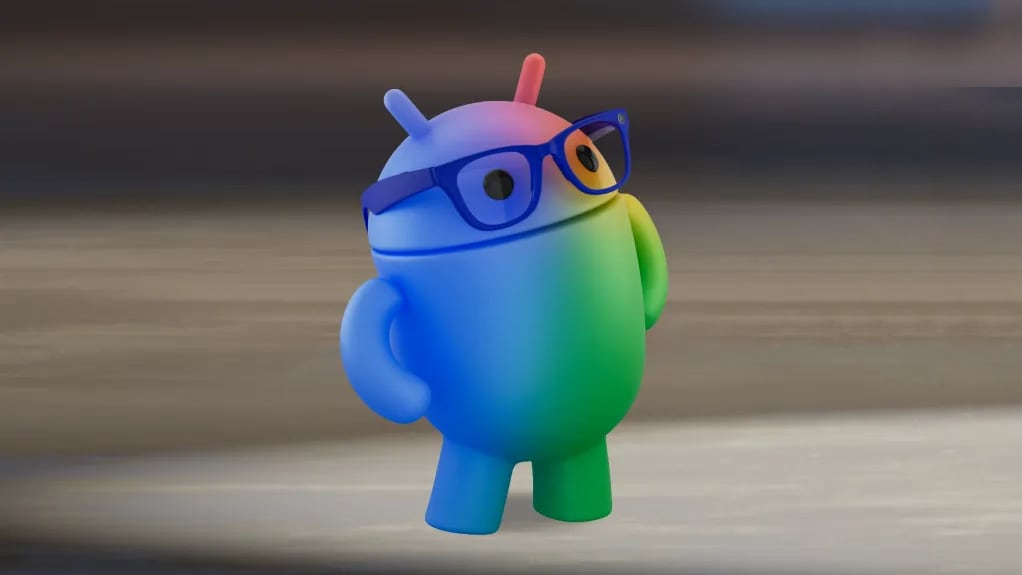
Users will be able to take photos using the camera, and then ask Gemini questions about their surroundings for real-time help.
The second set of glasses has the same AI capabilities along with an in-lens display that is able to display helpful information like turn-by-turn directions or live translation captions. Both sets of glasses will connect to a smartphone, with processing done on that device. The glasses will run Android XR, Google's platform for wearables.
Google is partnering with Samsung to develop the glasses, plus it is working with Warby Parker and Gentle Monster, two companies that design eyeglasses. Google says that its glasses options will be stylish, lightweight, and comfortable enough to wear all day.
The Google smart glasses will compete with the Meta Ray-Bans and any upcoming products from Apple. Meta already has Ray-Ban and Oakley glasses with AI and Ray-Bans with an in-lens display. Rumors suggest that Apple is working to unveil its first set of AI smart glasses as soon as 2026.
This article, "Google's First AI Smart Glasses Coming in 2026" first appeared on MacRumors.com
Discuss this article in our forums
Users will be able to take photos using the camera, and then ask Gemini questions about their surroundings for real-time help.
The second set of glasses has the same AI capabilities along with an in-lens display that is able to display helpful information like turn-by-turn directions or live translation captions. Both sets of glasses will connect to a smartphone, with processing done on that device. The glasses will run Android XR, Google's platform for wearables.
Google is partnering with Samsung to develop the glasses, plus it is working with Warby Parker and Gentle Monster, two companies that design eyeglasses. Google says that its glasses options will be stylish, lightweight, and comfortable enough to wear all day.
The Google smart glasses will compete with the Meta Ray-Bans and any upcoming products from Apple. Meta already has Ray-Ban and Oakley glasses with AI and Ray-Bans with an in-lens display. Rumors suggest that Apple is working to unveil its first set of AI smart glasses as soon as 2026.
Tag: Google
This article, "Google's First AI Smart Glasses Coming in 2026" first appeared on MacRumors.com
Discuss this article in our forums
Recommended Comments
Join the conversation
You can post now and register later. If you have an account, sign in now to post with your account.