_811205.png)
_e196d8.png)
_32b3d9.png)
_1c53fe.png)

Apple's iPhone 17e is set to launch "imminently" with at least four new features, according to Bloomberg's Mark Gurman.
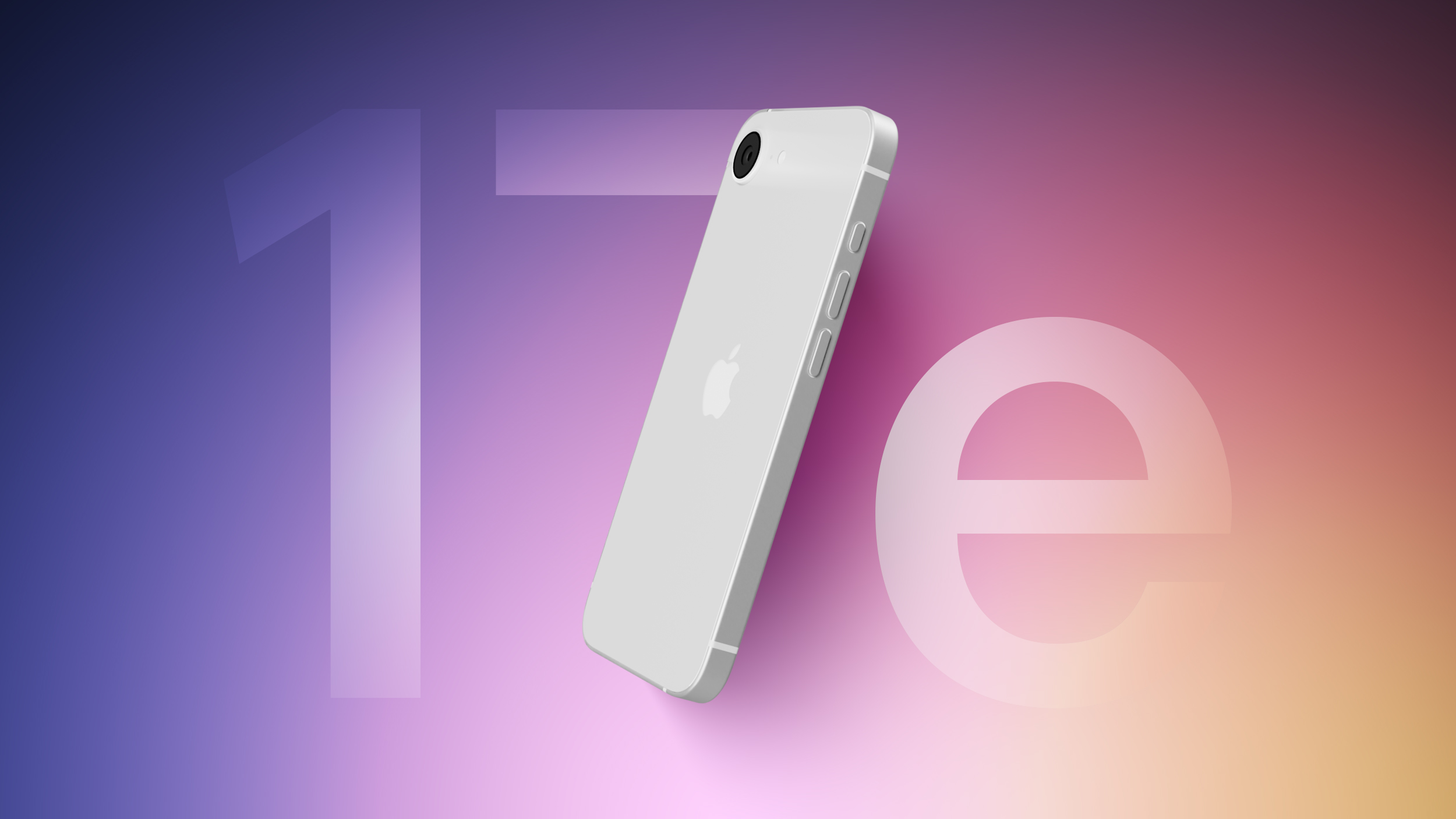
In the latest edition of his "Power On" newsletter, Gurman said that the new lost-cost iPhone will feature the A19 chip first introduced with the iPhone 17 last year. The device will also address one of the most glaring omissions from the current generation and add MagSage connectivity. The device is also apparently set to feature Apple's latest cellular modem, the C1X chip, as well as its N1 chip for Bluetooth, Wi-Fi, and Thread connectivity.
Gurman added that the device is set to be sold at the same $599 starting price as the iPhone 16e, proposing to offer more features for the same cost. Apple is said to be planning to market the iPhone 17e heavily to users in emerging markets and enterprises, and could benefit from weakened competition in the segment from competitors like Google and Samsung.

This article, "Gurman: iPhone 17e Launch 'Imminent' With Four New Features" first appeared on MacRumors.com
Discuss this article in our forums
In the latest edition of his "Power On" newsletter, Gurman said that the new lost-cost iPhone will feature the A19 chip first introduced with the iPhone 17 last year. The device will also address one of the most glaring omissions from the current generation and add MagSage connectivity. The device is also apparently set to feature Apple's latest cellular modem, the C1X chip, as well as its N1 chip for Bluetooth, Wi-Fi, and Thread connectivity.
Gurman added that the device is set to be sold at the same $599 starting price as the iPhone 16e, proposing to offer more features for the same cost. Apple is said to be planning to market the iPhone 17e heavily to users in emerging markets and enterprises, and could benefit from weakened competition in the segment from competitors like Google and Samsung.
Tags: Bloomberg, Mark Gurman
This article, "Gurman: iPhone 17e Launch 'Imminent' With Four New Features" first appeared on MacRumors.com
Discuss this article in our forums
Recommended Comments
Join the conversation
You can post now and register later. If you have an account, sign in now to post with your account.