_811205.png)
_e196d8.png)
_32b3d9.png)
_1c53fe.png)

Apple's upcoming iPhone 18 Pro and iPhone 18 Pro Max models "won't be a big update," according to Bloomberg's Mark Gurman.
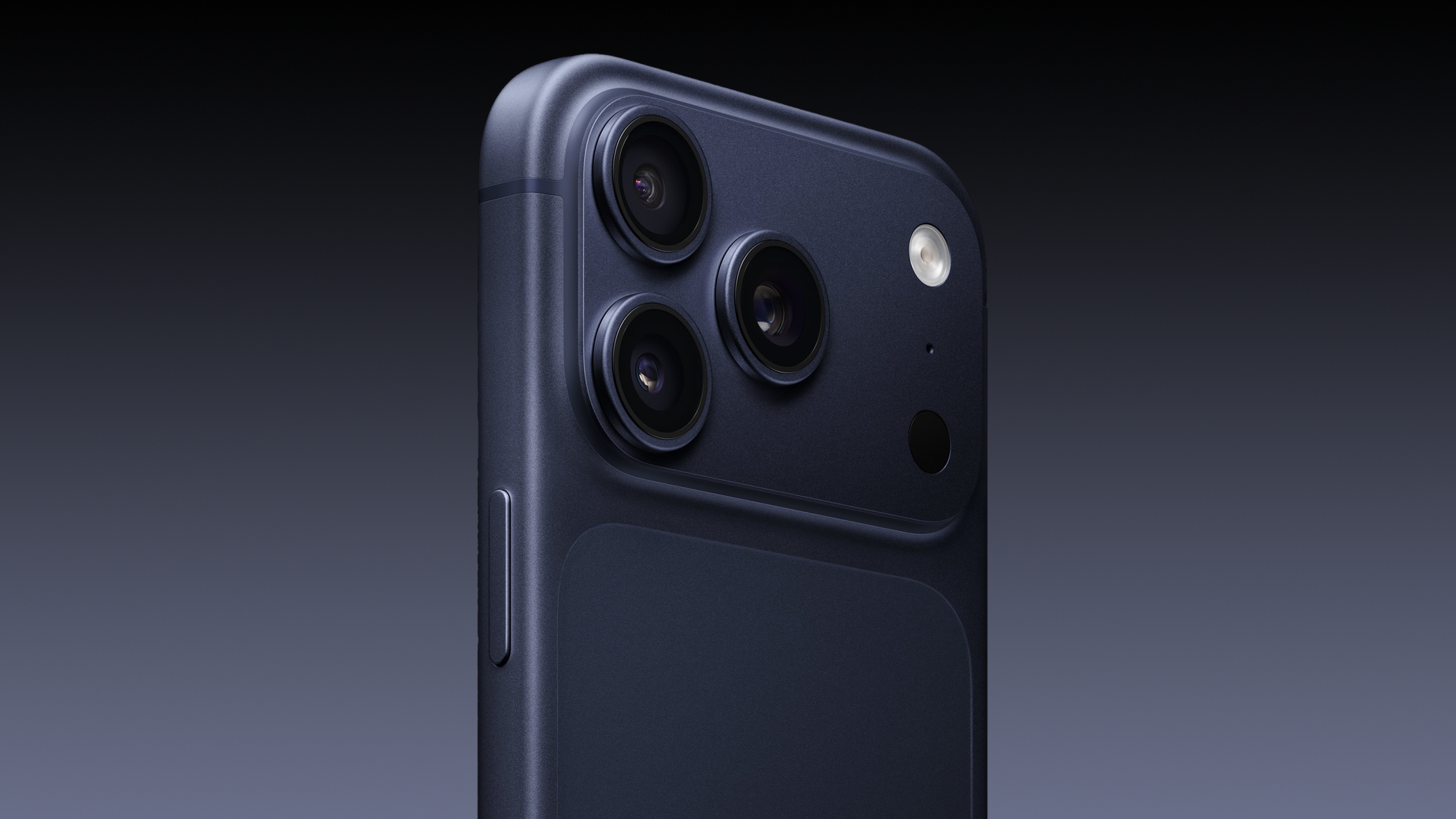
In the latest edition of his "Power On" newsletter, Gurman said that the iPhone 18 Pro models will "represent minor tweaks from last year's iPhone 17 Pro and 17 Pro Max." He compared the upgrade to Apple's past practice of appending the letter "S" to its more minor generational iPhone releases.
There will still apparently be several important internal changes, such as a new camera system with a variable aperture, the A20 chip, and the custom C2 modem. Nevertheless, the new Pro models likely won't be "the star of Apple's iPhone launch this fall," with the company's first foldable claiming the spotlight instead.

This article, "Gurman: iPhone 18 Pro Could Be Underwhelming" first appeared on MacRumors.com
Discuss this article in our forums
In the latest edition of his "Power On" newsletter, Gurman said that the iPhone 18 Pro models will "represent minor tweaks from last year's iPhone 17 Pro and 17 Pro Max." He compared the upgrade to Apple's past practice of appending the letter "S" to its more minor generational iPhone releases.
There will still apparently be several important internal changes, such as a new camera system with a variable aperture, the A20 chip, and the custom C2 modem. Nevertheless, the new Pro models likely won't be "the star of Apple's iPhone launch this fall," with the company's first foldable claiming the spotlight instead.
Related Roundup: iPhone 18
Tags: Bloomberg, Mark Gurman
Related Forum: iPhone
This article, "Gurman: iPhone 18 Pro Could Be Underwhelming" first appeared on MacRumors.com
Discuss this article in our forums
Recommended Comments
Join the conversation
You can post now and register later. If you have an account, sign in now to post with your account.