_811205.png)
_e196d8.png)
_32b3d9.png)
_1c53fe.png)

iOS 26.3 adds a new "Notification Forwarding" setting that allows incoming notifications on an iPhone to be forwarded to a third-party device.
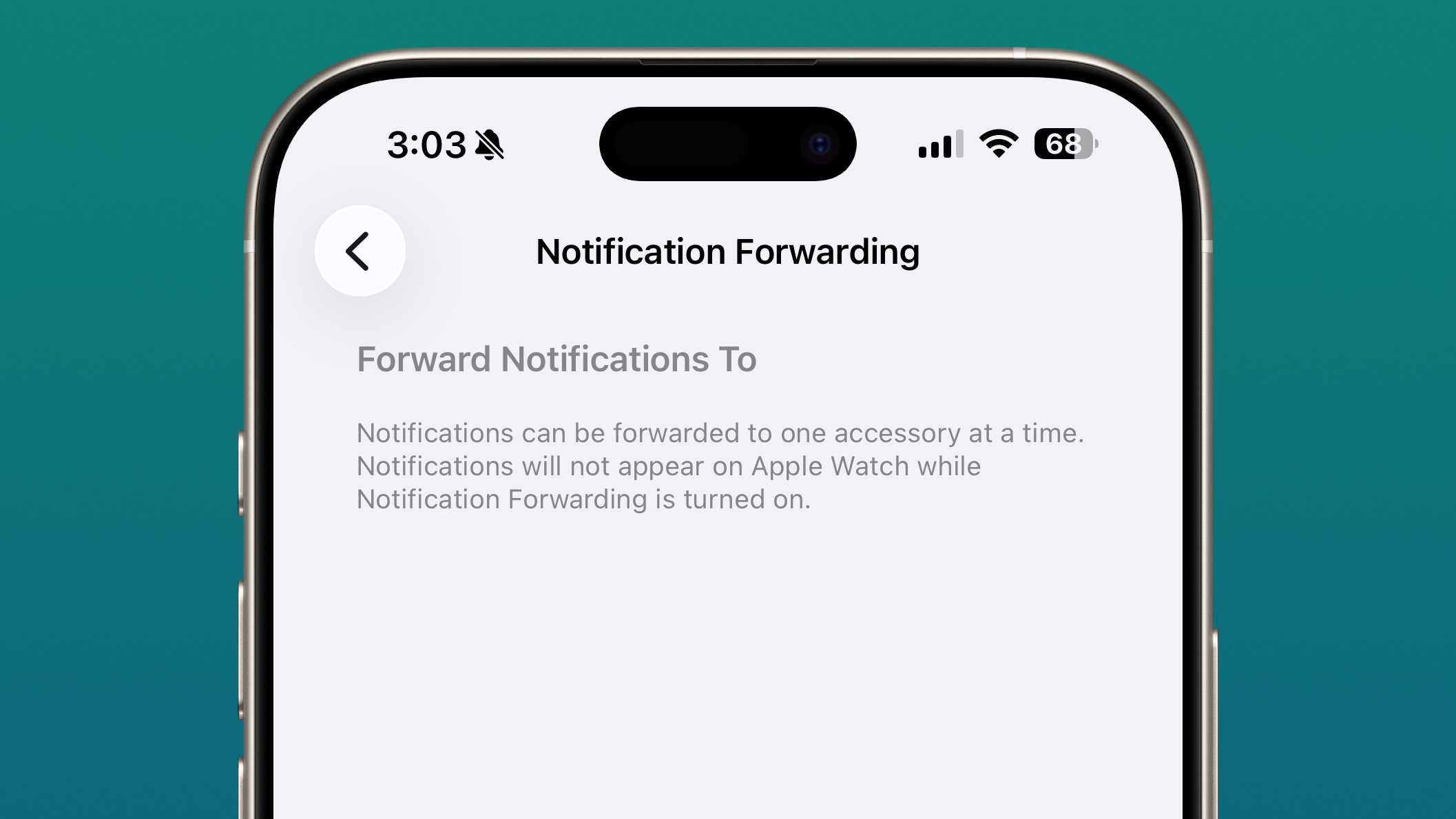
The setting is located in the Notification section of the Settings app under a new "Notification Forwarding" option. Apple says that notifications can only be forwarded to a single device at a time, so if Notification Forwarding is enabled with a third-party wearable, the Apple Watch won't able to receive and display notifications.
Users can choose to have a device receive notifications only from selected apps rather than all apps, and notifications will include the name of the app and all content contained in the notification.
Apple is adding this feature to relieve worldwide regulatory pressure that it is facing. The Digital Markets Act in the European Union requires Apple to provide third-party smartwatches and other devices with access to notifications and features that are normally reserved for the Apple Watch.
Apple's limited support of third-party devices has also been targeted by the U.S. Department of Justice in the antitrust case that Apple is fighting. The DoJ has accused Apple of preventing third-party smartwatches from offering Apple Watch-like functionality by restricting them from acting on incoming notifications.
Apple has been working to address all of the accusations that the DoJ made in its lawsuit, and improving notifications on third-party wearables will give the DoJ less to point to in ongoing antitrust litigation.
This article, "iOS 26.3 Adds Notification Forwarding Option for Third-Party Wearables" first appeared on MacRumors.com
Discuss this article in our forums
The setting is located in the Notification section of the Settings app under a new "Notification Forwarding" option. Apple says that notifications can only be forwarded to a single device at a time, so if Notification Forwarding is enabled with a third-party wearable, the Apple Watch won't able to receive and display notifications.
Users can choose to have a device receive notifications only from selected apps rather than all apps, and notifications will include the name of the app and all content contained in the notification.
Apple is adding this feature to relieve worldwide regulatory pressure that it is facing. The Digital Markets Act in the European Union requires Apple to provide third-party smartwatches and other devices with access to notifications and features that are normally reserved for the Apple Watch.
Apple's limited support of third-party devices has also been targeted by the U.S. Department of Justice in the antitrust case that Apple is fighting. The DoJ has accused Apple of preventing third-party smartwatches from offering Apple Watch-like functionality by restricting them from acting on incoming notifications.
Apple has been working to address all of the accusations that the DoJ made in its lawsuit, and improving notifications on third-party wearables will give the DoJ less to point to in ongoing antitrust litigation.
Related Forum: iOS 26
This article, "iOS 26.3 Adds Notification Forwarding Option for Third-Party Wearables" first appeared on MacRumors.com
Discuss this article in our forums
Recommended Comments
Join the conversation
You can post now and register later. If you have an account, sign in now to post with your account.