_811205.png)
_e196d8.png)
_32b3d9.png)
_1c53fe.png)

End-to-end encryption (E2EE) for RCS messages between iPhone and Android devices is coming in iOS 26.5, Apple confirmed today. The feature is listed in Apple's iOS 26.5 release notes.
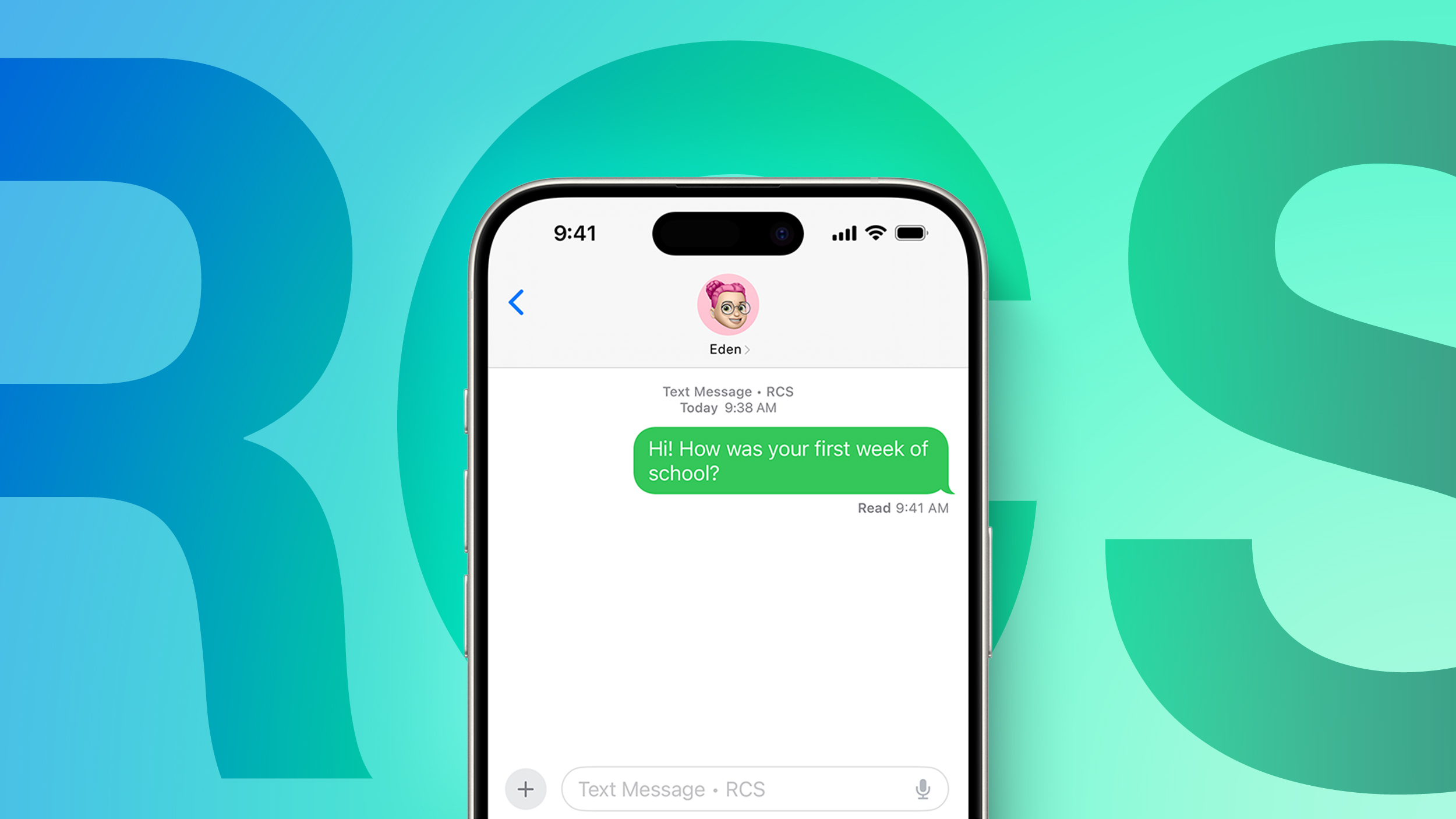
Apple says end-to-end encrypted RCS messaging remains in beta even though it is being released in iOS 26.5. The feature is available with supported carriers and will roll out over time, and for conversations to be encrypted, both the receiver and the sender must use a carrier that supports the latest version of RCS.
End-to-end encryption is on by default, and there is a toggle for it in the Messages section of the Settings app. Encrypted messages are denoted with a small lock symbol.
Testing of E2EE for RCS began in iOS 26.4, but Apple did not launch the feature in the iOS 26.4 update. It returned in the iOS 26.5 beta, and has been available throughout the beta testing process.
E2EE means that messages sent between devices cannot be intercepted and read by a third party. As of now, RCS messages sent between Android and iPhone users do not have E2EE, but iOS 26.5, iPadOS 26.5, macOS Tahoe 26.5, and watchOS 26.5 will put Android/iPhone conversations on par with iPhone to iPhone conversations that are encrypted through iMessage.
Apple worked with the GSM Association to implement E2EE for RCS messages. E2EE is part of the RCS Universal Profile 3.0, published with Apple's help and built on the Messaging Layer Security protocol. RCS Universal Profile 3.0 also includes editing and deleting messages, cross-platform Tapback support, and replying to specific messages inline during cross-platform conversations.
This article, "iOS 26.5 Brings End-to-End Encryption to iPhone-Android RCS Messages" first appeared on MacRumors.com
Discuss this article in our forums
Apple says end-to-end encrypted RCS messaging remains in beta even though it is being released in iOS 26.5. The feature is available with supported carriers and will roll out over time, and for conversations to be encrypted, both the receiver and the sender must use a carrier that supports the latest version of RCS.
End-to-end encryption is on by default, and there is a toggle for it in the Messages section of the Settings app. Encrypted messages are denoted with a small lock symbol.
Testing of E2EE for RCS began in iOS 26.4, but Apple did not launch the feature in the iOS 26.4 update. It returned in the iOS 26.5 beta, and has been available throughout the beta testing process.
E2EE means that messages sent between devices cannot be intercepted and read by a third party. As of now, RCS messages sent between Android and iPhone users do not have E2EE, but iOS 26.5, iPadOS 26.5, macOS Tahoe 26.5, and watchOS 26.5 will put Android/iPhone conversations on par with iPhone to iPhone conversations that are encrypted through iMessage.
Apple worked with the GSM Association to implement E2EE for RCS messages. E2EE is part of the RCS Universal Profile 3.0, published with Apple's help and built on the Messaging Layer Security protocol. RCS Universal Profile 3.0 also includes editing and deleting messages, cross-platform Tapback support, and replying to specific messages inline during cross-platform conversations.
Related Forum: iOS 26
This article, "iOS 26.5 Brings End-to-End Encryption to iPhone-Android RCS Messages" first appeared on MacRumors.com
Discuss this article in our forums
Recommended Comments
Join the conversation
You can post now and register later. If you have an account, sign in now to post with your account.