_811205.png)
_e196d8.png)
_32b3d9.png)
_1c53fe.png)

iOS 27 enables landscape mode in more of Apple's built-in iPhone apps, including Apple Music, Podcasts, Fitness, Health, Reminders, Home, Shortcuts, Apple Watch, Find My, Weather, Voice Memos, Apple TV Remote, and others.
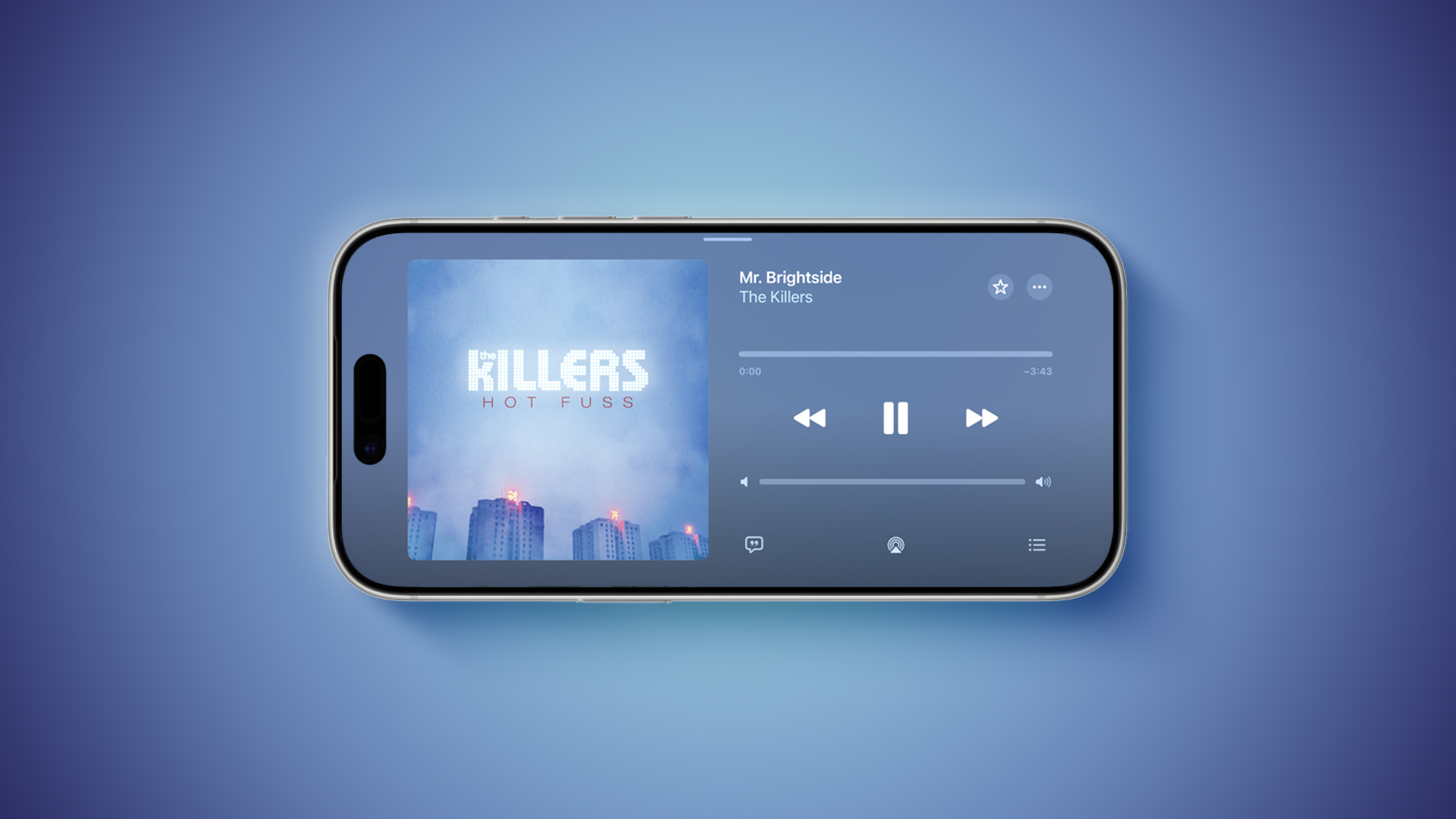
In the Apple Music and Podcasts apps, landscape support is limited to the audio player for now.
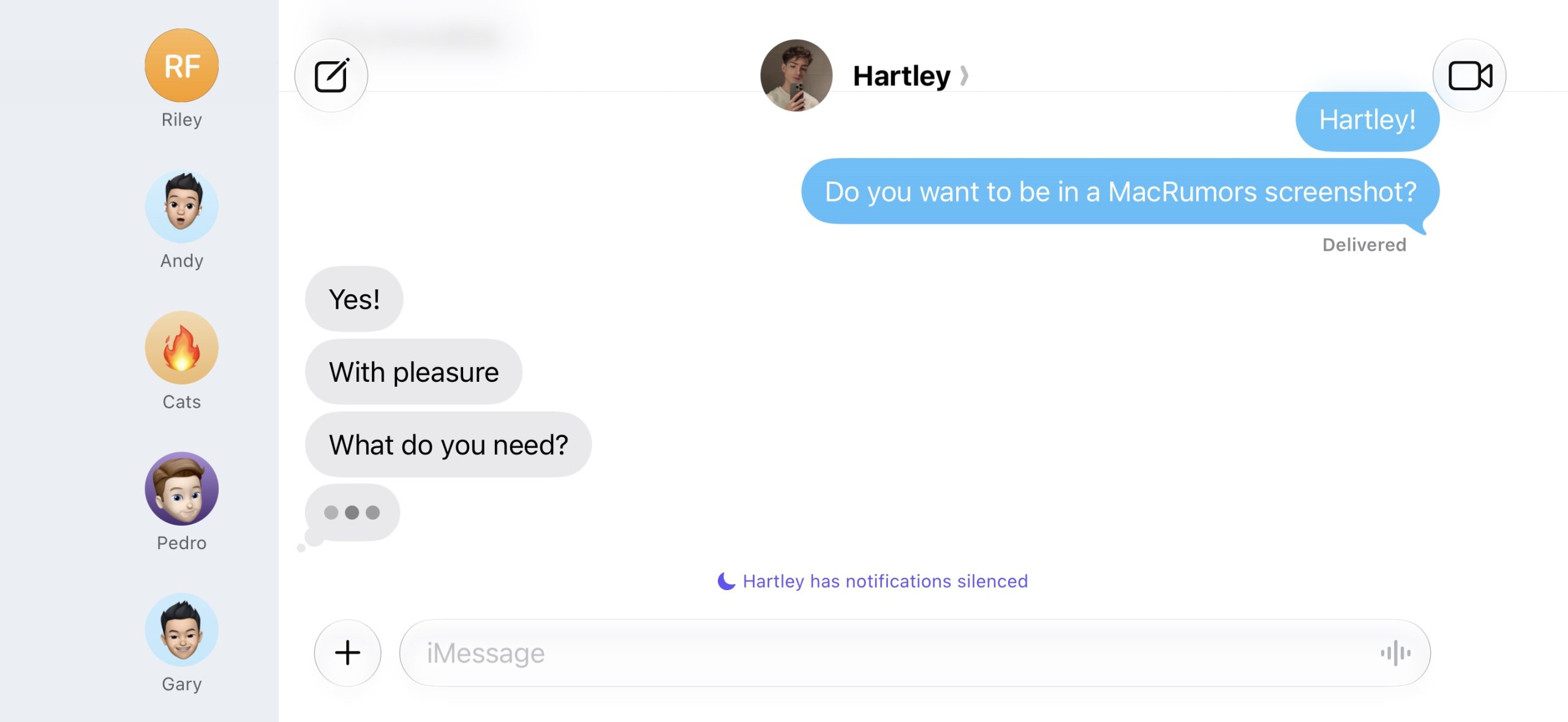
Many of the apps feature a left-aligned sidebar in landscape mode. In the Messages app, which already supported landscape orientation on iOS 26 and earlier, you can now collapse the sidebar to show only names and profile pictures.
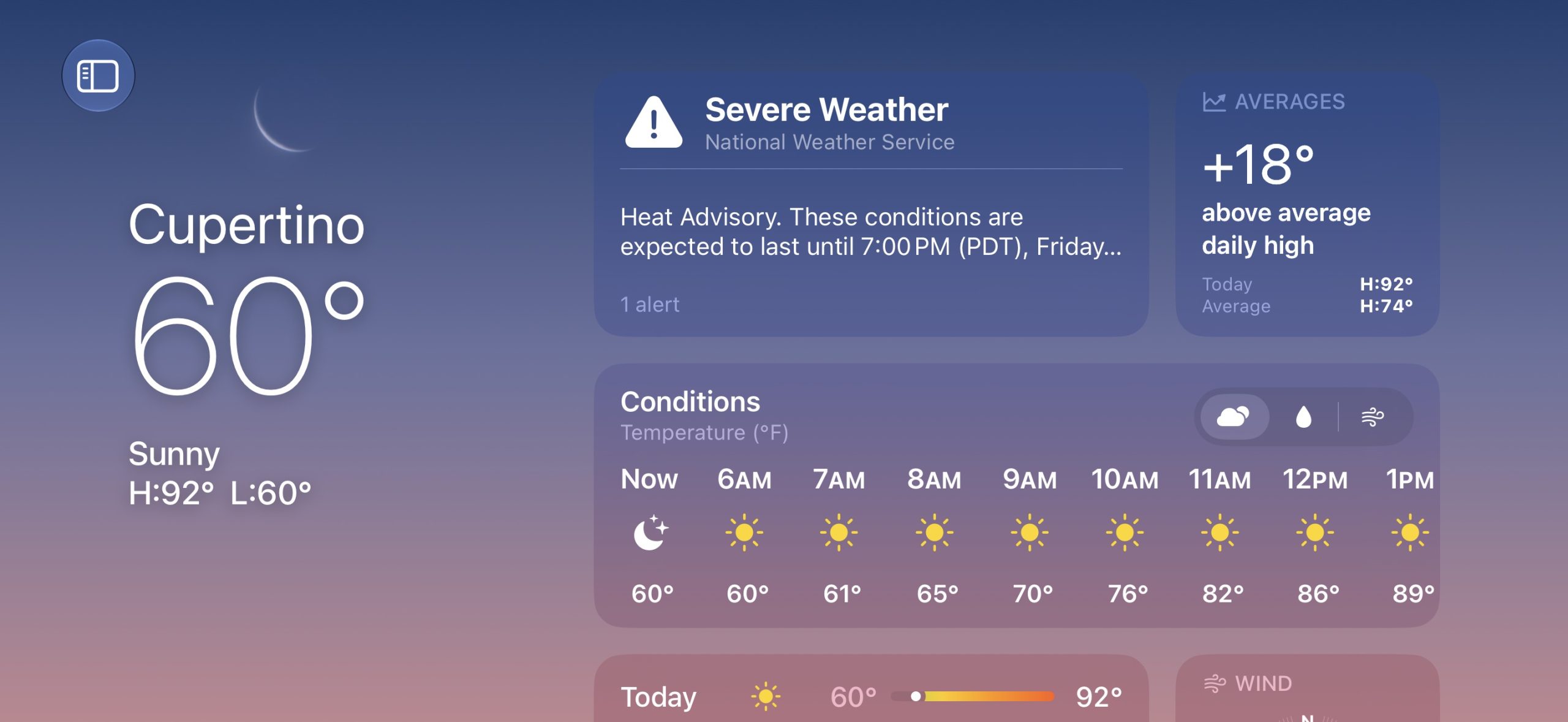

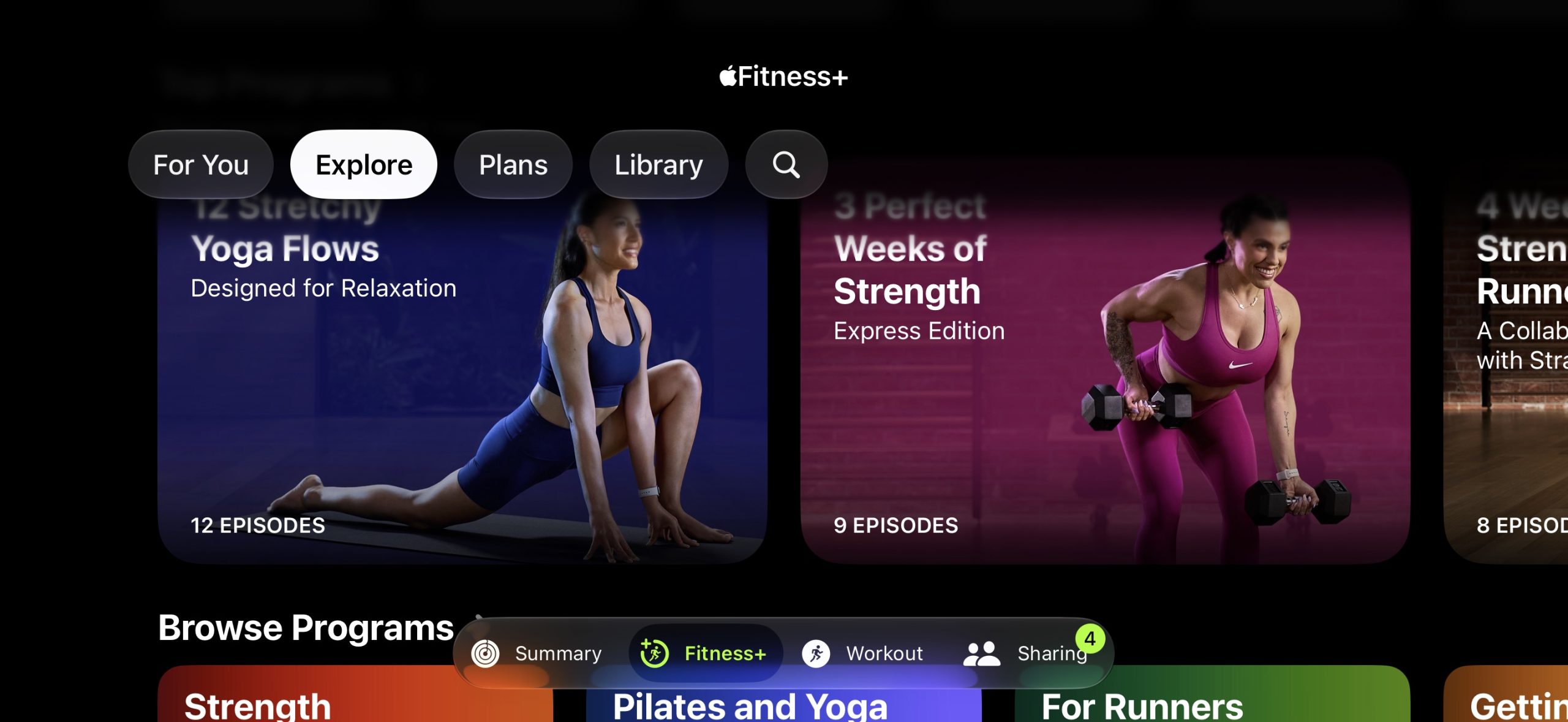
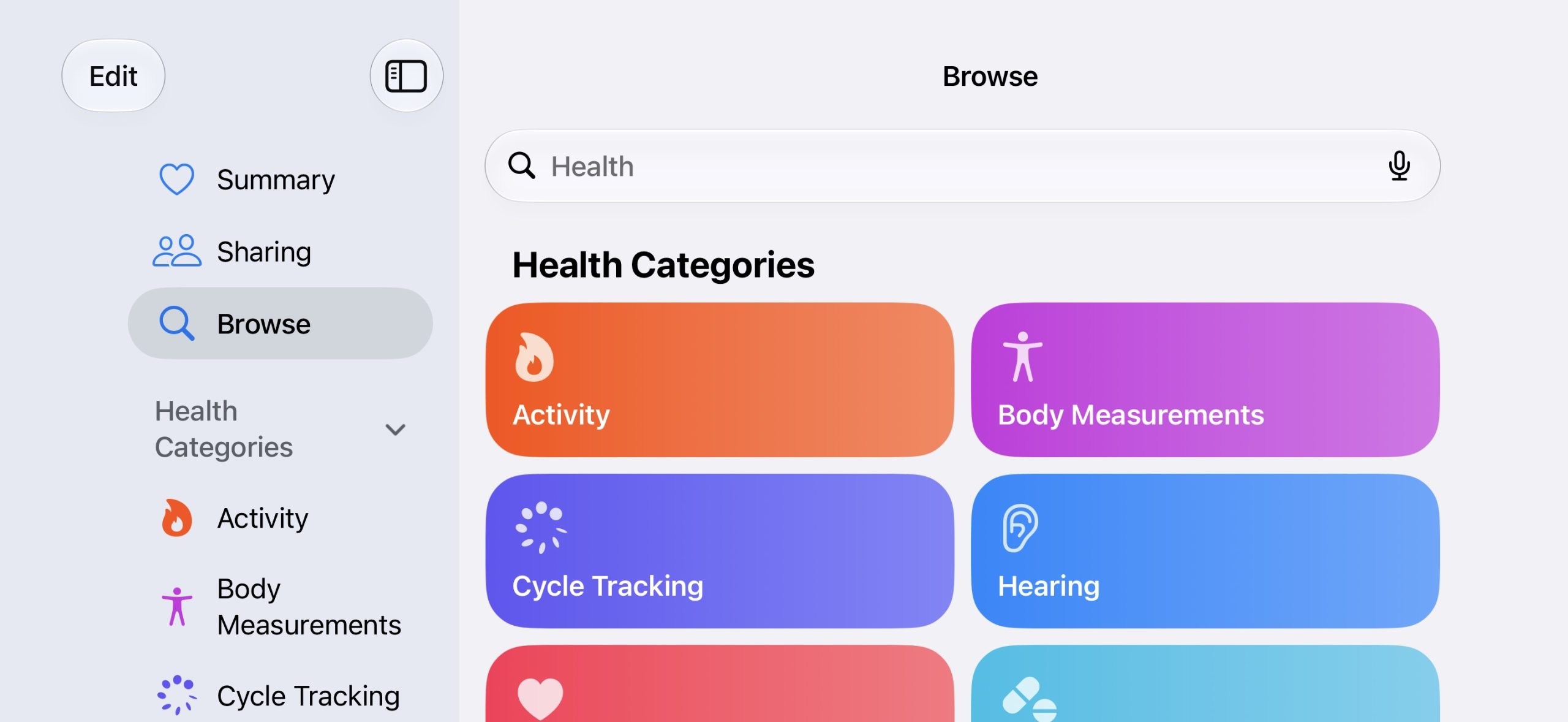
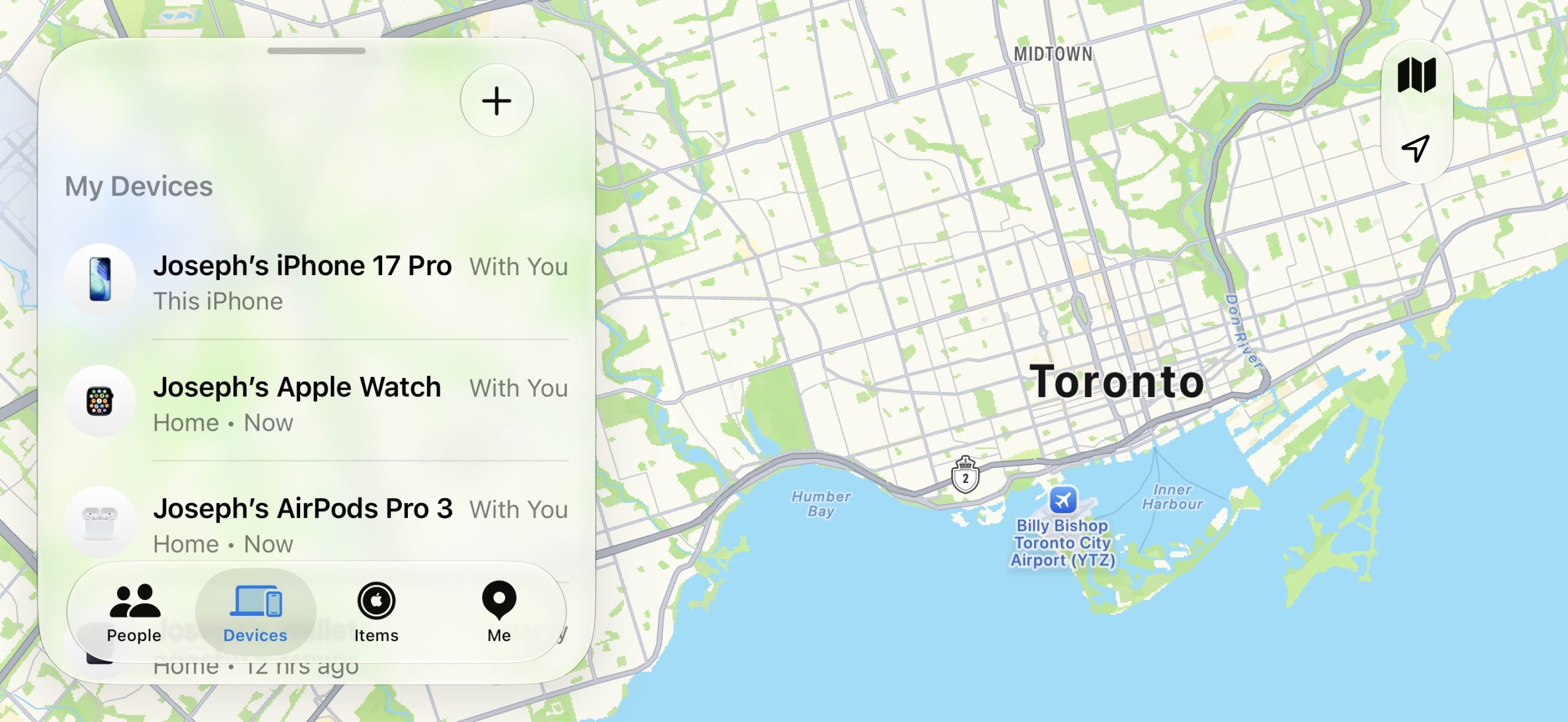
Landscape mode was already available on iOS 26 or earlier in Apple Maps, Calendar, Files, Notes, Mail, and some other Apple apps too, but iOS 27 expands support to many more apps. This change could be laying the groundwork for the "iPhone Ultra," as landscape-friendly apps would be well suited for the rumored foldable device.
iOS 27 also adds landscape support for Live Activities in the Dynamic Island.
To use landscape mode in a supported app, simply turn your iPhone sideways. Portrait Orientation Lock must be turned off in Control Center.
Landscape apps used to be more common on iOS many years ago. In fact, the Home Screen grid supported landscape orientation on the iPhone 6 Plus, iPhone 6s Plus, iPhone 7 Plus, and iPhone 8 Plus, but that functionality ended with the iPhone X.
iOS 27 is currently in beta and is expected to be released in September, which is also when Apple reportedly plans to unveil the "iPhone Ultra."
This article, "iOS 27 Adds Landscape Mode to More Apple Apps Ahead of 'iPhone Ultra'" first appeared on MacRumors.com
Discuss this article in our forums
In the Apple Music and Podcasts apps, landscape support is limited to the audio player for now.
Many of the apps feature a left-aligned sidebar in landscape mode. In the Messages app, which already supported landscape orientation on iOS 26 and earlier, you can now collapse the sidebar to show only names and profile pictures.
Landscape mode was already available on iOS 26 or earlier in Apple Maps, Calendar, Files, Notes, Mail, and some other Apple apps too, but iOS 27 expands support to many more apps. This change could be laying the groundwork for the "iPhone Ultra," as landscape-friendly apps would be well suited for the rumored foldable device.
iOS 27 also adds landscape support for Live Activities in the Dynamic Island.
To use landscape mode in a supported app, simply turn your iPhone sideways. Portrait Orientation Lock must be turned off in Control Center.
Landscape apps used to be more common on iOS many years ago. In fact, the Home Screen grid supported landscape orientation on the iPhone 6 Plus, iPhone 6s Plus, iPhone 7 Plus, and iPhone 8 Plus, but that functionality ended with the iPhone X.
iOS 27 is currently in beta and is expected to be released in September, which is also when Apple reportedly plans to unveil the "iPhone Ultra."
Tag: iPhone Ultra
This article, "iOS 27 Adds Landscape Mode to More Apple Apps Ahead of 'iPhone Ultra'" first appeared on MacRumors.com
Discuss this article in our forums
Recommended Comments
Join the conversation
You can post now and register later. If you have an account, sign in now to post with your account.