_811205.png)
_e196d8.png)
_32b3d9.png)
_1c53fe.png)

The upcoming iOS 27 and macOS 27 Golden Gate updates expand drawing tools to more of Apple's built-in apps across the iPhone and Mac.

In the Messages app on iOS 27, there is a new "Drawing" option in the app drawer, which can be opened by tapping the plus sign in the bottom-left corner.
On older iOS versions, the Messages app once had a very basic drawing tool that was accessible by tapping a button on the keyboard in landscape orientation, but now Apple's complete set of Markup tools are available in the app.
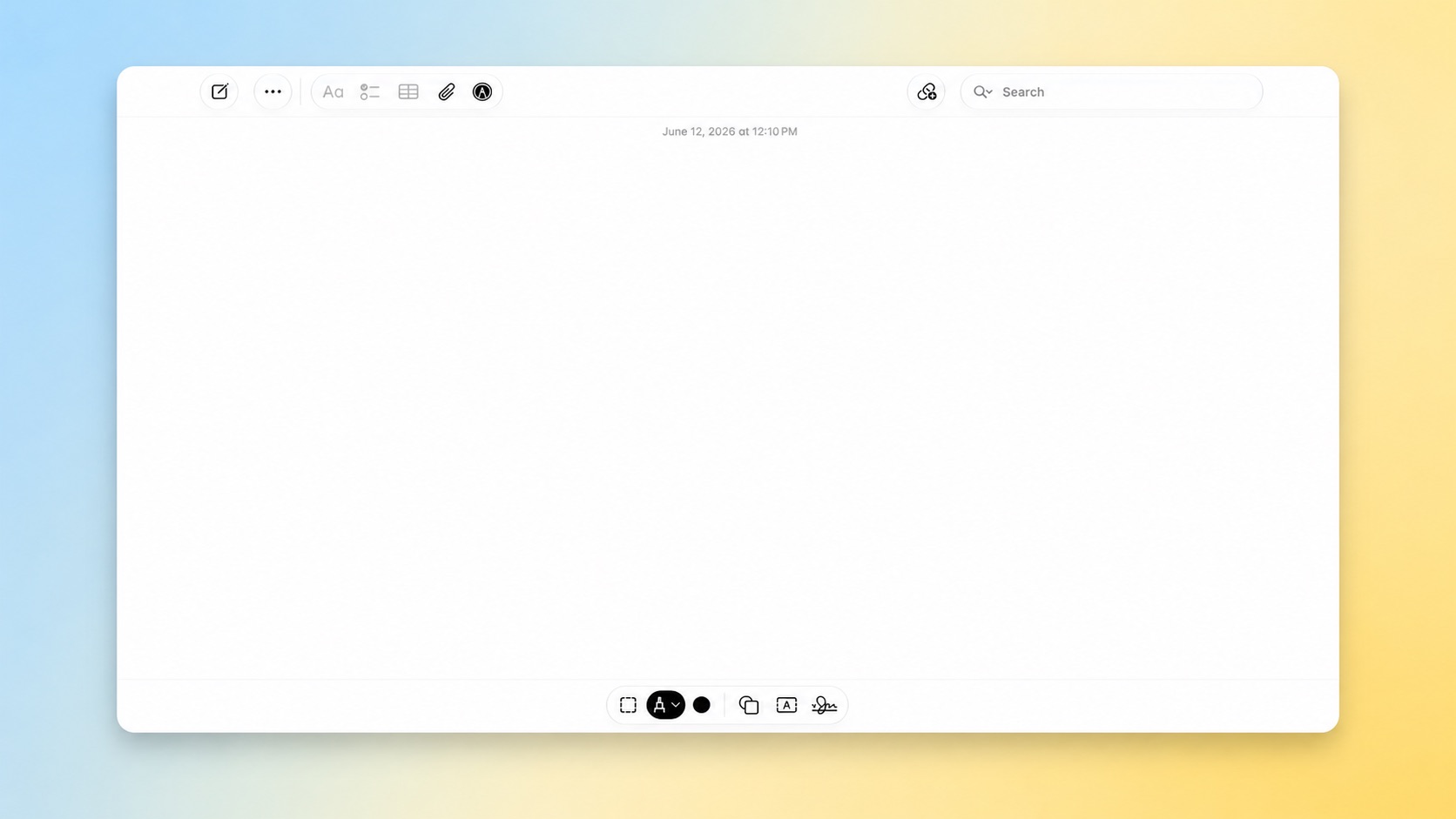
On the Mac, macOS 27 adds the Markup tools to the Notes and Freeform apps.
iOS 27 and macOS 27 are currently available in developer beta. The updates are expected to be released to the general public in September.
This article, "iOS 27 and macOS 27 Golden Gate Expand Drawing Tools to Three Apps" first appeared on MacRumors.com
Discuss this article in our forums
In the Messages app on iOS 27, there is a new "Drawing" option in the app drawer, which can be opened by tapping the plus sign in the bottom-left corner.
On older iOS versions, the Messages app once had a very basic drawing tool that was accessible by tapping a button on the keyboard in landscape orientation, but now Apple's complete set of Markup tools are available in the app.
On the Mac, macOS 27 adds the Markup tools to the Notes and Freeform apps.
iOS 27 and macOS 27 are currently available in developer beta. The updates are expected to be released to the general public in September.
This article, "iOS 27 and macOS 27 Golden Gate Expand Drawing Tools to Three Apps" first appeared on MacRumors.com
Discuss this article in our forums
Recommended Comments
Join the conversation
You can post now and register later. If you have an account, sign in now to post with your account.