_811205.png)
_e196d8.png)
_32b3d9.png)
_1c53fe.png)

With the launch of iOS 27 and HomePod Software 27, Apple is adding support for AutoMix, Apple's AI-powered Apple Music feature that blends songs using matching key and tempo.
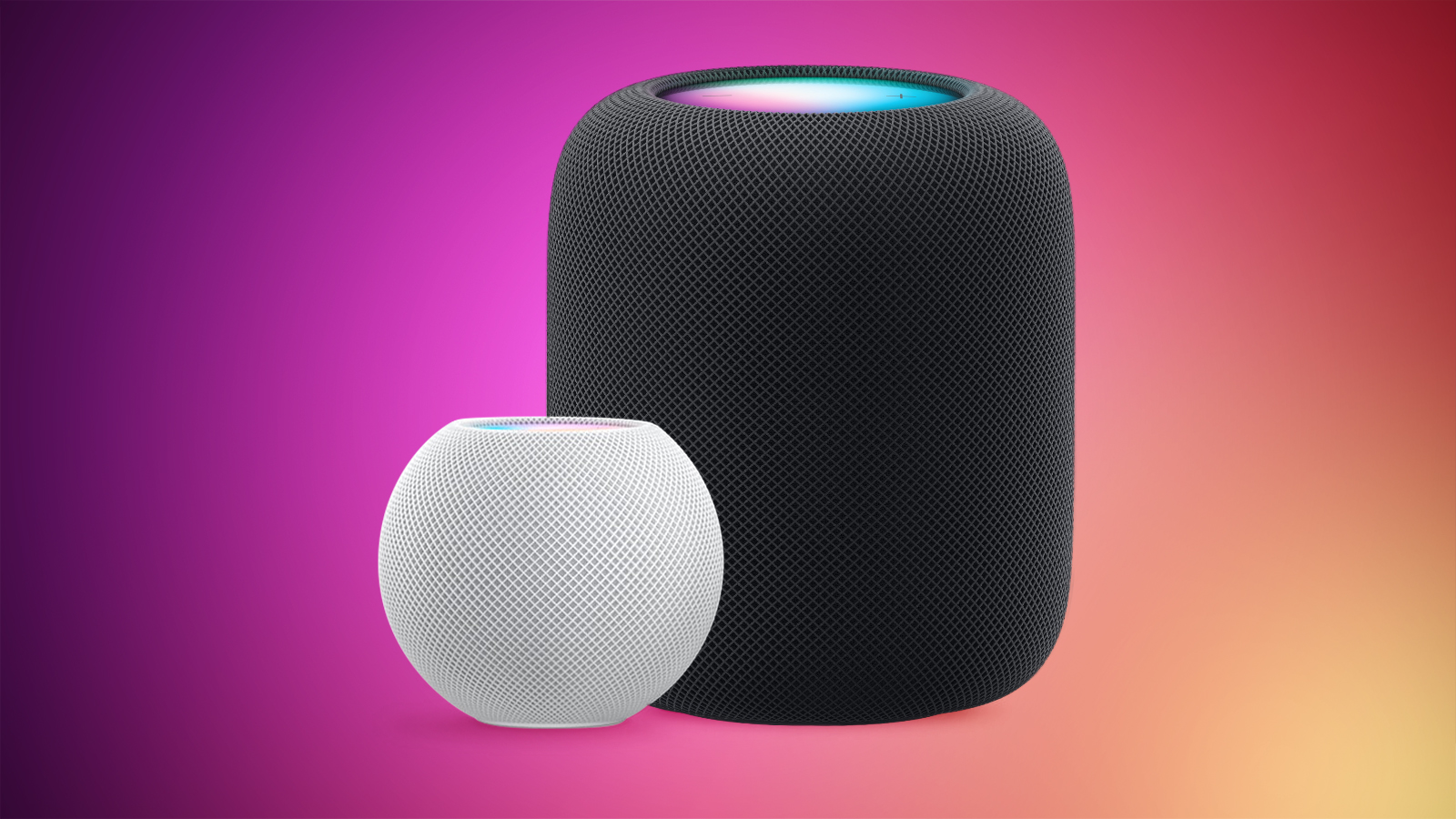
Apple says it has improved AutoMix's underlying algorithms to generate new transition types, making for more seamless blends between tracks, so this should also benefit the newly introduced feature for HomePod.
Running Apple's current HomePod Software 26, the AutoMix feature in Apple Music is not available on HomePod. Users running the existing software only have access to the crossfade feature that improves transitions between songs.
If users AirPlay to HomePod and the device they are using to AirPlay supports AutoMix (and it is turned on), then it will play on the AirPlay stream to HomePod, but that's the only workaround.
In case anyone was wondering, the new HomePod Software 27 beta does support the original HomePod. There was some confusion about this earlier in the week, but MacRumors contributor Aaron Perris was able to independently confirm support for Apple's first smart speaker, which launched in 2018 and was discontinued in 2021.
HomePod Software 27 will come out of beta when iOS 27 becomes generally available in the fall.
This article, "iOS 27 Brings New Functionality to HomePod" first appeared on MacRumors.com
Discuss this article in our forums
Apple says it has improved AutoMix's underlying algorithms to generate new transition types, making for more seamless blends between tracks, so this should also benefit the newly introduced feature for HomePod.
Running Apple's current HomePod Software 26, the AutoMix feature in Apple Music is not available on HomePod. Users running the existing software only have access to the crossfade feature that improves transitions between songs.
If users AirPlay to HomePod and the device they are using to AirPlay supports AutoMix (and it is turned on), then it will play on the AirPlay stream to HomePod, but that's the only workaround.
OG HomePod Support
In case anyone was wondering, the new HomePod Software 27 beta does support the original HomePod. There was some confusion about this earlier in the week, but MacRumors contributor Aaron Perris was able to independently confirm support for Apple's first smart speaker, which launched in 2018 and was discontinued in 2021.
HomePod Software 27 will come out of beta when iOS 27 becomes generally available in the fall.
Buyer's Guide: HomePod (Caution), HomePod Mini (Don't Buy)
Related Forum: HomePod, HomeKit, CarPlay, Home & Auto Technology
This article, "iOS 27 Brings New Functionality to HomePod" first appeared on MacRumors.com
Discuss this article in our forums
Recommended Comments
Join the conversation
You can post now and register later. If you have an account, sign in now to post with your account.