_811205.png)
_e196d8.png)
_32b3d9.png)
_1c53fe.png)

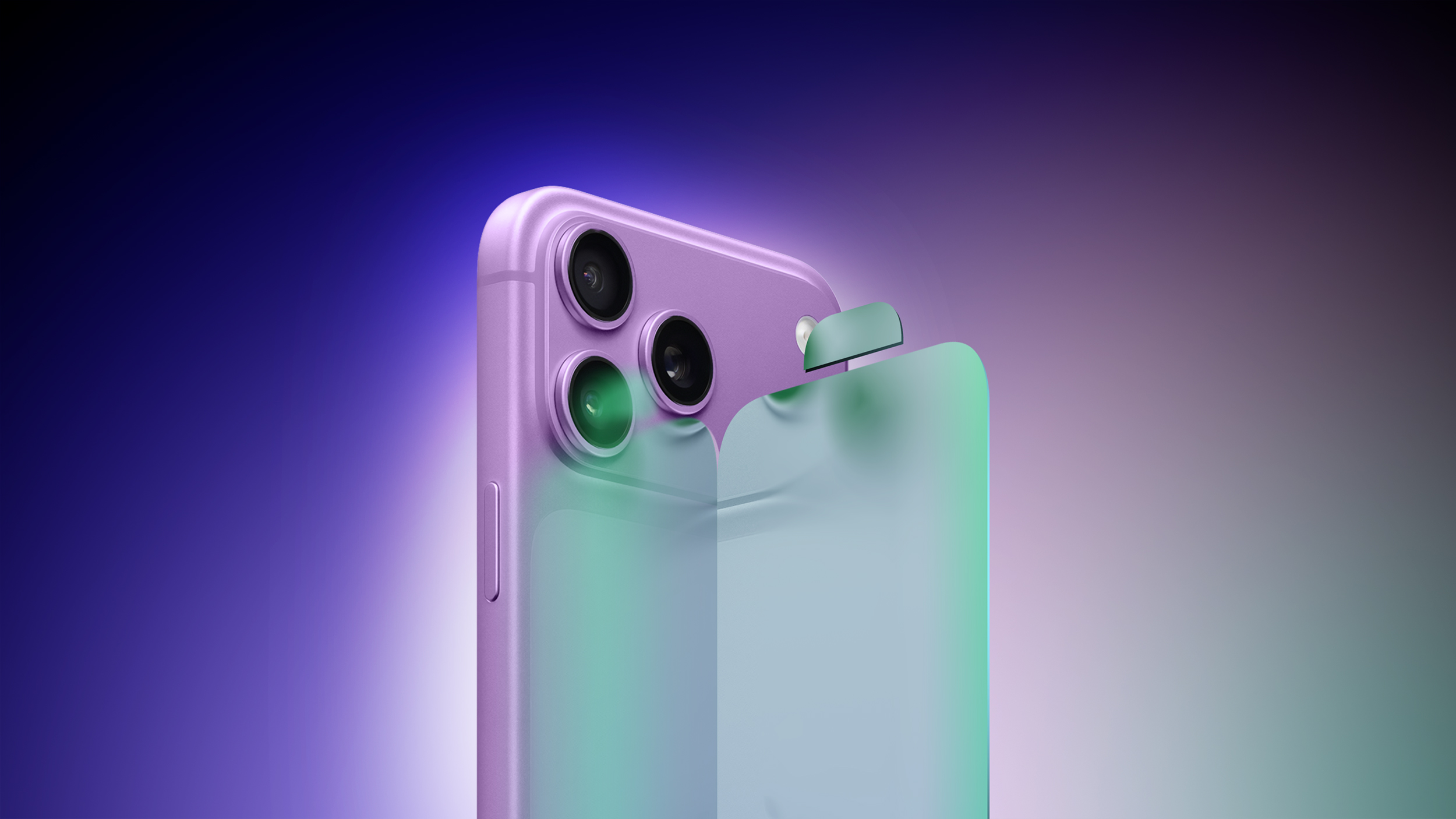 iOS 27 is rumored to be focused on bug fixes and performance improvements, and this should result in "longer battery life," according to Bloomberg's Mark Gurman.
In line with his previous reporting, Gurman today said Apple is "making performance improvements aimed at extending the battery life of the iPhone," but he said it is "unclear if Apple will quantify how much longer devices will last." In other words, it remains to be seen if Apple highlights the battery life improvements during its WWDC 2026 keynote this Monday.
Related Roundup: iOS 27
This article, "iOS 27 Will Reportedly Give Your iPhone 'Longer Battery Life'" first appeared on MacRumors.com
Discuss this article in our forums
Recommended Comments
Join the conversation
You can post now and register later. If you have an account, sign in now to post with your account.