_811205.png)
_e196d8.png)
_32b3d9.png)
_1c53fe.png)

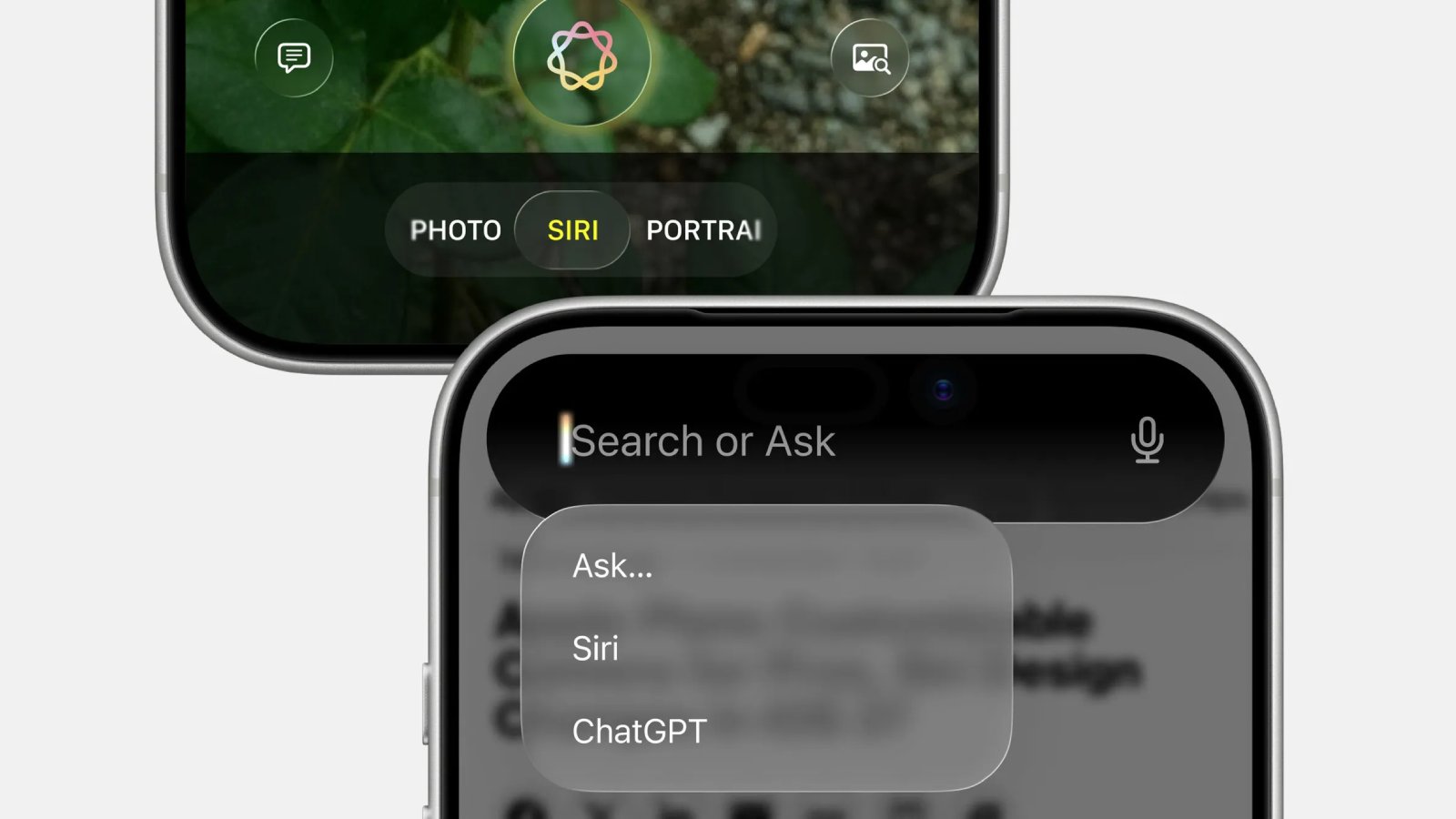
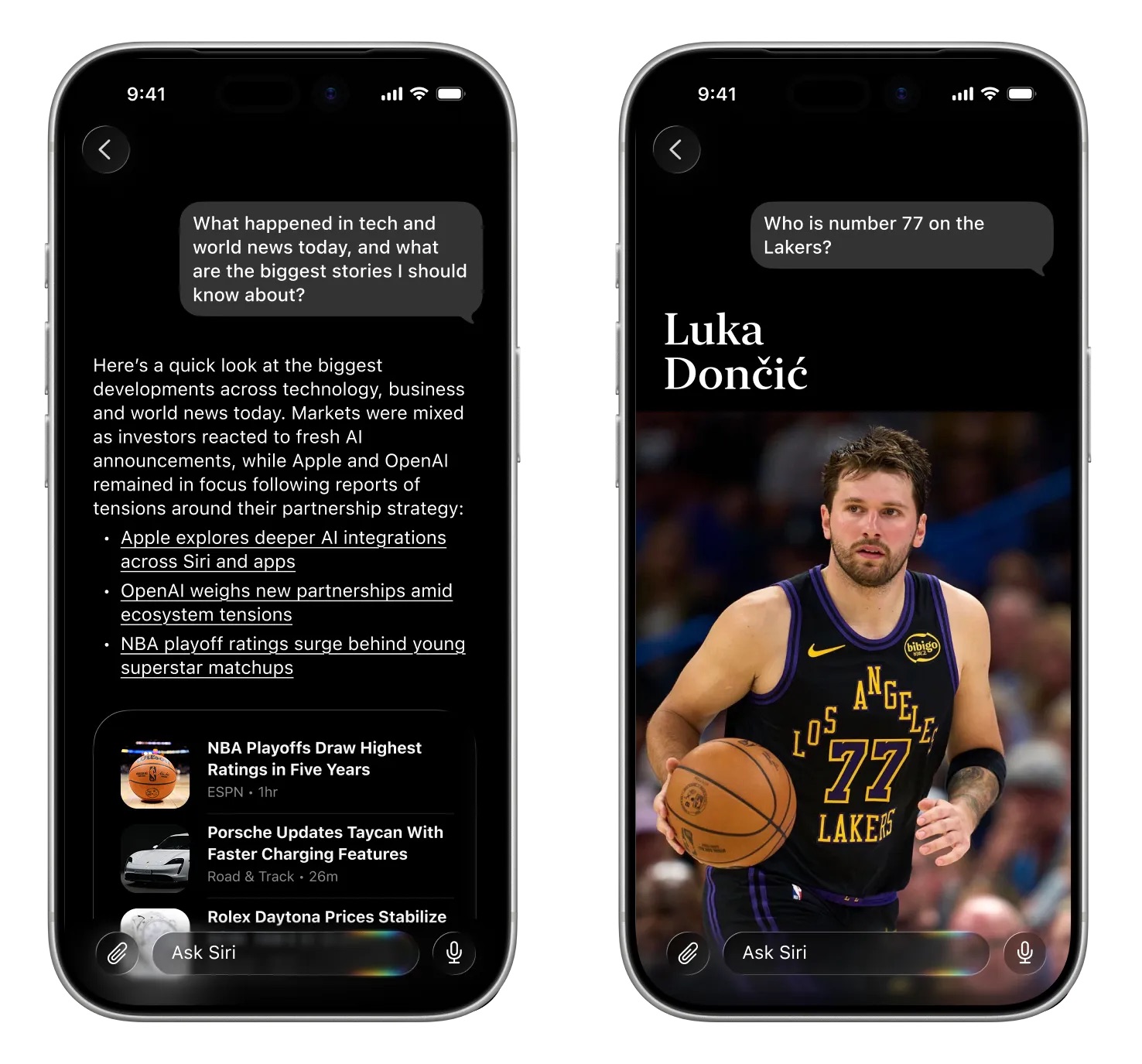
Bloomberg's Mark Gurman today shared a series of re-created screenshots that reveal iOS 27's all-new Siri app and "Search or Ask" functionality.
With the Siri app, iPhone, iPad, and Mac users will be able to interact with Apple's assistant in both text and voice modes. The app will allow for back-and-forth conversations, complete with messaging history that can be set to expire. Overall, the Siri app would function similarly to chatbots like ChatGPT, Gemini, and Claude.
Siri app:
Search or Ask:

More details to follow.
This article, "iOS 27's New Siri App and 'Search or Ask' Feature Leaked in Screenshots" first appeared on MacRumors.com
Discuss this article in our forums
With the Siri app, iPhone, iPad, and Mac users will be able to interact with Apple's assistant in both text and voice modes. The app will allow for back-and-forth conversations, complete with messaging history that can be set to expire. Overall, the Siri app would function similarly to chatbots like ChatGPT, Gemini, and Claude.
Siri app:
Search or Ask:
More details to follow.
Related Roundup: iOS 27
This article, "iOS 27's New Siri App and 'Search or Ask' Feature Leaked in Screenshots" first appeared on MacRumors.com
Discuss this article in our forums
Recommended Comments
Join the conversation
You can post now and register later. If you have an account, sign in now to post with your account.