_811205.png)
_e196d8.png)
_32b3d9.png)
_1c53fe.png)

Apple is planning to launch new iPad and iPad Air models in the near future, Bloomberg's Mark Gurman reports.
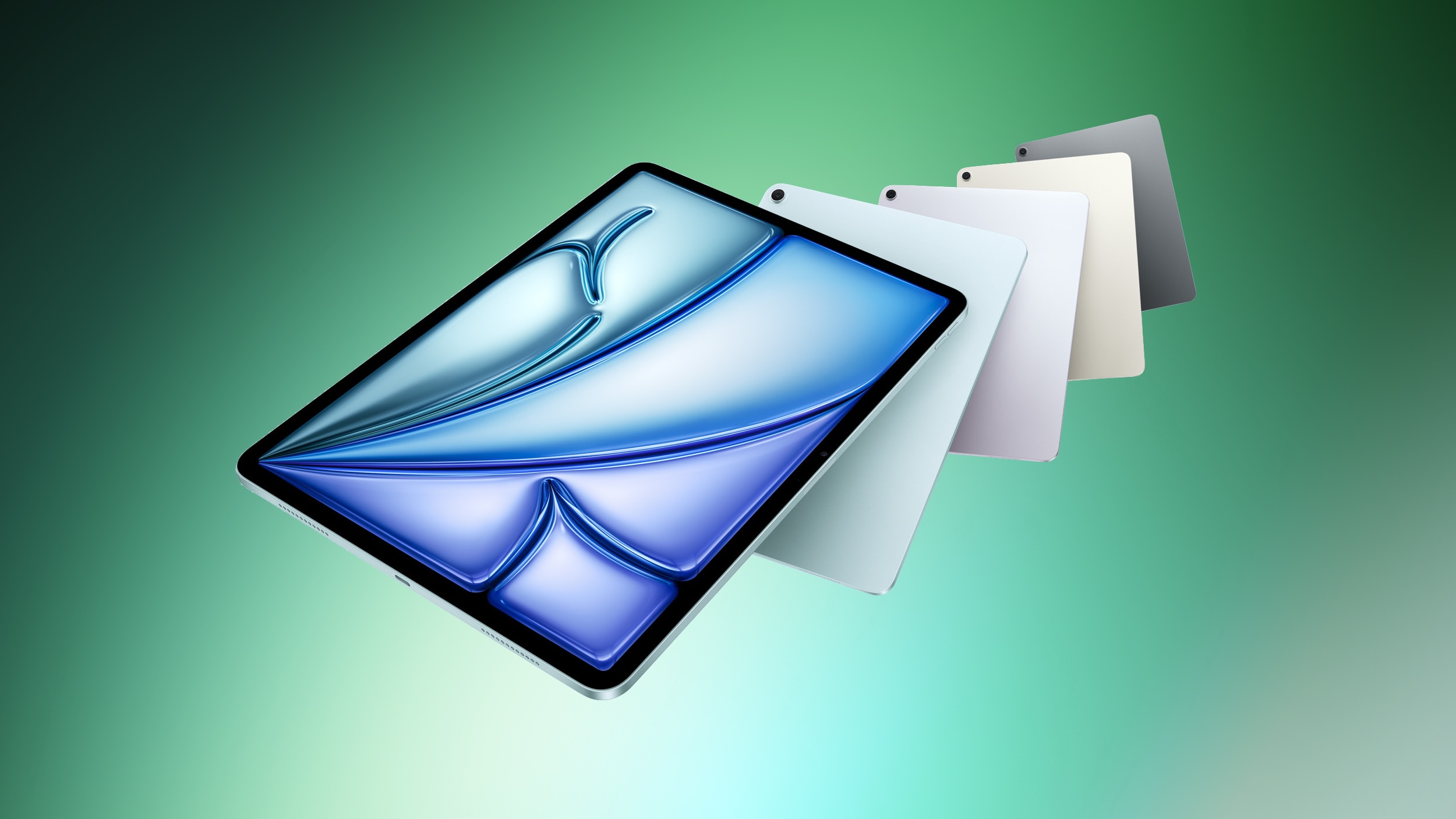
Writing in today's "Power On" newsletter, Gurman explained that updated iPads are "coming soon," including a new entry-level iPad and a new iPad Air. Both devices are not expected to feature design changes or major enhancements, instead focusing on new chips. The 12th-generation iPad is set to feature the A18 chip, while the eighth-generation iPad Air will apparently feature the M4 chip. The iPad mini is said to be the only new iPad set to get a bigger upgrade this year, moving to an OLED display.
The new chip is perhaps most significant for the iPad, which will facilitate Apple Intelligence support on the device for the first time. Apple announced the 11th-generation iPad in March 2025 with the A16 chip, which does not support Apple Intelligence, despite the technology being widely available across Apple's other devices at that time.
The iPad saw strong sales over the holidays, largely driven by the entry-level model. Apple purportedly plans to market the new model heavily to enterprise customers.

This article, "iPad 12 and iPad Air 8 Reportedly Coming Soon" first appeared on MacRumors.com
Discuss this article in our forums
Writing in today's "Power On" newsletter, Gurman explained that updated iPads are "coming soon," including a new entry-level iPad and a new iPad Air. Both devices are not expected to feature design changes or major enhancements, instead focusing on new chips. The 12th-generation iPad is set to feature the A18 chip, while the eighth-generation iPad Air will apparently feature the M4 chip. The iPad mini is said to be the only new iPad set to get a bigger upgrade this year, moving to an OLED display.
The new chip is perhaps most significant for the iPad, which will facilitate Apple Intelligence support on the device for the first time. Apple announced the 11th-generation iPad in March 2025 with the A16 chip, which does not support Apple Intelligence, despite the technology being widely available across Apple's other devices at that time.
The iPad saw strong sales over the holidays, largely driven by the entry-level model. Apple purportedly plans to market the new model heavily to enterprise customers.
Related Roundup: iPad
Tags: Bloomberg, Mark Gurman
Buyer's Guide: iPad (Don't Buy)
Related Forum: iPad
This article, "iPad 12 and iPad Air 8 Reportedly Coming Soon" first appeared on MacRumors.com
Discuss this article in our forums
Recommended Comments
Join the conversation
You can post now and register later. If you have an account, sign in now to post with your account.