_811205.png)
_e196d8.png)
_32b3d9.png)
_1c53fe.png)

In a support document published on Friday, Apple said that a "technical failure" in Australia prevented some older mobile phones from being able to make emergency calls by dialing 000, and it said there is a low chance that it could happen again.
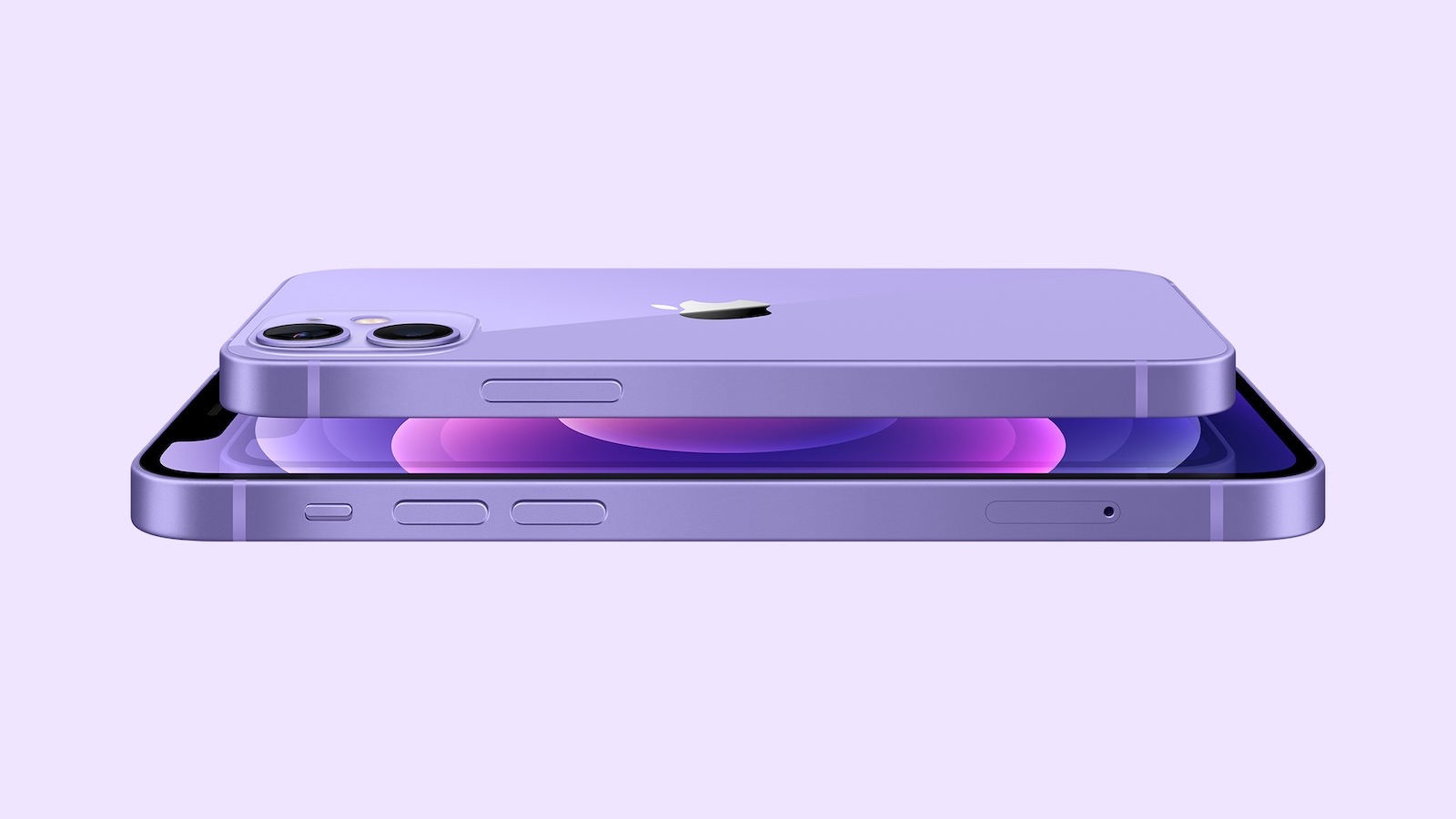
"In the rare event that these exceptional circumstances affecting mobile operators' networks were to happen again, some older mobile phones may still encounter the same issue reaching emergency services through an alternate available network," said Apple. The document does not provide many specific details, but there are some recent news reports about what sounds like a related issue affecting Samsung phones.
Apple said the issue "impacted some Australians in regional areas who attempted to make an emergency call when their primary mobile network was unavailable, even though an alternate network was available and should have connected the call." Apple said "mobile operators are taking steps to mitigate future issues."
For iPhone 12 users specifically, Apple vaguely stated that the iOS 26.2 update released last week "provides support for this scenario."
"iPhone XS, iPhone XR, iPhone 11, and all iPhone models from iPhone 13 and newer are not affected," said Apple. "For iPhone 12 users, iOS 26.2 provides support for this scenario. If it is determined that any earlier iPhone models are impacted, customers will receive additional information and guidance directly from their mobile operator."
To update your iPhone, open the Settings app on the device and tap General → Software Update.
This article, "iPhone 12 Users in Australia Should Update to iOS 26.2, Here's Why" first appeared on MacRumors.com
Discuss this article in our forums
"In the rare event that these exceptional circumstances affecting mobile operators' networks were to happen again, some older mobile phones may still encounter the same issue reaching emergency services through an alternate available network," said Apple. The document does not provide many specific details, but there are some recent news reports about what sounds like a related issue affecting Samsung phones.
Apple said the issue "impacted some Australians in regional areas who attempted to make an emergency call when their primary mobile network was unavailable, even though an alternate network was available and should have connected the call." Apple said "mobile operators are taking steps to mitigate future issues."
For iPhone 12 users specifically, Apple vaguely stated that the iOS 26.2 update released last week "provides support for this scenario."
"iPhone XS, iPhone XR, iPhone 11, and all iPhone models from iPhone 13 and newer are not affected," said Apple. "For iPhone 12 users, iOS 26.2 provides support for this scenario. If it is determined that any earlier iPhone models are impacted, customers will receive additional information and guidance directly from their mobile operator."
To update your iPhone, open the Settings app on the device and tap General → Software Update.
Related Forum: iOS 26
This article, "iPhone 12 Users in Australia Should Update to iOS 26.2, Here's Why" first appeared on MacRumors.com
Discuss this article in our forums
Recommended Comments
Join the conversation
You can post now and register later. If you have an account, sign in now to post with your account.