_811205.png)
_e196d8.png)
_32b3d9.png)
_1c53fe.png)

All of the iPhone 16 and iPhone 17 models are equipped with a Camera Control button that provides quick access to the Camera app and camera settings, but not everyone is a fan of it. Fortunately, though, Apple apparently plans to improve it.
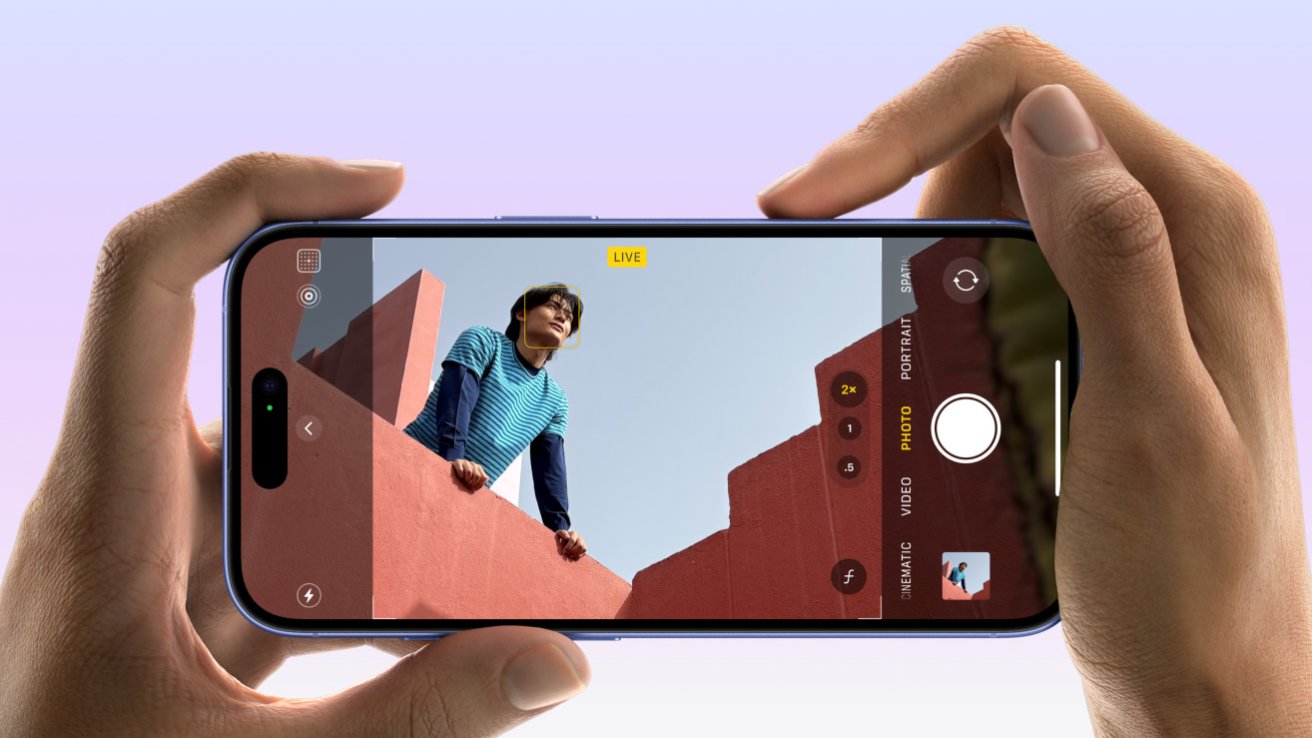
The Information today reported that Apple plans to remove touch sensitivity and haptic feedback from the Camera Control on the standard iPhone 18 model, which suggests that it will be removing the button's capacitive layer. The report did not say if this change will extend to the iPhone 18 Pro models, but it seems likely for consistency.
A simplified Camera Control button for iPhone 18 models has been rumored previously.
With this change, iPhone 18 users would not be able to swipe on the Camera Control, which is something many users have complained about doing by accident. The redesigned button would only have pressure sensitivity.
The report said simplifying the Camera Control would reduce Apple's costs, but it seems quite likely that the company is also listening to customer feedback.
Apple has already taken steps to give users more control over the Camera Control's behavior, including adding a "Require Screen On" setting in iOS 18.2. And when you set up a new iPhone, the swipe gestures are now turned off by default.
Apple is expected to release the iPhone 18 Pro models next September, while the regular iPhone 18 model reportedly will not launch until spring 2027.
This article, "iPhone 18 Expected to Fix a Major iPhone 16 and iPhone 17 Annoyance" first appeared on MacRumors.com
Discuss this article in our forums
The Information today reported that Apple plans to remove touch sensitivity and haptic feedback from the Camera Control on the standard iPhone 18 model, which suggests that it will be removing the button's capacitive layer. The report did not say if this change will extend to the iPhone 18 Pro models, but it seems likely for consistency.
A simplified Camera Control button for iPhone 18 models has been rumored previously.
With this change, iPhone 18 users would not be able to swipe on the Camera Control, which is something many users have complained about doing by accident. The redesigned button would only have pressure sensitivity.
The report said simplifying the Camera Control would reduce Apple's costs, but it seems quite likely that the company is also listening to customer feedback.
Apple has already taken steps to give users more control over the Camera Control's behavior, including adding a "Require Screen On" setting in iOS 18.2. And when you set up a new iPhone, the swipe gestures are now turned off by default.
Apple is expected to release the iPhone 18 Pro models next September, while the regular iPhone 18 model reportedly will not launch until spring 2027.
Related Roundup: iPhone 18
Tags: Camera Control, The Information
Related Forum: iPhone
This article, "iPhone 18 Expected to Fix a Major iPhone 16 and iPhone 17 Annoyance" first appeared on MacRumors.com
Discuss this article in our forums
Recommended Comments
Join the conversation
You can post now and register later. If you have an account, sign in now to post with your account.