_811205.png)
_e196d8.png)
_32b3d9.png)
_1c53fe.png)

While the iPhone 18 Pro and iPhone 18 Pro Max are not expected to launch for another eight months, there are already plenty of rumors about the devices.
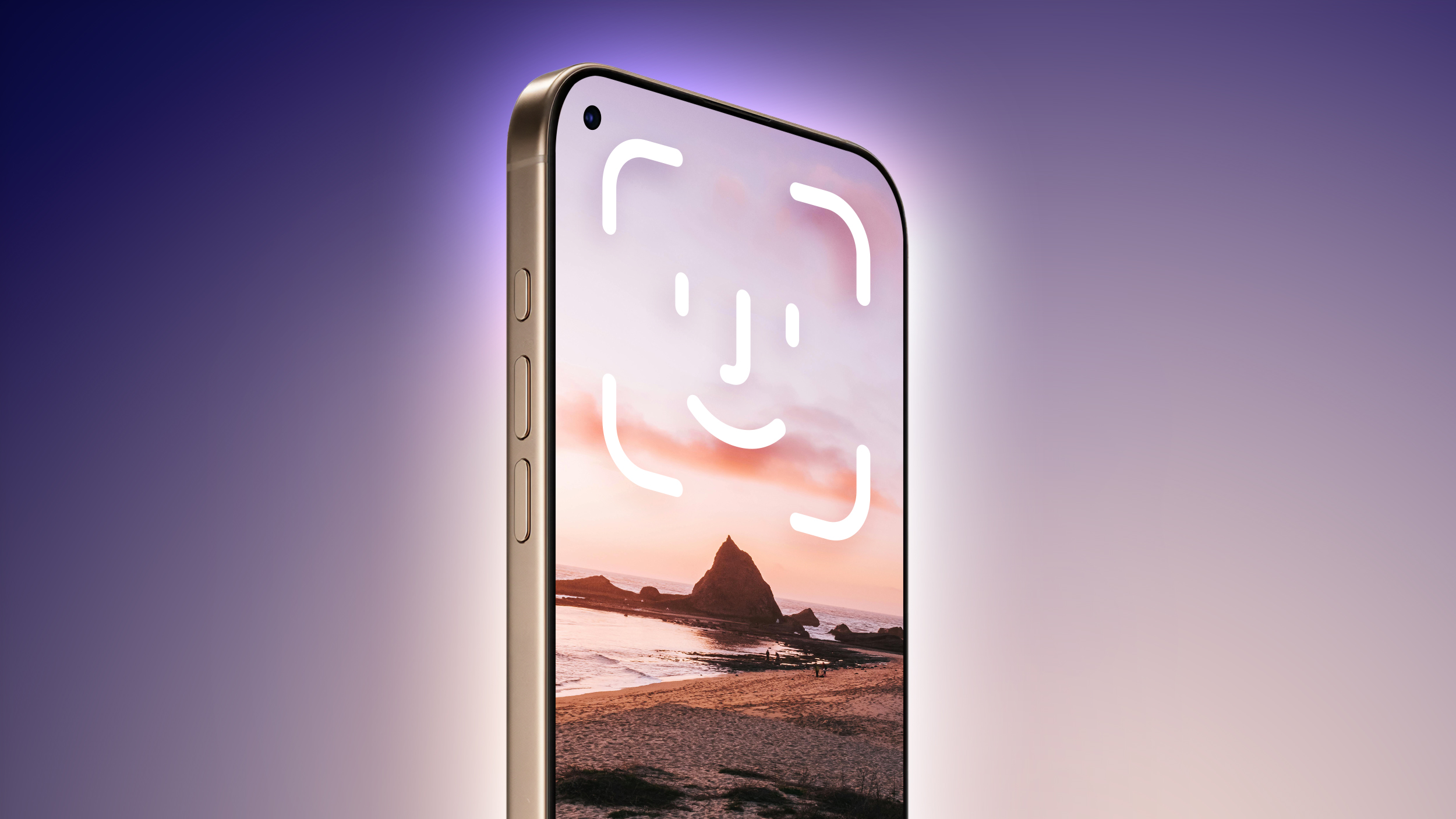
Below, we have recapped 12 features rumored for the iPhone 18 Pro models, as of January 2026:
Under-screen Face ID (rumored by multiple sources)
Front camera in top-left corner of the screen
Variable aperture for at least one rear camera
A20 Pro chip manufactured with TSMC's 2nm process and new packaging technology
A simplified Camera Control button with no swipe gestures
Design changes to the rear Ceramic Shield for MagSafe charging, potentially including a more frosted glass appearance
Apple-designed C1X or C2 modem for 5G/LTE cellular connectivity
Apple-designed N1 chip or newer for Wi-Fi 7, Bluetooth 6, and Thread
Web browsing via satellite
New color options under consideration: burgundy, brown, or purple
iPhone 18 Pro Max may be slightly thicker than the iPhone 17 Pro Max, perhaps to accommodate a larger batteryApple will likely release the iPhone 18 Pro models in September. Bookmark our iPhone 18 roundup to stay on top of future rumors.
This article, "iPhone 18 Pro Launching Later This Year With These 12 New Features" first appeared on MacRumors.com
Discuss this article in our forums
Below, we have recapped 12 features rumored for the iPhone 18 Pro models, as of January 2026:
- The same overall design is expected, with 6.3-inch and 6.9-inch display sizes, and a "plateau" housing three rear cameras
Under-screen Face ID (rumored by multiple sources)
Front camera in top-left corner of the screen
Variable aperture for at least one rear camera
A20 Pro chip manufactured with TSMC's 2nm process and new packaging technology
A simplified Camera Control button with no swipe gestures
Design changes to the rear Ceramic Shield for MagSafe charging, potentially including a more frosted glass appearance
Apple-designed C1X or C2 modem for 5G/LTE cellular connectivity
Apple-designed N1 chip or newer for Wi-Fi 7, Bluetooth 6, and Thread
Web browsing via satellite
New color options under consideration: burgundy, brown, or purple
iPhone 18 Pro Max may be slightly thicker than the iPhone 17 Pro Max, perhaps to accommodate a larger batteryApple will likely release the iPhone 18 Pro models in September. Bookmark our iPhone 18 roundup to stay on top of future rumors.
This article, "iPhone 18 Pro Launching Later This Year With These 12 New Features" first appeared on MacRumors.com
Discuss this article in our forums
Recommended Comments
Join the conversation
You can post now and register later. If you have an account, sign in now to post with your account.