_811205.png)
_e196d8.png)
_32b3d9.png)
_1c53fe.png)

Apple's upcoming iPhone 18 Pro Max will be slightly thicker than its predecessor, measuring in at 8.8mm, up from 8.75mm on the iPhone 17 Pro Max. The information comes from oft-accurate Weibo-based leaker Ice Universe.
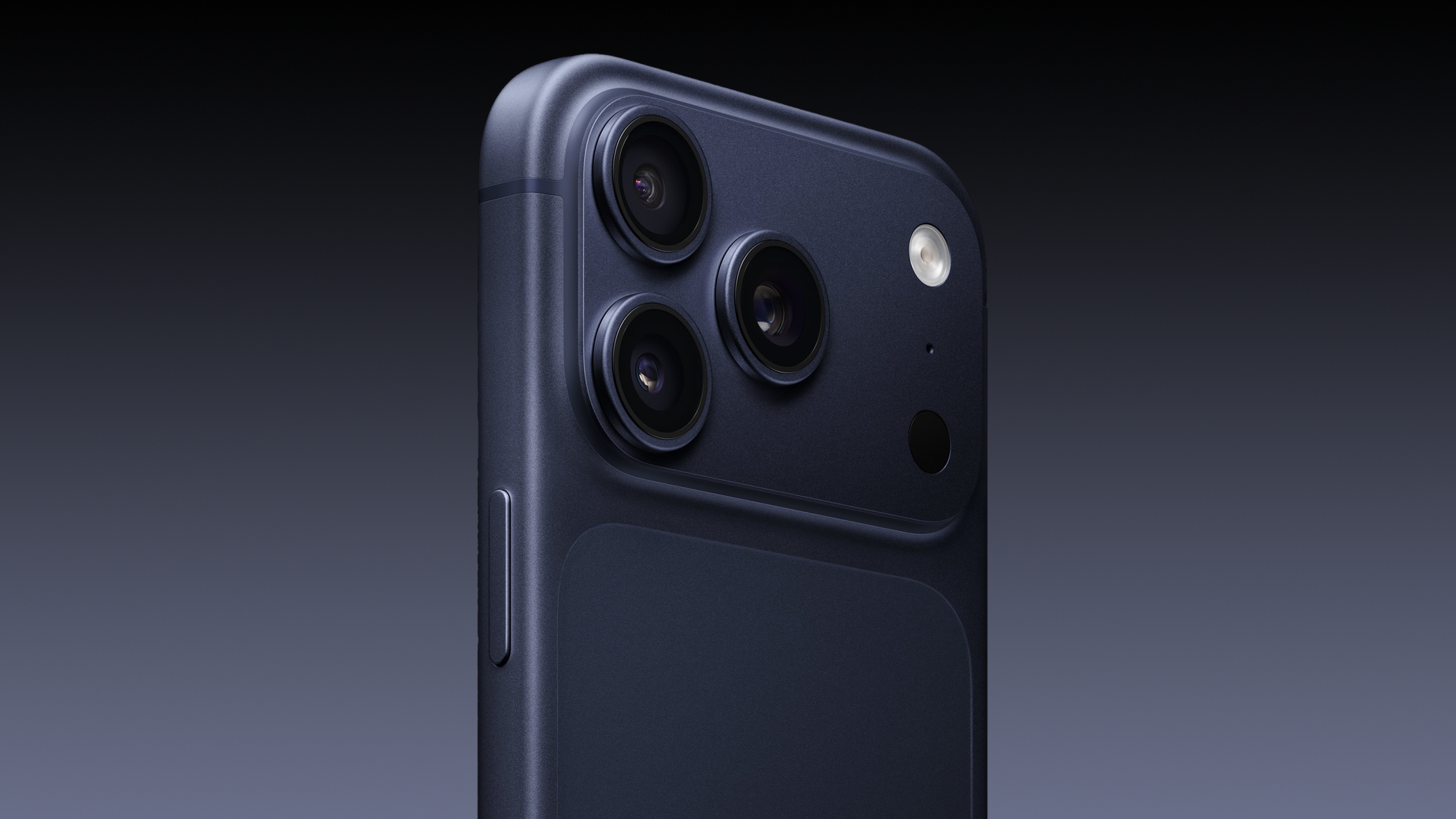
The claim chimes with a report last year that alleged hardware changes in the iPhone 18 Pro Max will make it the heaviest iPhone yet.
Last November, fellow Weibo-based leaker Instant Digital said the body of the iPhone 18 Pro Max will be slightly thicker than the iPhone 17 Pro Max, tipping its weight over 240 grams and making it the heaviest iPhone since the iPhone 14 Pro Max.
That could be good news for those who crave longer-lasting battery life. Digital Chat Station – yet another Weibo-based leaker – has claimed the iPhone 18 Pro Max will feature a bigger battery, with a capacity in the range of 5,100 to 5,200 mAh (up from 5,088 mAh in the eSim version of the iPhone 17 Pro Max).
Apple isn't expected to change the screen size of the iPhone 18 Pro Max, and it will feature the same 6.9-inch display as the current model.
The iPhone 18 Pro and iPhone 18 Pro Max are expected to launch later this year, featuring a possibly smaller Dynamic Island, the C2 modem, a simplified Camera Control, and an upgraded main camera with a variable aperture.
This article, "iPhone 18 Pro Max Thickness and Weight Allegedly Revealed" first appeared on MacRumors.com
Discuss this article in our forums
The claim chimes with a report last year that alleged hardware changes in the iPhone 18 Pro Max will make it the heaviest iPhone yet.
Last November, fellow Weibo-based leaker Instant Digital said the body of the iPhone 18 Pro Max will be slightly thicker than the iPhone 17 Pro Max, tipping its weight over 240 grams and making it the heaviest iPhone since the iPhone 14 Pro Max.
That could be good news for those who crave longer-lasting battery life. Digital Chat Station – yet another Weibo-based leaker – has claimed the iPhone 18 Pro Max will feature a bigger battery, with a capacity in the range of 5,100 to 5,200 mAh (up from 5,088 mAh in the eSim version of the iPhone 17 Pro Max).
Apple isn't expected to change the screen size of the iPhone 18 Pro Max, and it will feature the same 6.9-inch display as the current model.
The iPhone 18 Pro and iPhone 18 Pro Max are expected to launch later this year, featuring a possibly smaller Dynamic Island, the C2 modem, a simplified Camera Control, and an upgraded main camera with a variable aperture.
Related Roundup: iPhone 18
Tags: Ice Universe, iPhone
Related Forum: iPhone
This article, "iPhone 18 Pro Max Thickness and Weight Allegedly Revealed" first appeared on MacRumors.com
Discuss this article in our forums
Recommended Comments
Join the conversation
You can post now and register later. If you have an account, sign in now to post with your account.