_811205.png)
_e196d8.png)
_32b3d9.png)
_1c53fe.png)

Apple is working on a new iPhone Air that's expected to launch in spring 2027, reports Bloomberg. The updated iPhone Air could get an Ultra Wide lens in addition to the Wide lens to make it a better value for the money.
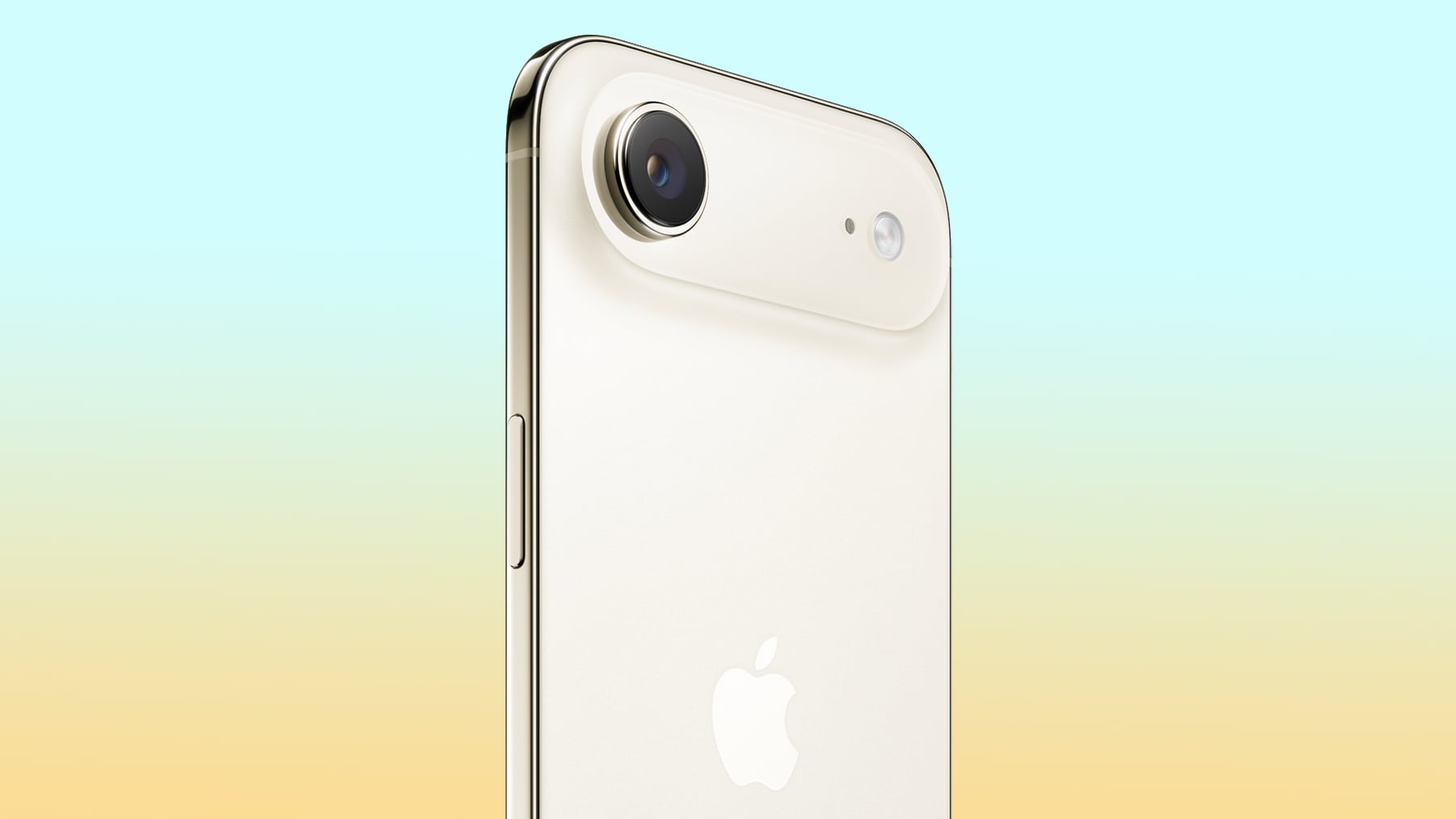
An iPhone Air with two camera lenses has reached the advanced testing phase. The device has the same design as the current model with the exception of the extra lens.
Apple also wants to improve battery life, either through an increased battery size or improvements to efficiency. Given that the design of the new model is similar to the current design, there may not be room for a larger battery. The device will use an A20 chip built on Apple's new 2nm process, so it could feature better efficiency.
Multiple prior rumors have suggested Apple is adding a second camera to the iPhone Air to address the main customer complaint about the device. The current model has a single rear lens with a Wide lens, which makes it inferior to the more affordable iPhone 17 in terms of camera quality. The iPhone 17 has a two-camera setup, while the iPhone 17 Pro and Pro Max have three cameras.
The next iPhone Air will come out alongside the iPhone 18 in 2027, with the iPhone 18 Pro, iPhone 18 Pro Max, and foldable iPhone set to debut in September.
This article, "iPhone Air With Dual Lens Camera Coming in Spring 2027" first appeared on MacRumors.com
Discuss this article in our forums
An iPhone Air with two camera lenses has reached the advanced testing phase. The device has the same design as the current model with the exception of the extra lens.
Apple also wants to improve battery life, either through an increased battery size or improvements to efficiency. Given that the design of the new model is similar to the current design, there may not be room for a larger battery. The device will use an A20 chip built on Apple's new 2nm process, so it could feature better efficiency.
Multiple prior rumors have suggested Apple is adding a second camera to the iPhone Air to address the main customer complaint about the device. The current model has a single rear lens with a Wide lens, which makes it inferior to the more affordable iPhone 17 in terms of camera quality. The iPhone 17 has a two-camera setup, while the iPhone 17 Pro and Pro Max have three cameras.
The next iPhone Air will come out alongside the iPhone 18 in 2027, with the iPhone 18 Pro, iPhone 18 Pro Max, and foldable iPhone set to debut in September.
Related Roundup: iPhone Air
Buyer's Guide: iPhone Air (Neutral)
This article, "iPhone Air With Dual Lens Camera Coming in Spring 2027" first appeared on MacRumors.com
Discuss this article in our forums
Recommended Comments
Join the conversation
You can post now and register later. If you have an account, sign in now to post with your account.