_811205.png)
_e196d8.png)
_32b3d9.png)
_1c53fe.png)

Apple will likely "repeat the iPhone X story" by unveiling its foldable iPhone at the same time as the iPhone 18 Pro and iPhone 18 Pro Max, but starting foldable iPhone pre-orders at a later date, according to analyst Ming-Chi Kuo.
Kuo today said manufacturing challenges have limited early production of the foldable iPhone, which will reportedly be named iPhone Ultra. As a result, he believes the device may launch at some point after the iPhone 18 Pro models.
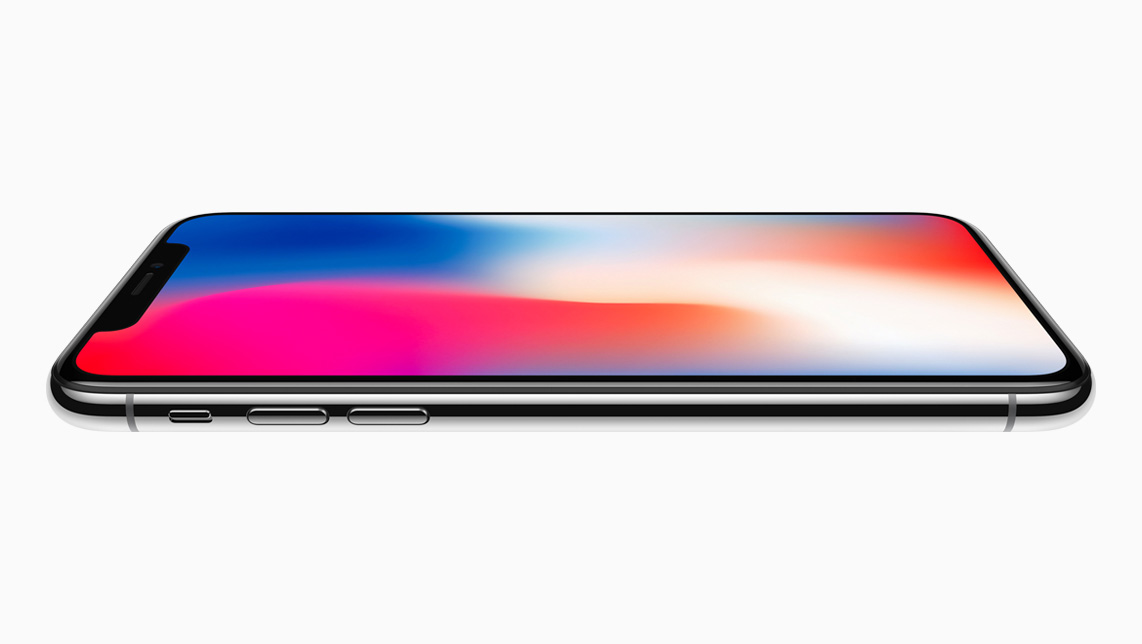
In 2017, Apple unveiled the iPhone 8, iPhone 8 Plus, and iPhone X on September 12. iPhone 8 and iPhone 8 Plus pre-orders began just three days later, while iPhone X pre-orders began six weeks later on Friday, October 27. Likewise, Kuo believes the foldable iPhone may not be available to pre-order until the fourth quarter of 2026.
Kuo estimated that the foldable iPhone could have a starting price of around $2,299 to $2,499 in the U.S., and he believes that the device "could sell out immediately after pre-orders open, with delivery lead times quickly stretching to 4-6 weeks or longer."
Apple's suppliers will ship roughly 7–8 million foldable iPhones in 2026, compared to 20–22 million for the iPhone 18 Pro models combined, he said.
If this information proves to be accurate, expect the foldable iPhone to be unveiled in September, but you may not be able to order it until at least October.
This article, "'iPhone Ultra' Likely to 'Repeat the iPhone X Story'" first appeared on MacRumors.com
Discuss this article in our forums
Kuo today said manufacturing challenges have limited early production of the foldable iPhone, which will reportedly be named iPhone Ultra. As a result, he believes the device may launch at some point after the iPhone 18 Pro models.
In 2017, Apple unveiled the iPhone 8, iPhone 8 Plus, and iPhone X on September 12. iPhone 8 and iPhone 8 Plus pre-orders began just three days later, while iPhone X pre-orders began six weeks later on Friday, October 27. Likewise, Kuo believes the foldable iPhone may not be available to pre-order until the fourth quarter of 2026.
Kuo estimated that the foldable iPhone could have a starting price of around $2,299 to $2,499 in the U.S., and he believes that the device "could sell out immediately after pre-orders open, with delivery lead times quickly stretching to 4-6 weeks or longer."
Apple's suppliers will ship roughly 7–8 million foldable iPhones in 2026, compared to 20–22 million for the iPhone 18 Pro models combined, he said.
If this information proves to be accurate, expect the foldable iPhone to be unveiled in September, but you may not be able to order it until at least October.
Related Roundup: iPhone Fold
Tags: iPhone Ultra, Ming-Chi Kuo
This article, "'iPhone Ultra' Likely to 'Repeat the iPhone X Story'" first appeared on MacRumors.com
Discuss this article in our forums
Recommended Comments
Join the conversation
You can post now and register later. If you have an account, sign in now to post with your account.