_811205.png)
_e196d8.png)
_32b3d9.png)
_1c53fe.png)

Apple recently updated the iPad Air, narrowing the gap with the iPad Pro, but how different are the two product lines and which should you buy?
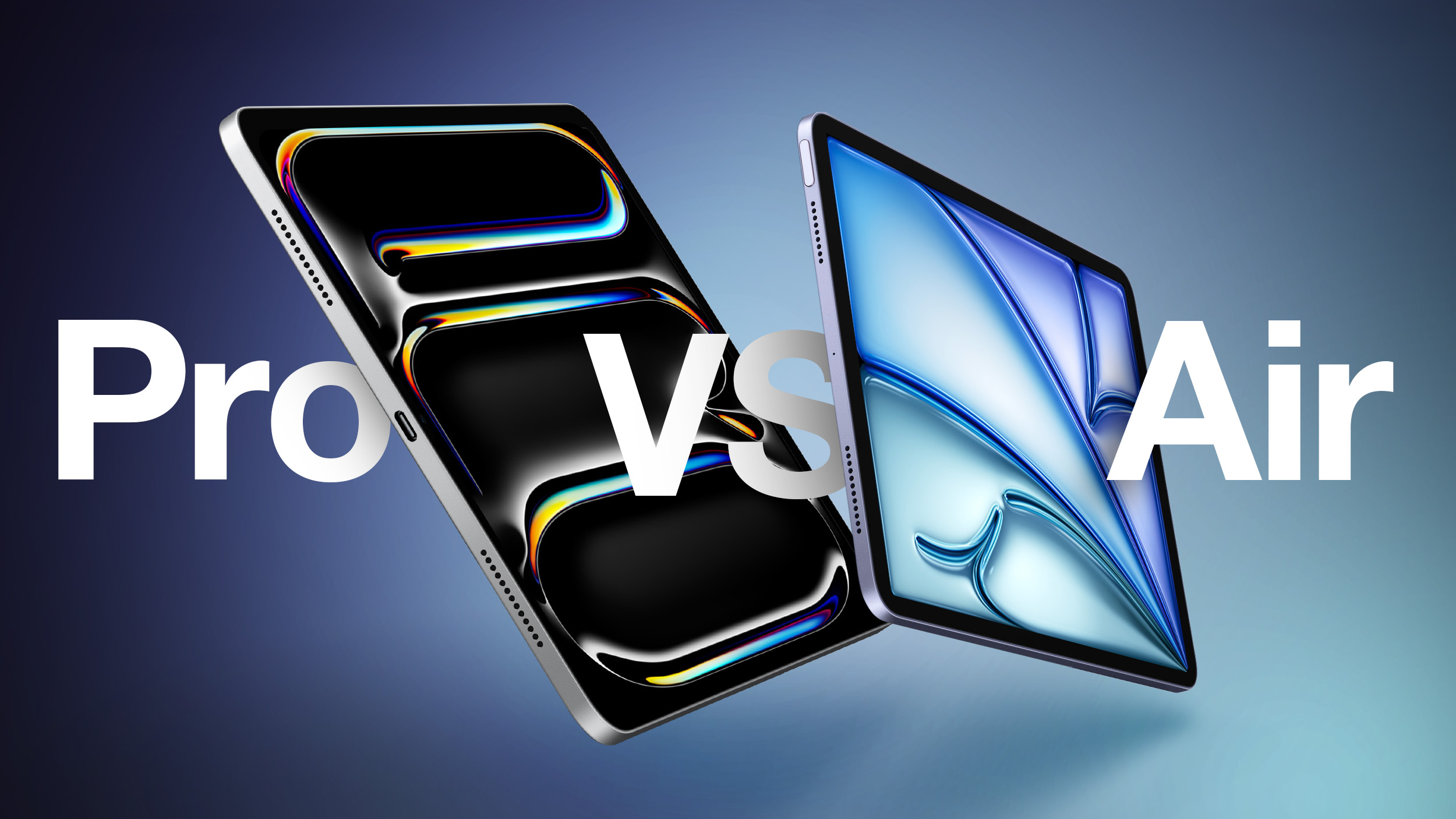
Apple has now refreshed the iPad Air with the M4 chip, representing a small update over the previous model from 2025, which introduced the M3 chip. While the upgrade brings improved performance and efficiency, it does not significantly alter the feature set or overall positioning of the iPad Air within the lineup.
By contrast, the iPad Pro continues to sit at the top of Apple's tablet range, now equipped with the latest M5 chip. This update builds on the major redesign introduced in 2024, which brought a substantially thinner and lighter design, tandem OLED display technology, and a range of high-end features aimed at professional workflows. The latest revision focuses more on internal improvements, particularly in GPU performance and AI acceleration, rather than introducing major new capabilities.
M4 vs. M5 Chip Buyer's Guide: How Much Better Really Is M5?
As a result, the gap between the iPad Air and iPad Pro is now less about general performance and more about specific features and use cases. The iPad Air delivers much of the same core experience at a lower price point, while the iPad Pro differentiates itself with its display technology, advanced hardware capabilities, and additional headroom for demanding tasks.
Should you consider purchasing the iPad Air to save money, or do you need the high-end features of the iPad Pro? Our guide answers the question of how to decide which of these two iPads is best for you.
iPad Air (M4, 2026)
iPad Pro (M5, 2025)
Liquid Retina display (LED backlit display with IPS technology)
Ultra Retina XDR display (Tandem OLED)
ProMotion technology for refresh rates up to 120Hz
11-inch model SDR brightness: 500 nits max
13-inch model SDR brightness: 600 nits max
SDR brightness: 1,000 nits max
XDR brightness: 1,000 nits max full screen, 1,600 nits peak (HDR content only)
Nano-texture display glass option on 1TB and 2TB models
Drive external displays at 60Hz
Drive external displays at up to 120Hz
Adaptive Sync support
M4 chip
M5 chip
Made using TSMC's enhanced 3nm technology (N3E)
Made using TSMC's third-generation 3nm process (N3P)
Based on iPhone 16's A18 chip (2024)
Based on A19 Pro chip from iPhone 17 Pro (2025)
8-core CPU (3 performance + 5 efficiency cores)
Up to 10 CPU cores (4 performance + 6 efficiency cores)
9-core GPU
10-core GPU
Integrated Neural Accelerator in every GPU core
Metal 4 developer APIs
Metal 4 developer APIs with Tensor APIs to program GPU Neural Accelerators
12GB memory
256GB and 512GB models: 12GB memory
1TB and 2TB models: 16GB memory
120 GB/s unified memory bandwidth
153 GB/s unified memory bandwidth
Second-generation ray tracing engine
Third-generation ray tracing engine
First-generation dynamic caching
Second-generation dynamic caching
Shader cores
Enhanced shader cores
GPU with standard power efficiency
More power-efficient GPU: Maintains performance with significantly less power
Improved thermal design with graphite sheets and copper
Touch ID in top button
TrueDepth camera system for Face ID
Portrait mode with advanced bokeh and Depth Control
Portrait Lighting with six effects (Natural, Studio, Contour, Stage, Stage Mono, High-Key Mono)
Animoji and Memoji
LiDAR scanner
Adaptive True Tone flash
Rear ambient light sensor
ProRes video recording up to 4K at 30 fps (1080p at 30 fps for 256GB capacity)
ProRes video recording up to 4K at 60 fps with external recording
Two microphones
Four studio-quality microphones
Audio zoom
Stereo recording
Landscape stereo speakers
Four speaker audio
Weight: 462 grams or 617 grams
Weight 444 grams or 579 grams
Depth: 6.1 mm
Depth: 5.3 mm or 5.1 mm
Fast-charge capable (Up to 50% charge using a 60W adapter or higher in 30 minutes with the 11-inch model or 35 minutes with the 13-inch model)
USB‑C connector
USB‑C connector with support for Thunderbolt/USB 4
Supports Magic Keyboard for iPad Air
Supports Magic Keyboard for iPad Pro
128GB, 256GB, 512GB, or 1TB storage
256GB, 512GB, 1TB, or 2TB storage
Up to 2× faster SSD read and write speeds
Available in Space Gray, Starlight, Purple, and Blue
Available in Space Black and Silver
Price starting at $599
Price starting at $999
Overall, the iPad Air is the better option for the majority of users, simply on the basis of value for money. For most people, the additional $400+ needed to buy the iPad Pro is not justified to get the likes of Face ID, a thinner design, four-speaker audio, and a ProMotion OLED display with refresh rates up to 120Hz.
One of the more significant changes in recent years is that performance is no longer the primary differentiator between the iPad Air and iPad Pro. With the M4 chip, the iPad Air already delivers a level of CPU performance that is effectively indistinguishable from the Pro in most real-world tasks. The remaining gap is increasingly concentrated in GPU-bound workloads, AI acceleration, and display technology, rather than general responsiveness or app performance.
Some iPad Pro features, such as LiDAR, up to 16GB of memory, and Thunderbolt connectivity are only practically useful to a small niche of users and most will never use some of these high-end capabilities. Many features, such as Adaptive Sync and Audio zoom, will not be meaningfully utilized by many users. Many users who choose the iPad Pro are effectively paying for experiential enhancements rather than functional necessity.
Professionals who have a clear use case for needing larger amounts of RAM and storage, a matte display, Thunderbolt connectivity, and OLED for HDR content will clearly benefit from buying the iPad Pro. That being said, "prosumer"-style customers who simply want the best iPad will enjoy features such as 120Hz ProMotion for smoother scrolling and gaming, a thinner design, deeper blacks and more vivid colors with the OLED display, and the Adaptive True Tone flash for document scanning, even if they are not strictly necessary.
Beyond these individual circumstances, the iPad Air is the best value for money and will be more than ample for most users' needs. With the iPad Air, users can get a modern all-screen design, the highly capable M4 chip, practical features like USB-C and 5G connectivity, and compatibility with the core Apple accessories for a price well below that of the iPad Pro.
This article, "M4 iPad Air vs. M5 iPad Pro Buyer's Guide: 40+ Differences Compared" first appeared on MacRumors.com
Discuss this article in our forums
Apple has now refreshed the iPad Air with the M4 chip, representing a small update over the previous model from 2025, which introduced the M3 chip. While the upgrade brings improved performance and efficiency, it does not significantly alter the feature set or overall positioning of the iPad Air within the lineup.
By contrast, the iPad Pro continues to sit at the top of Apple's tablet range, now equipped with the latest M5 chip. This update builds on the major redesign introduced in 2024, which brought a substantially thinner and lighter design, tandem OLED display technology, and a range of high-end features aimed at professional workflows. The latest revision focuses more on internal improvements, particularly in GPU performance and AI acceleration, rather than introducing major new capabilities.
M4 vs. M5 Chip Buyer's Guide: How Much Better Really Is M5?
As a result, the gap between the iPad Air and iPad Pro is now less about general performance and more about specific features and use cases. The iPad Air delivers much of the same core experience at a lower price point, while the iPad Pro differentiates itself with its display technology, advanced hardware capabilities, and additional headroom for demanding tasks.
Should you consider purchasing the iPad Air to save money, or do you need the high-end features of the iPad Pro? Our guide answers the question of how to decide which of these two iPads is best for you.
iPad Air (M4, 2026)
iPad Pro (M5, 2025)
Liquid Retina display (LED backlit display with IPS technology)
Ultra Retina XDR display (Tandem OLED)
ProMotion technology for refresh rates up to 120Hz
11-inch model SDR brightness: 500 nits max
13-inch model SDR brightness: 600 nits max
SDR brightness: 1,000 nits max
XDR brightness: 1,000 nits max full screen, 1,600 nits peak (HDR content only)
Nano-texture display glass option on 1TB and 2TB models
Drive external displays at 60Hz
Drive external displays at up to 120Hz
Adaptive Sync support
M4 chip
M5 chip
Made using TSMC's enhanced 3nm technology (N3E)
Made using TSMC's third-generation 3nm process (N3P)
Based on iPhone 16's A18 chip (2024)
Based on A19 Pro chip from iPhone 17 Pro (2025)
8-core CPU (3 performance + 5 efficiency cores)
Up to 10 CPU cores (4 performance + 6 efficiency cores)
9-core GPU
10-core GPU
Integrated Neural Accelerator in every GPU core
Metal 4 developer APIs
Metal 4 developer APIs with Tensor APIs to program GPU Neural Accelerators
12GB memory
256GB and 512GB models: 12GB memory
1TB and 2TB models: 16GB memory
120 GB/s unified memory bandwidth
153 GB/s unified memory bandwidth
Second-generation ray tracing engine
Third-generation ray tracing engine
First-generation dynamic caching
Second-generation dynamic caching
Shader cores
Enhanced shader cores
GPU with standard power efficiency
More power-efficient GPU: Maintains performance with significantly less power
Improved thermal design with graphite sheets and copper
Touch ID in top button
TrueDepth camera system for Face ID
Portrait mode with advanced bokeh and Depth Control
Portrait Lighting with six effects (Natural, Studio, Contour, Stage, Stage Mono, High-Key Mono)
Animoji and Memoji
LiDAR scanner
Adaptive True Tone flash
Rear ambient light sensor
ProRes video recording up to 4K at 30 fps (1080p at 30 fps for 256GB capacity)
ProRes video recording up to 4K at 60 fps with external recording
Two microphones
Four studio-quality microphones
Audio zoom
Stereo recording
Landscape stereo speakers
Four speaker audio
Weight: 462 grams or 617 grams
Weight 444 grams or 579 grams
Depth: 6.1 mm
Depth: 5.3 mm or 5.1 mm
Fast-charge capable (Up to 50% charge using a 60W adapter or higher in 30 minutes with the 11-inch model or 35 minutes with the 13-inch model)
USB‑C connector
USB‑C connector with support for Thunderbolt/USB 4
Supports Magic Keyboard for iPad Air
Supports Magic Keyboard for iPad Pro
128GB, 256GB, 512GB, or 1TB storage
256GB, 512GB, 1TB, or 2TB storage
Up to 2× faster SSD read and write speeds
Available in Space Gray, Starlight, Purple, and Blue
Available in Space Black and Silver
Price starting at $599
Price starting at $999
Overall, the iPad Air is the better option for the majority of users, simply on the basis of value for money. For most people, the additional $400+ needed to buy the iPad Pro is not justified to get the likes of Face ID, a thinner design, four-speaker audio, and a ProMotion OLED display with refresh rates up to 120Hz.
One of the more significant changes in recent years is that performance is no longer the primary differentiator between the iPad Air and iPad Pro. With the M4 chip, the iPad Air already delivers a level of CPU performance that is effectively indistinguishable from the Pro in most real-world tasks. The remaining gap is increasingly concentrated in GPU-bound workloads, AI acceleration, and display technology, rather than general responsiveness or app performance.
Some iPad Pro features, such as LiDAR, up to 16GB of memory, and Thunderbolt connectivity are only practically useful to a small niche of users and most will never use some of these high-end capabilities. Many features, such as Adaptive Sync and Audio zoom, will not be meaningfully utilized by many users. Many users who choose the iPad Pro are effectively paying for experiential enhancements rather than functional necessity.
Professionals who have a clear use case for needing larger amounts of RAM and storage, a matte display, Thunderbolt connectivity, and OLED for HDR content will clearly benefit from buying the iPad Pro. That being said, "prosumer"-style customers who simply want the best iPad will enjoy features such as 120Hz ProMotion for smoother scrolling and gaming, a thinner design, deeper blacks and more vivid colors with the OLED display, and the Adaptive True Tone flash for document scanning, even if they are not strictly necessary.
Beyond these individual circumstances, the iPad Air is the best value for money and will be more than ample for most users' needs. With the iPad Air, users can get a modern all-screen design, the highly capable M4 chip, practical features like USB-C and 5G connectivity, and compatibility with the core Apple accessories for a price well below that of the iPad Pro.
Buyer's Guide: iPad Air (Buy Now), iPad Pro (Buy Now)
Related Forum: iPad
This article, "M4 iPad Air vs. M5 iPad Pro Buyer's Guide: 40+ Differences Compared" first appeared on MacRumors.com
Discuss this article in our forums
Recommended Comments
Join the conversation
You can post now and register later. If you have an account, sign in now to post with your account.