_811205.png)
_e196d8.png)
_32b3d9.png)
_1c53fe.png)

A second-generation MacBook Neo with a touch screen has gone from a yes to a maybe to a no.
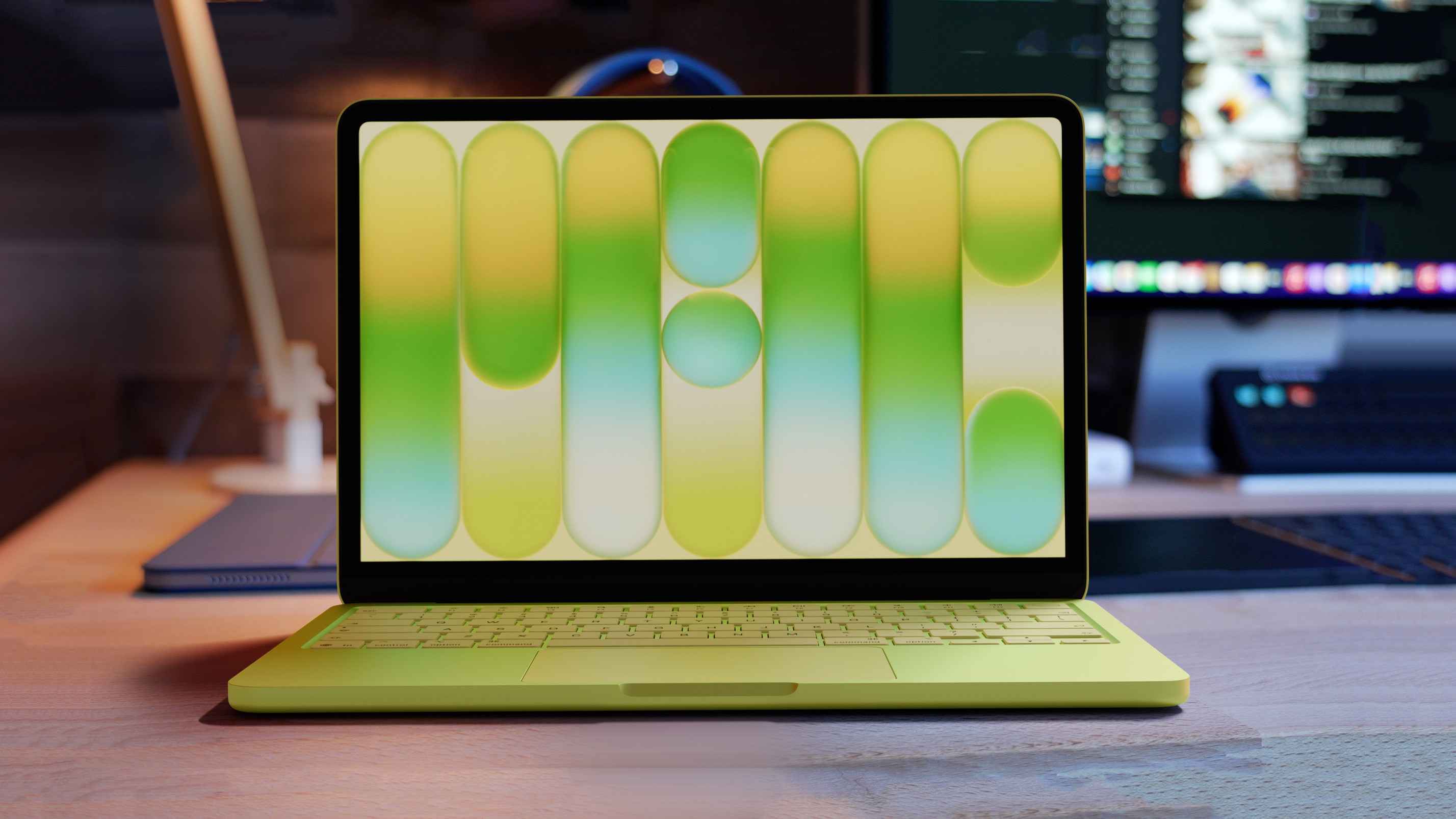
In his Power On newsletter today, Bloomberg's Mark Gurman said Apple has yet to decide whether to bring touch-screen support to any Macs beyond the next high-end MacBook Pro, which is expected to be released in late 2026 or early 2027.
A touch screen would also slightly increase the cost of making the MacBook Neo, which is priced as low as $499, so the laptop will likely remain without one for years.
In September 2025, Apple analyst Ming-Chi Kuo said the second-generation MacBook Neo "could" include touch support, but last week he said it "may" not happen after all, and now Gurman has completely ruled out the possibility for now.
"I'd be shocked if a touch screen comes to the Neo in the next three years," said Gurman.
Nevertheless, a second-generation MacBook Neo will likely be released next year, according to Kuo. The key upgrade should be the A19 Pro chip with an increased 12GB of RAM, up from the A18 Pro chip with 8GB of RAM in the current model.

This article, "MacBook Neo 2 With a Touch Screen Has Gone From Yes to Maybe to No" first appeared on MacRumors.com
Discuss this article in our forums
In his Power On newsletter today, Bloomberg's Mark Gurman said Apple has yet to decide whether to bring touch-screen support to any Macs beyond the next high-end MacBook Pro, which is expected to be released in late 2026 or early 2027.
A touch screen would also slightly increase the cost of making the MacBook Neo, which is priced as low as $499, so the laptop will likely remain without one for years.
In September 2025, Apple analyst Ming-Chi Kuo said the second-generation MacBook Neo "could" include touch support, but last week he said it "may" not happen after all, and now Gurman has completely ruled out the possibility for now.
"I'd be shocked if a touch screen comes to the Neo in the next three years," said Gurman.
Nevertheless, a second-generation MacBook Neo will likely be released next year, according to Kuo. The key upgrade should be the A19 Pro chip with an increased 12GB of RAM, up from the A18 Pro chip with 8GB of RAM in the current model.
Related Roundup: MacBook Neo
Tag: Mark Gurman
Buyer's Guide: MacBook Neo (Buy Now)
Related Forum: MacBook Neo
This article, "MacBook Neo 2 With a Touch Screen Has Gone From Yes to Maybe to No" first appeared on MacRumors.com
Discuss this article in our forums
Recommended Comments
Join the conversation
You can post now and register later. If you have an account, sign in now to post with your account.