_811205.png)
_e196d8.png)
_32b3d9.png)
_1c53fe.png)

Apple has published its MacBook Neo repair manual, and it reveals some big repairability news: the keyboard can be replaced individually.
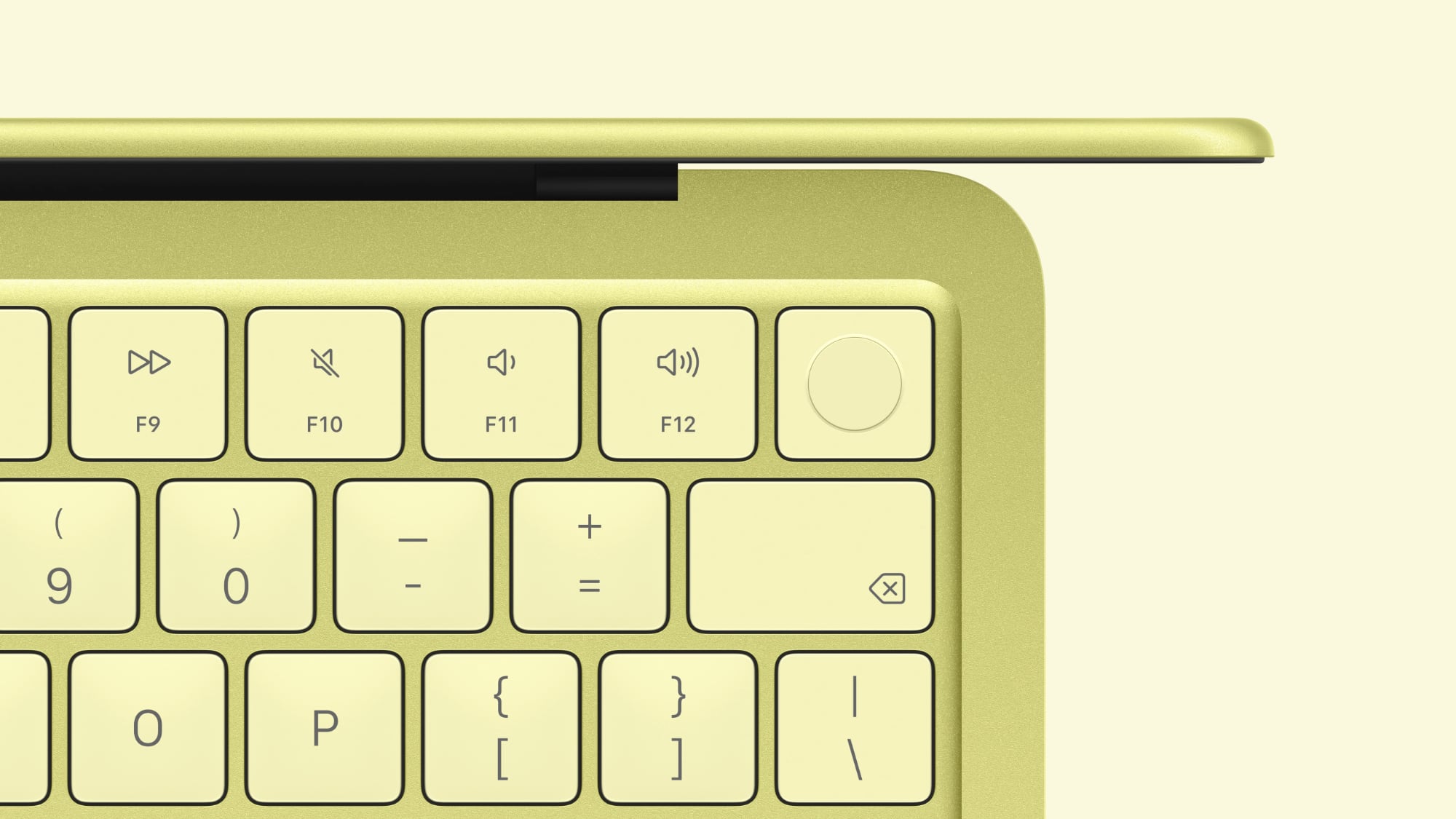
For many years, replacing the keyboard in a MacBook has required replacing the entire Top Case, which refers to the top half of the aluminum shell surrounding the keyboard. For example, the latest MacBook Air has a "Top Case with Keyboard" part, and the latest MacBook Pro models have a "Top Case with Battery and Keyboard" part.
For the MacBook Neo, there are separate Keyboard, Keyboard with Touch ID, and Top Case parts, and Apple shows how to replace the keyboard individually. While there are still more than 40 screws involved to replace the keyboard on its own, the process is much easier than replacing an entire Top Case, which requires lots of disassembly.
More importantly for customers, the MacBook Neo's individual keyboard parts will likely be much more affordable when they become available on Apple's self-service store. In the U.S., Top Case parts for recent MacBook Air and MacBook Pro models cost around $400 to $600. The standalone Keyboard and Keyboard with Touch ID parts for the MacBook Neo will likely be hundreds of dollars cheaper by comparison, but exact pricing remains to be seen.
MacBook Neo launched on Wednesday, and it has been praised for its value and performance. Now, improved repairability is another positive.
This article, "MacBook Neo's Keyboard Can Be Replaced Individually in Major Change" first appeared on MacRumors.com
Discuss this article in our forums
For many years, replacing the keyboard in a MacBook has required replacing the entire Top Case, which refers to the top half of the aluminum shell surrounding the keyboard. For example, the latest MacBook Air has a "Top Case with Keyboard" part, and the latest MacBook Pro models have a "Top Case with Battery and Keyboard" part.
For the MacBook Neo, there are separate Keyboard, Keyboard with Touch ID, and Top Case parts, and Apple shows how to replace the keyboard individually. While there are still more than 40 screws involved to replace the keyboard on its own, the process is much easier than replacing an entire Top Case, which requires lots of disassembly.
More importantly for customers, the MacBook Neo's individual keyboard parts will likely be much more affordable when they become available on Apple's self-service store. In the U.S., Top Case parts for recent MacBook Air and MacBook Pro models cost around $400 to $600. The standalone Keyboard and Keyboard with Touch ID parts for the MacBook Neo will likely be hundreds of dollars cheaper by comparison, but exact pricing remains to be seen.
MacBook Neo launched on Wednesday, and it has been praised for its value and performance. Now, improved repairability is another positive.
Related Roundup: MacBook Neo
Buyer's Guide: MacBook Neo (Buy Now)
Related Forum: MacBook Neo
This article, "MacBook Neo's Keyboard Can Be Replaced Individually in Major Change" first appeared on MacRumors.com
Discuss this article in our forums
Recommended Comments
Join the conversation
You can post now and register later. If you have an account, sign in now to post with your account.