_811205.png)
_e196d8.png)
_32b3d9.png)
_1c53fe.png)

macOS 27 will have a "slight redesign" compared to macOS Tahoe, along with an option to automatically group tabs in Safari, according to Bloomberg's Mark Gurman.
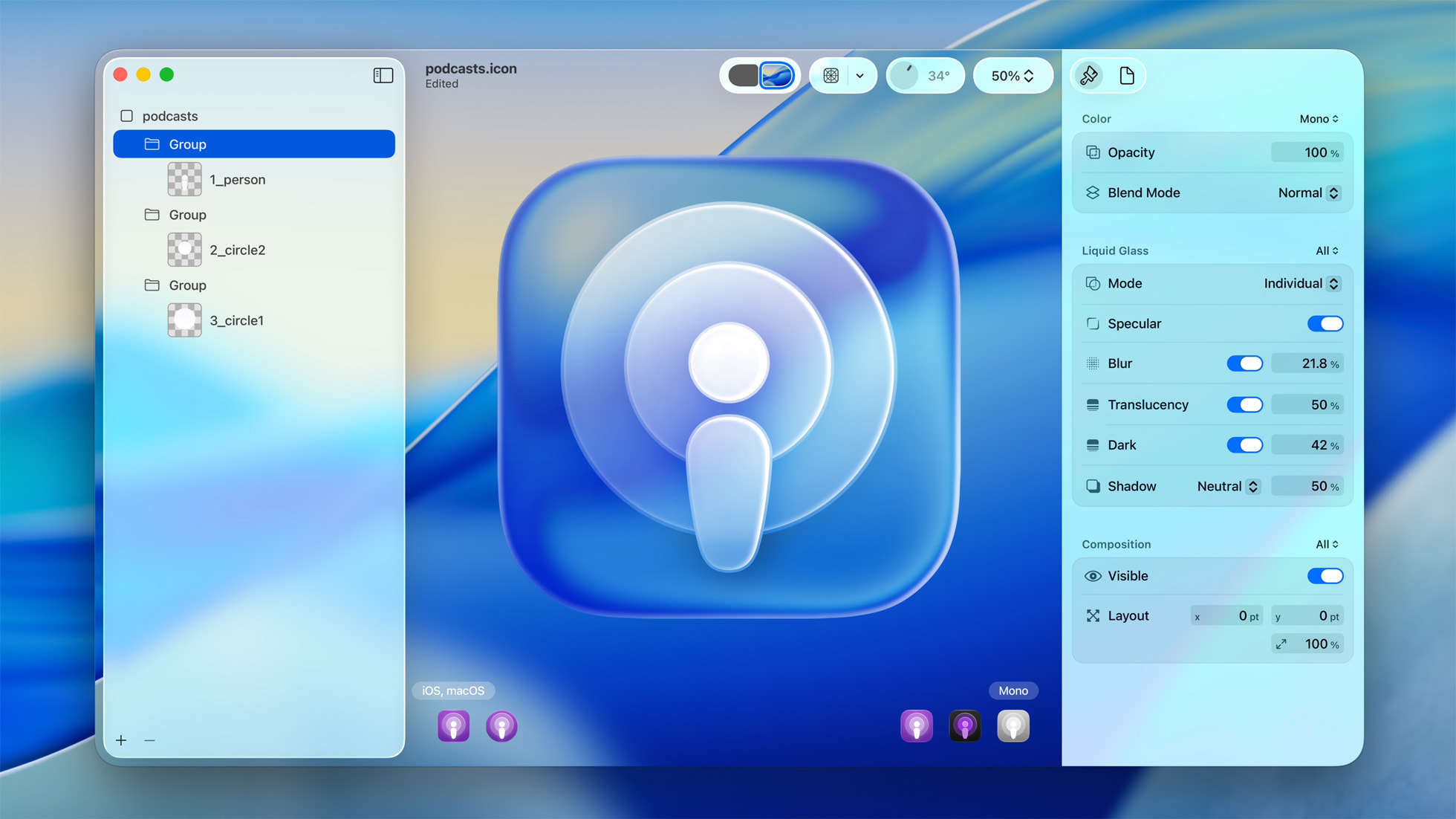
In his Power On newsletter today, Gurman said the design changes will help to address some of the criticism surrounding macOS Tahoe's new Liquid Glass interface. In particular, the changes should improve overall readability.
"Apple aims to address the shadows and transparency quirks," he said.
In addition, Gurman said Apple is testing a new AI-powered Safari feature that can automatically organize browser tabs into groups. This feature, previously revealed by MacRumors, is expected to be available across macOS 27, iOS 27, and iPadOS 27.
"I'm told that in test versions of iOS 27, the center-top button that users can tap to move between their tab groups has a new option called 'Organize Tabs,'" he said. "You can choose whether you want the grouping to occur automatically or not."
Apple will unveil macOS 27 during its WWDC 2026 keynote on Monday, June 8.
The first developer beta of macOS 27 will likely be available immediately following the keynote, and a public beta typically follows in July. Following beta testing, the software update should be released to all users in September.
Related Reading: Apple to Unveil macOS 27 Next Month With These New Features
This article, "macOS 27: Two More Changes Leaked Ahead of WWDC Next Month" first appeared on MacRumors.com
Discuss this article in our forums
In his Power On newsletter today, Gurman said the design changes will help to address some of the criticism surrounding macOS Tahoe's new Liquid Glass interface. In particular, the changes should improve overall readability.
"Apple aims to address the shadows and transparency quirks," he said.
In addition, Gurman said Apple is testing a new AI-powered Safari feature that can automatically organize browser tabs into groups. This feature, previously revealed by MacRumors, is expected to be available across macOS 27, iOS 27, and iPadOS 27.
"I'm told that in test versions of iOS 27, the center-top button that users can tap to move between their tab groups has a new option called 'Organize Tabs,'" he said. "You can choose whether you want the grouping to occur automatically or not."
Apple will unveil macOS 27 during its WWDC 2026 keynote on Monday, June 8.
The first developer beta of macOS 27 will likely be available immediately following the keynote, and a public beta typically follows in July. Following beta testing, the software update should be released to all users in September.
Related Reading: Apple to Unveil macOS 27 Next Month With These New Features
Related Forum: Apple, Inc and Tech Industry
This article, "macOS 27: Two More Changes Leaked Ahead of WWDC Next Month" first appeared on MacRumors.com
Discuss this article in our forums
Recommended Comments
Join the conversation
You can post now and register later. If you have an account, sign in now to post with your account.