_811205.png)
_e196d8.png)
_32b3d9.png)
_1c53fe.png)

Apple plans to open a store at the Mítikah shopping mall in the south of Mexico City, according to a since-deleted page on real estate company Allux's website.
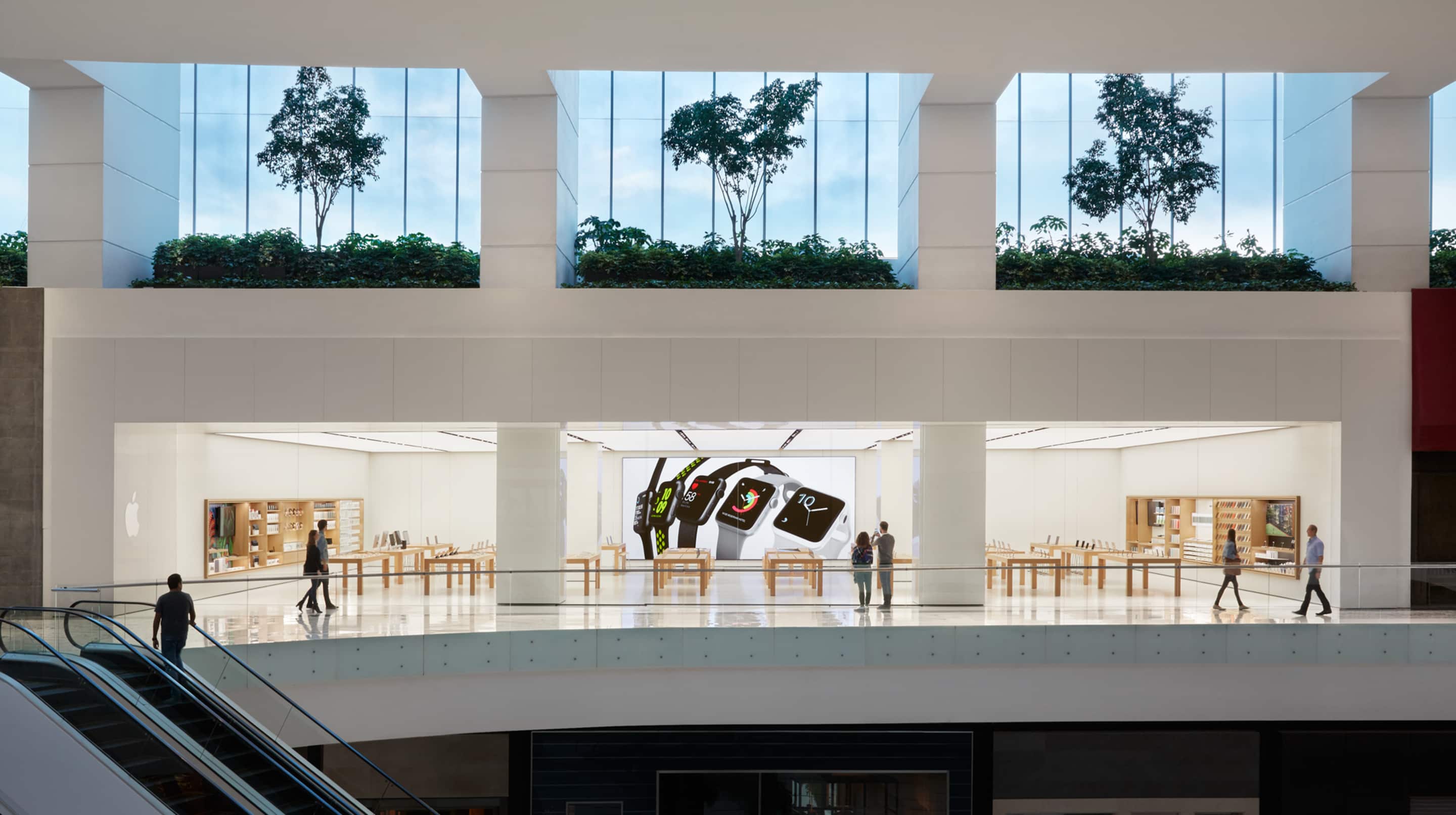 Apple Vía Santa Fe in Mexico City
The page listed Apple as a future tenant in the mall, which is set to expand into an adjacent area previously occupied by the older Centro Coyoacán shopping mall. It is unclear when Apple's store would open, and the plans could change.
It is unclear why the page was deleted, but Apple has a culture of secrecy.
Apple has two other stores in Mexico City — one is inside the Vía Santa Fe shopping mall, and the other is at the Antara open-air shopping center.
Apple Vía Santa Fe opened in 2016, and Apple Antara followed in 2019.
(Thanks, José!)
This article, "Mexico is Seemingly Getting a Third Apple Store" first appeared on MacRumors.com
Discuss this article in our forums
Apple Vía Santa Fe in Mexico CityThe page listed Apple as a future tenant in the mall, which is set to expand into an adjacent area previously occupied by the older Centro Coyoacán shopping mall. It is unclear when Apple's store would open, and the plans could change.
It is unclear why the page was deleted, but Apple has a culture of secrecy.
Apple has two other stores in Mexico City — one is inside the Vía Santa Fe shopping mall, and the other is at the Antara open-air shopping center.
Apple Vía Santa Fe opened in 2016, and Apple Antara followed in 2019.
(Thanks, José!)
Tags: Apple Store, Mexico
This article, "Mexico is Seemingly Getting a Third Apple Store" first appeared on MacRumors.com
Discuss this article in our forums
Recommended Comments
Join the conversation
You can post now and register later. If you have an account, sign in now to post with your account.