_811205.png)
_e196d8.png)
_32b3d9.png)
_1c53fe.png)

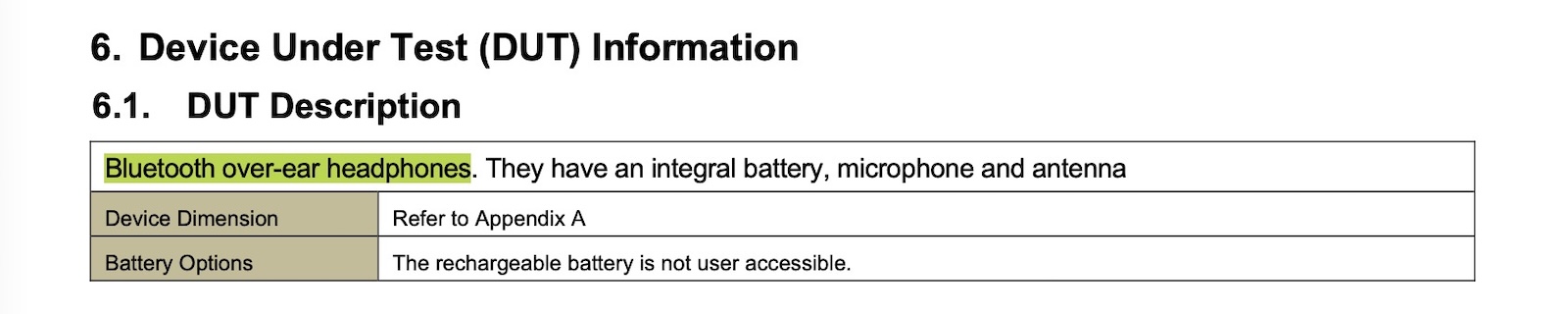
The U.S. Federal Communications Commission has just published documents related to an apparently unreleased Apple product with model number A3577, with the product described as "Bluetooth over-ear headphones."
These headphones do not appear to be the AirPods Max 2, which carry a model number of A3454, and there is little other information to go on, so it is unclear what these headphones are.
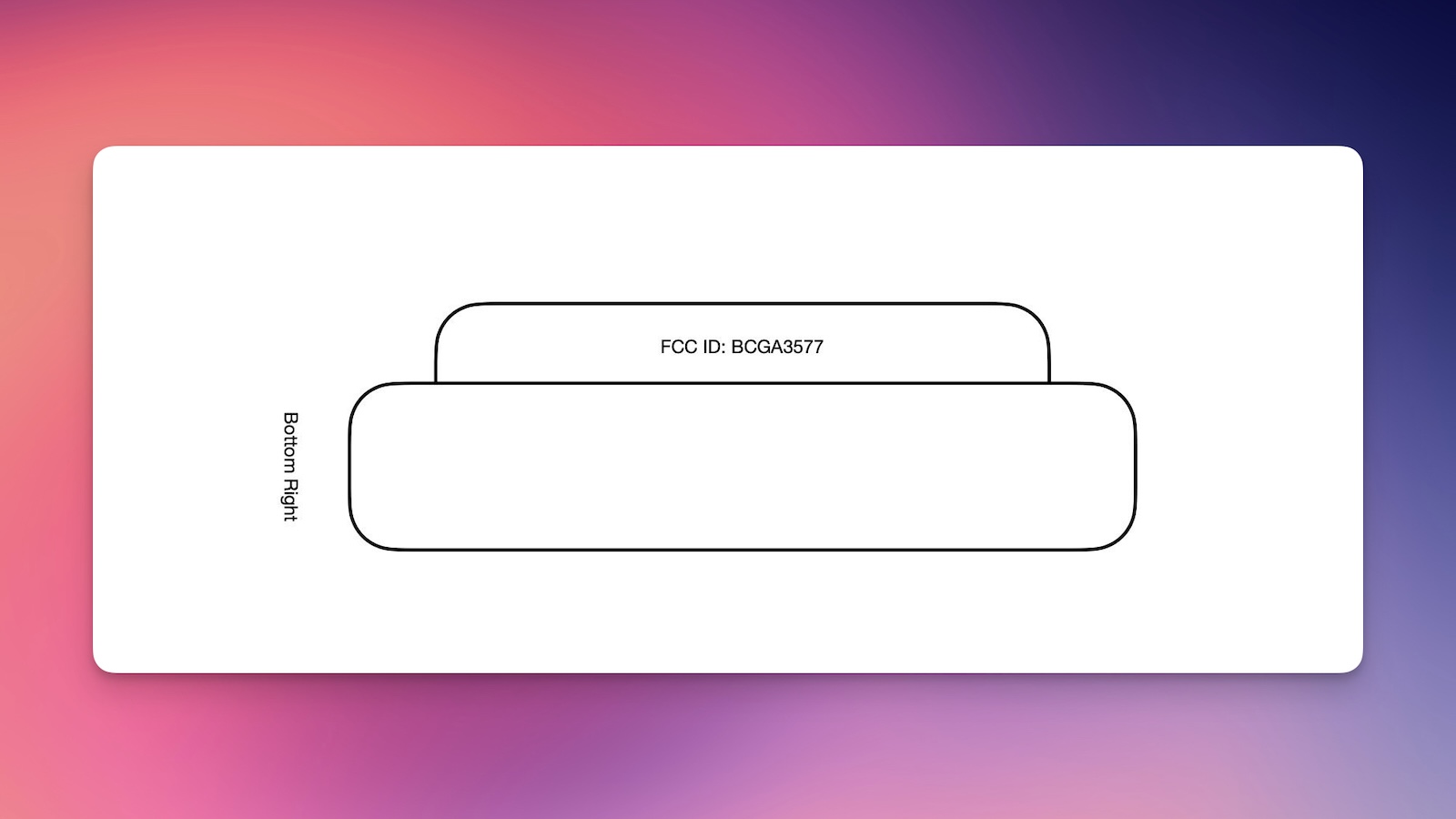
Most of the documents that would reveal details on this A3577 product are being temporarily withheld from publication under a confidentiality request, which is standard for Apple's product filings with the FCC. One figure showing the location of the FCC ID labeling on the product appears to show a generic-looking headphone ear cup, with no identifying design details.

It is possible these are an upcoming Beats product, such as an updated version of the brand's over-ear Beats Studio Pro headphones, but this is purely speculation. The Beats Studio Pro were released nearly three years ago in July 2023, so they could be due for a revision.
We'll share additional information as we learn more.
This article, "New Apple or Beats Over-Ear Headphones Appear in FCC Database" first appeared on MacRumors.com
Discuss this article in our forums
These headphones do not appear to be the AirPods Max 2, which carry a model number of A3454, and there is little other information to go on, so it is unclear what these headphones are.
Most of the documents that would reveal details on this A3577 product are being temporarily withheld from publication under a confidentiality request, which is standard for Apple's product filings with the FCC. One figure showing the location of the FCC ID labeling on the product appears to show a generic-looking headphone ear cup, with no identifying design details.
It is possible these are an upcoming Beats product, such as an updated version of the brand's over-ear Beats Studio Pro headphones, but this is purely speculation. The Beats Studio Pro were released nearly three years ago in July 2023, so they could be due for a revision.
We'll share additional information as we learn more.
This article, "New Apple or Beats Over-Ear Headphones Appear in FCC Database" first appeared on MacRumors.com
Discuss this article in our forums
Recommended Comments
Join the conversation
You can post now and register later. If you have an account, sign in now to post with your account.