_811205.png)
_e196d8.png)
_32b3d9.png)
_1c53fe.png)

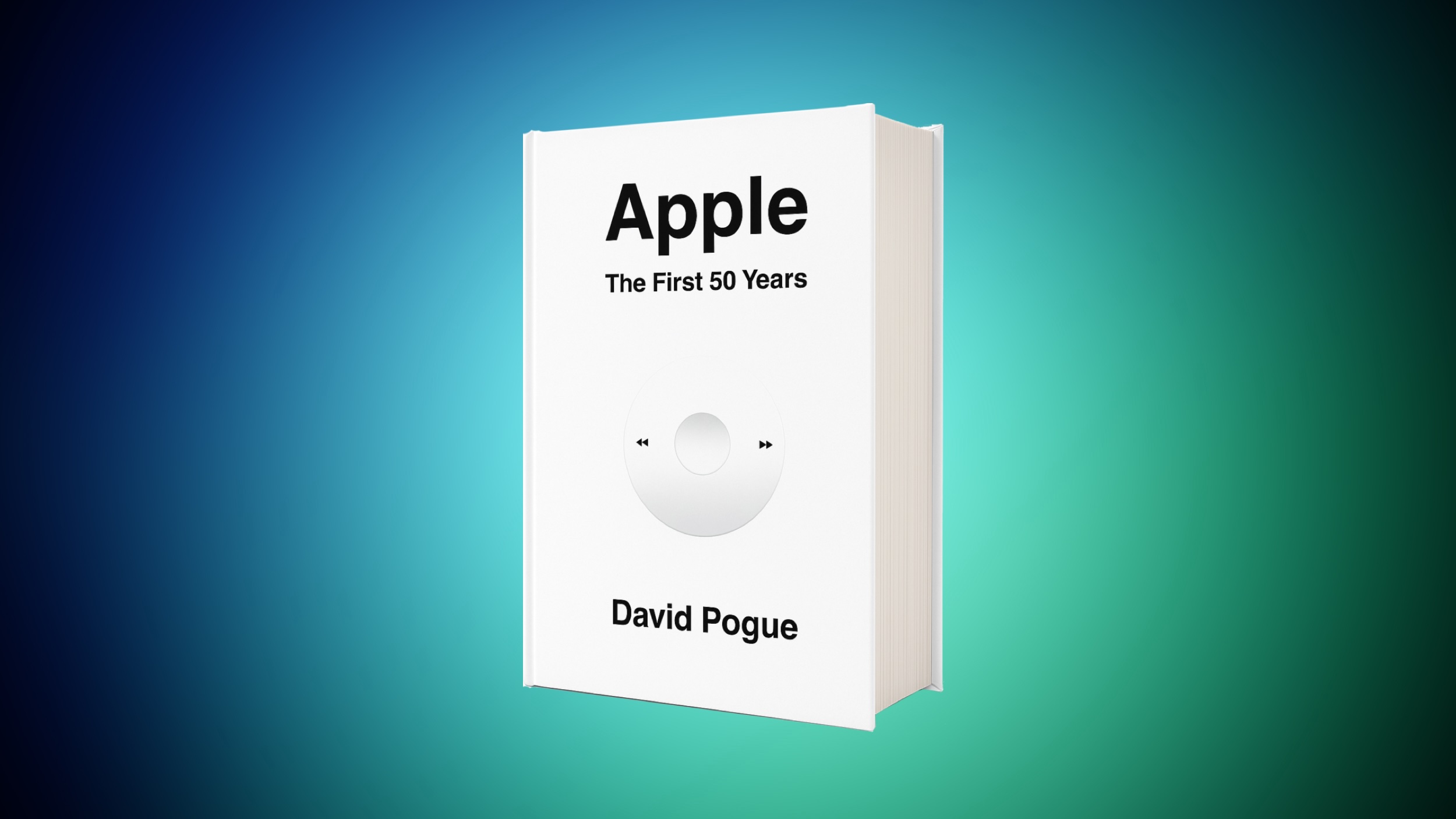
This month, tech columnist David Pogue launched a new book called "Apple: The First 50 Years." On Amazon, you can get the new book for $33.80 in hardcover, down from $50.00, the best price we've seen so far on the book.
 Note: MacRumors is an affiliate partner with Amazon. When you click a link and make a purchase, we may receive a small payment, which helps us keep the site running.
The book explores the first five decades of Apple's history, including interviews with 150 key people who shaped Apple into what it is today, like Steve Wozniak, John Sculley, Jony Ive, and more. The book is launching to coincide with Apple's upcoming 50th anniversary on April 1, 2026.
Amazon's sale is on the hardcover version of the book, and provides an estimated April 3 delivery date for free delivery.
We've collected all of the best deals you can find during Amazon's Big Spring Sale in our dedicated article. If you're on the hunt for more discounts, be sure to visit our Apple Deals roundup where we recap the best Apple-related bargains of the past week.
Interested in hearing more about the best deals you can find in 2026? Sign up for our Deals Newsletter and we'll keep you updated so you don't miss the biggest deals of the season!
This article, "New Book 'Apple: The First 50 Years' Hits Record Low Price on Amazon" first appeared on MacRumors.com
Discuss this article in our forums
Note: MacRumors is an affiliate partner with Amazon. When you click a link and make a purchase, we may receive a small payment, which helps us keep the site running.
The book explores the first five decades of Apple's history, including interviews with 150 key people who shaped Apple into what it is today, like Steve Wozniak, John Sculley, Jony Ive, and more. The book is launching to coincide with Apple's upcoming 50th anniversary on April 1, 2026.
Amazon's sale is on the hardcover version of the book, and provides an estimated April 3 delivery date for free delivery.
We've collected all of the best deals you can find during Amazon's Big Spring Sale in our dedicated article. If you're on the hunt for more discounts, be sure to visit our Apple Deals roundup where we recap the best Apple-related bargains of the past week.
Deals Newsletter
Interested in hearing more about the best deals you can find in 2026? Sign up for our Deals Newsletter and we'll keep you updated so you don't miss the biggest deals of the season!
Related Roundup: Apple Deals
This article, "New Book 'Apple: The First 50 Years' Hits Record Low Price on Amazon" first appeared on MacRumors.com
Discuss this article in our forums
Recommended Comments
Join the conversation
You can post now and register later. If you have an account, sign in now to post with your account.