_811205.png)
_e196d8.png)
_32b3d9.png)
_1c53fe.png)

Say hello to the Sonos Play – a new unannounced portable speaker that appears to have been accidentally leaked on the Canadian Best Buy site.
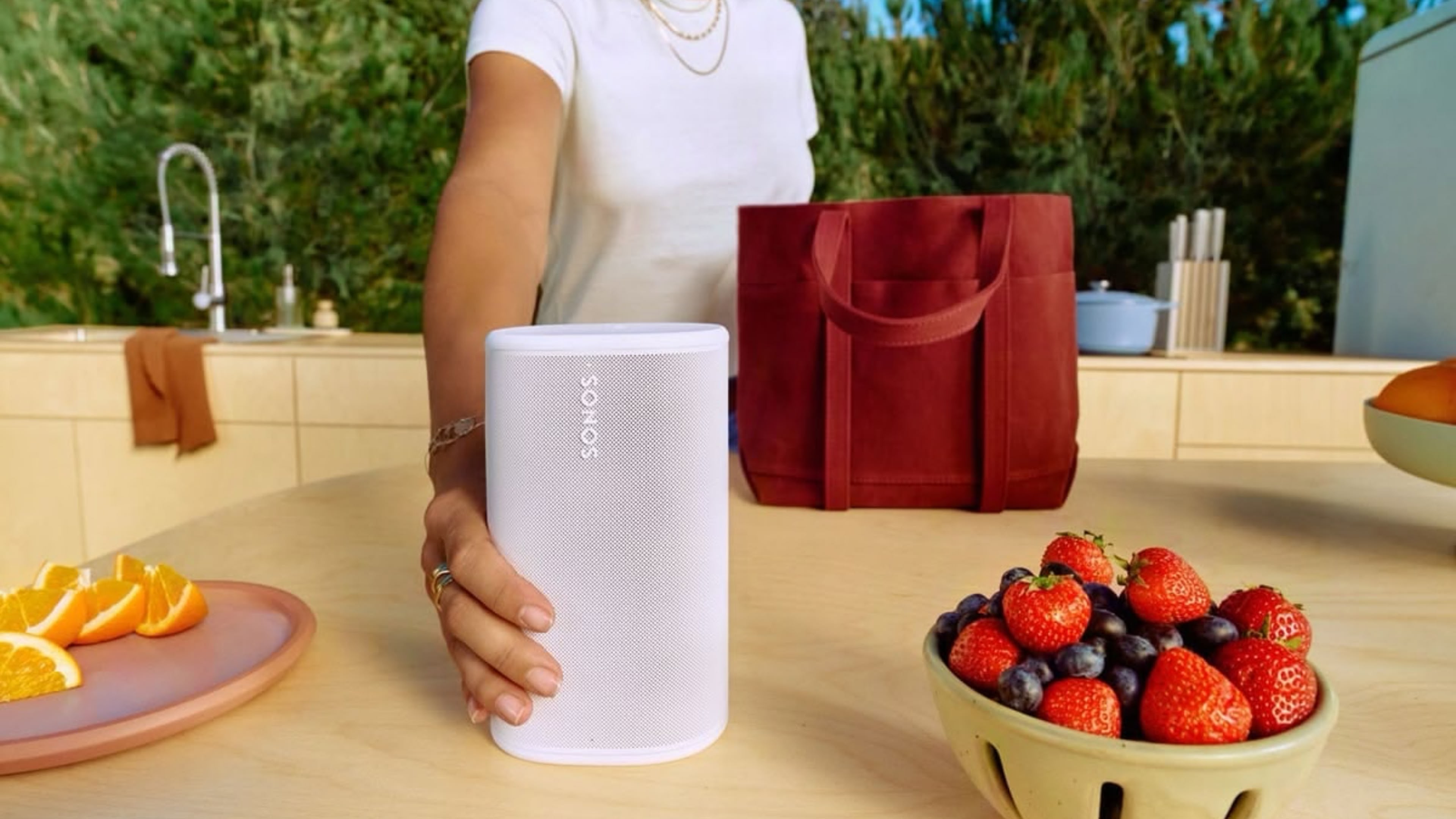
Priced at CAD $399.99, the speaker looks a lot like a smaller version of the Sonos Move 2, and features Wi-Fi for multi-room setups of up to 32 speakers, AirPlay 2 support, and Bluetooth 5.3. There's also an aux-in for connecting record players and other equipment. Courtesy of the Redditor who spotted the listing, here's the blurb:
This article, "New Sonos Play Portable Speaker Leaks on Best Buy" first appeared on MacRumors.com
Discuss this article in our forums
Priced at CAD $399.99, the speaker looks a lot like a smaller version of the Sonos Move 2, and features Wi-Fi for multi-room setups of up to 32 speakers, AirPlay 2 support, and Bluetooth 5.3. There's also an aux-in for connecting record players and other equipment. Courtesy of the Redditor who spotted the listing, here's the blurb:
Take quality sound wherever you go with the Sonos Play Bluetooth wireless speaker. Its compact design fits easily in your hand, while automatic Trueplay tuning optimizes audio for any environment. Wi‑Fi and Bluetooth let you stream high‑quality audio from different devices and sources. Up to 24 hours of battery life avoids the need for frequent recharging.The speaker listing has since been pulled from the Best Buy site, but it shouldn't be long before it's officially announced, given the release date was stated as March 31, 2026.
Tag: Sonos
This article, "New Sonos Play Portable Speaker Leaks on Best Buy" first appeared on MacRumors.com
Discuss this article in our forums
Recommended Comments
Join the conversation
You can post now and register later. If you have an account, sign in now to post with your account.