_811205.png)
_e196d8.png)
_32b3d9.png)
_1c53fe.png)

Apple today released a new firmware update for the Studio Display and Studio Display XDR, two products that aren't set to launch until March 11.
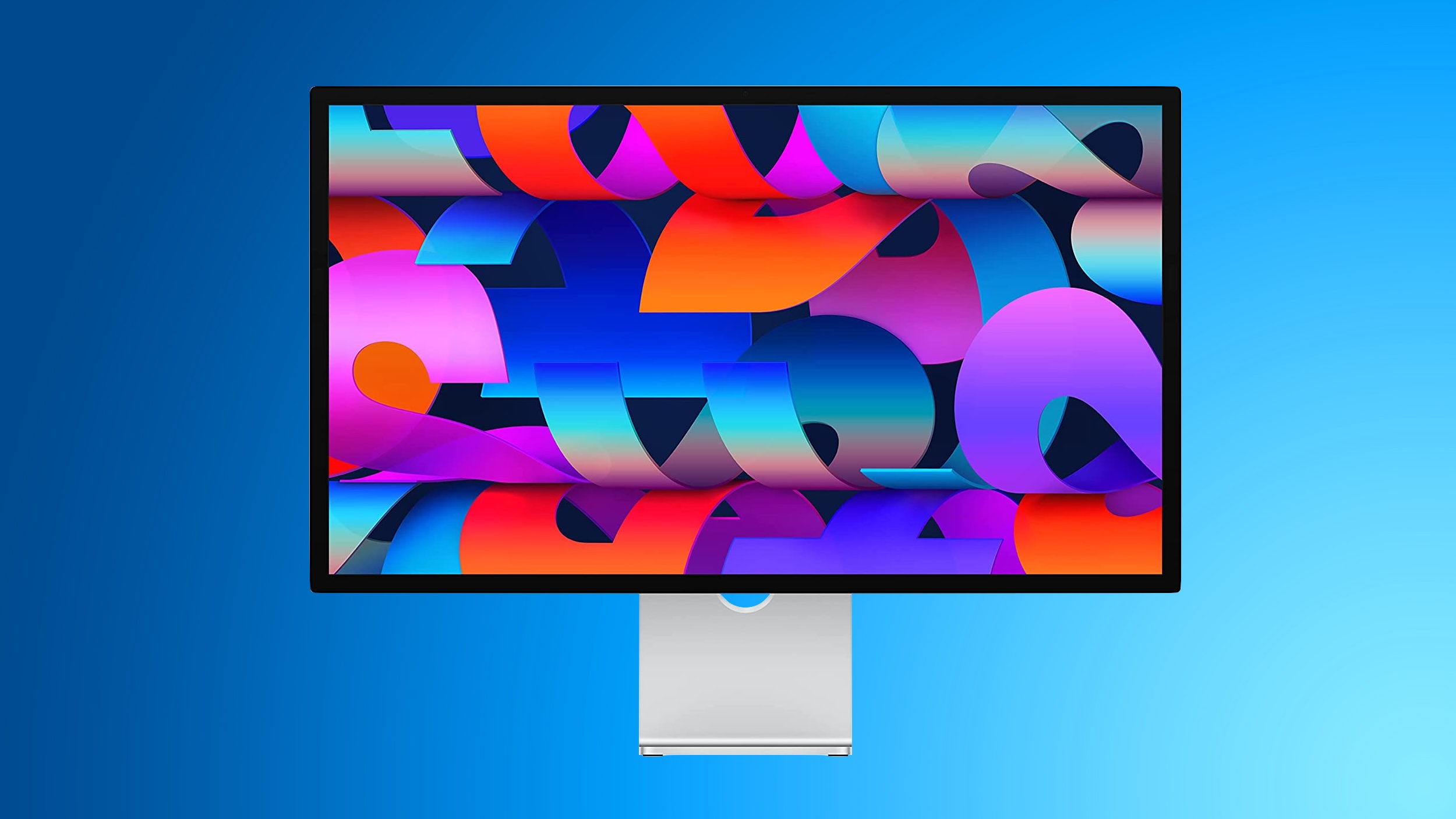
The Studio Display Firmware 26.3 update is only for the new Studio Display options, and it is not available on the older model.
Studio Display firmware can be updated by connecting the display to a Mac and going to System Settings > Software Update.
Pre-orders are available for the Studio Display and Studio Display XDR as of today. Prices start at $1,599.
This article, "New Studio Display and Studio Display XDR Will Have Day One Firmware Update" first appeared on MacRumors.com
Discuss this article in our forums
The Studio Display Firmware 26.3 update is only for the new Studio Display options, and it is not available on the older model.
Studio Display firmware can be updated by connecting the display to a Mac and going to System Settings > Software Update.
Pre-orders are available for the Studio Display and Studio Display XDR as of today. Prices start at $1,599.
Related Roundup: Apple Studio Display
Related Forum: Mac Accessories
This article, "New Studio Display and Studio Display XDR Will Have Day One Firmware Update" first appeared on MacRumors.com
Discuss this article in our forums
Recommended Comments
Join the conversation
You can post now and register later. If you have an account, sign in now to post with your account.