_811205.png)
_e196d8.png)
_32b3d9.png)
_1c53fe.png)

Apple is prioritizing larger batteries and more advanced health sensors over fingerprint authentication for the Apple Watch, according to a new claim from a prominent Chinese leaker.
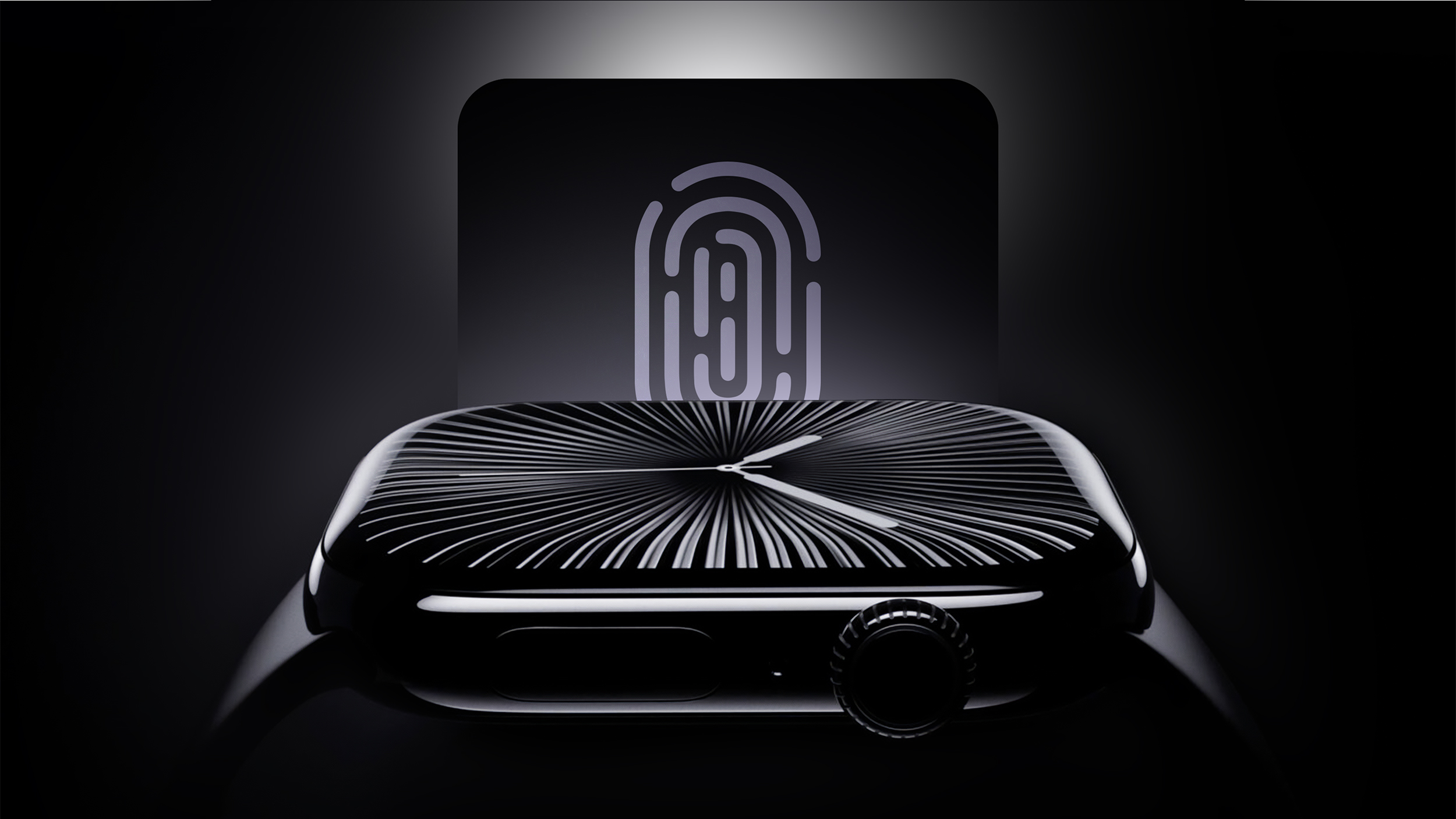
In a new Weibo post, Instant Digital pushed back on recent speculation about biometric recognition coming to Apple's wearable lineup, claiming instead that the company remains content to let users unlock their devices via their paired iPhone.
Adding Touch ID sensors would introduce extra cost and eat into precious internal space that could otherwise be used for battery capacity, which is a tradeoff Apple apparently isn't willing to make at this stage, suggests the leaker.
Last August, MacRumors confirmed lines of code uncovered by Macworld that suggested Touch ID could arrive on the Apple Watch Series 12 or Apple Watch Ultra 4. That discovery led to suggestions that Apple could put the Touch ID sensor under the display or potentially integrate it into the side button, similar to its implementation on the iPad mini and iPad Air.
As things stand, the 2026 Apple Watch models are not expected to feature major design changes, and a design update is unlikely to happen until 2028 at the earliest. When it does, Apple could introduce noninvasive blood glucose monitoring technology, but currently the feature remains in the early stages of development.
This article, "Next Apple Watch Models Unlikely to Add Touch ID, Focus on Battery Life" first appeared on MacRumors.com
Discuss this article in our forums
In a new Weibo post, Instant Digital pushed back on recent speculation about biometric recognition coming to Apple's wearable lineup, claiming instead that the company remains content to let users unlock their devices via their paired iPhone.
Adding Touch ID sensors would introduce extra cost and eat into precious internal space that could otherwise be used for battery capacity, which is a tradeoff Apple apparently isn't willing to make at this stage, suggests the leaker.
Last August, MacRumors confirmed lines of code uncovered by Macworld that suggested Touch ID could arrive on the Apple Watch Series 12 or Apple Watch Ultra 4. That discovery led to suggestions that Apple could put the Touch ID sensor under the display or potentially integrate it into the side button, similar to its implementation on the iPad mini and iPad Air.
As things stand, the 2026 Apple Watch models are not expected to feature major design changes, and a design update is unlikely to happen until 2028 at the earliest. When it does, Apple could introduce noninvasive blood glucose monitoring technology, but currently the feature remains in the early stages of development.
Related Roundups: Apple Watch 11, Apple Watch Ultra 3
Tag: Instant Digital
Buyer's Guide: Apple Watch (Caution), Apple Watch Ultra (Neutral)
Related Forum: Apple Watch
This article, "Next Apple Watch Models Unlikely to Add Touch ID, Focus on Battery Life" first appeared on MacRumors.com
Discuss this article in our forums
Recommended Comments
Join the conversation
You can post now and register later. If you have an account, sign in now to post with your account.