_811205.png)
_e196d8.png)
_32b3d9.png)
_1c53fe.png)

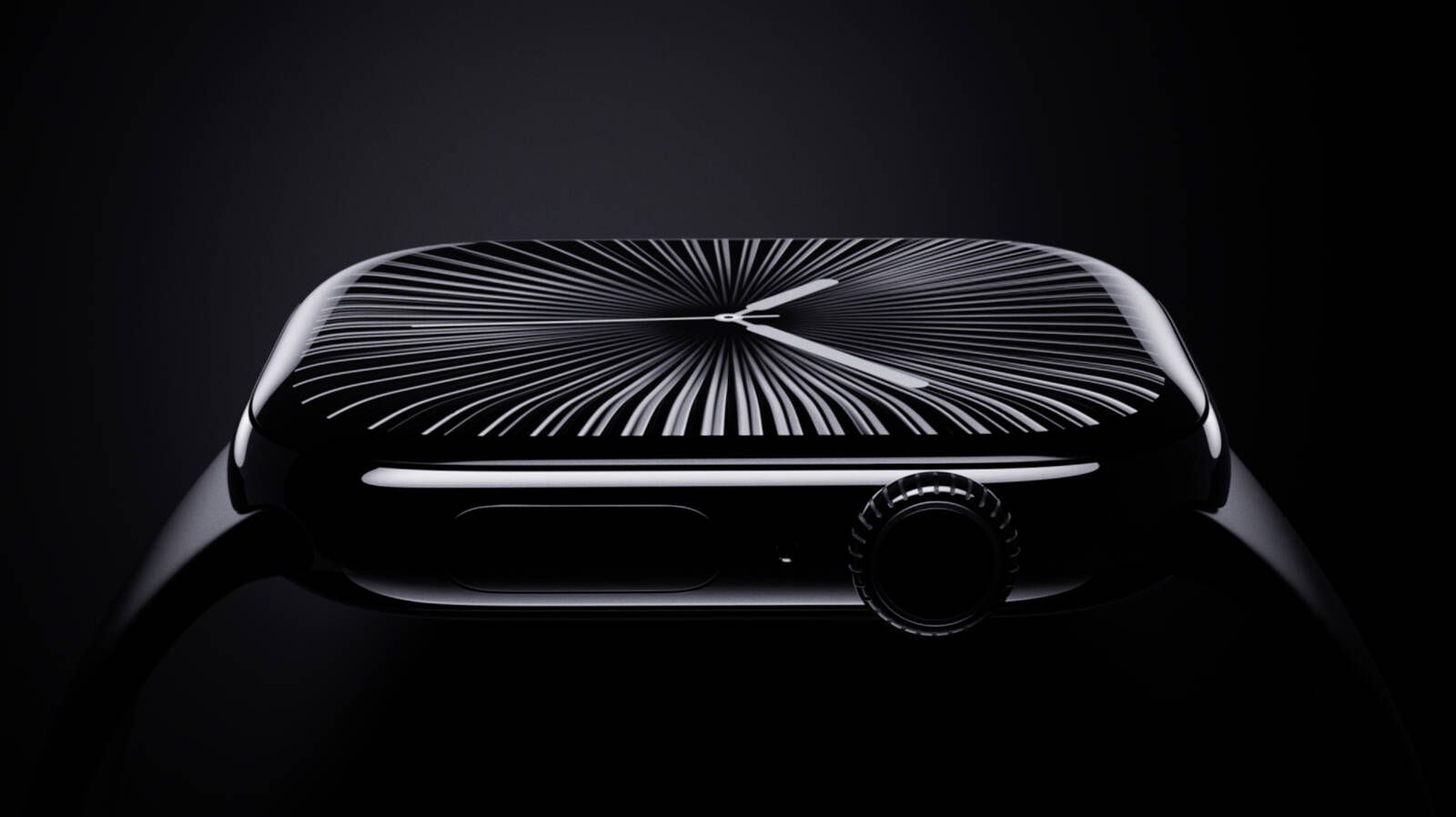
In addition to indicating that a new full-sized HomePod is in the works, and that the foldable iPhone will likely ship later than the iPhone 18 Pro models this year, Bloomberg's Mark Gurman today said he does not expect any major design changes for the next-generation Apple Watch models coming later this year.
Gurman revealed all of this information in a live Q&A call today on the Bloomberg website, where listeners were invited to ask him anything about Apple.
Over the years, there were rumors about everything from a radically redesigned "Apple Watch X" to a new style of watch band that attaches magnetically, but nothing like that has ever materialized. And based on Gurman's latest commentary, it sounds like the next Apple Watch will continue to look more or less the same this year.
Of course, the Apple Watch Ultra did usher in an all-new design when it launched in 2022, but that model has only received iterative design changes since.
A redesign is not necessary just for the sake of change, but users who are looking forward to something new might have to be patient, as it was recently rumored that a major Apple Watch redesign will not arrive for at least two more years.
This article, "No Major Apple Watch Redesign Expected This Year" first appeared on MacRumors.com
Discuss this article in our forums
Gurman revealed all of this information in a live Q&A call today on the Bloomberg website, where listeners were invited to ask him anything about Apple.
Over the years, there were rumors about everything from a radically redesigned "Apple Watch X" to a new style of watch band that attaches magnetically, but nothing like that has ever materialized. And based on Gurman's latest commentary, it sounds like the next Apple Watch will continue to look more or less the same this year.
Of course, the Apple Watch Ultra did usher in an all-new design when it launched in 2022, but that model has only received iterative design changes since.
A redesign is not necessary just for the sake of change, but users who are looking forward to something new might have to be patient, as it was recently rumored that a major Apple Watch redesign will not arrive for at least two more years.
Tags: Bloomberg, Mark Gurman
Related Forum: Apple Watch
This article, "No Major Apple Watch Redesign Expected This Year" first appeared on MacRumors.com
Discuss this article in our forums
Recommended Comments
Join the conversation
You can post now and register later. If you have an account, sign in now to post with your account.