_811205.png)
_e196d8.png)
_32b3d9.png)
_1c53fe.png)

Apple will update the MacBook Air with an OLED display for its 2028 model, according to Bloomberg's Mark Gurman.
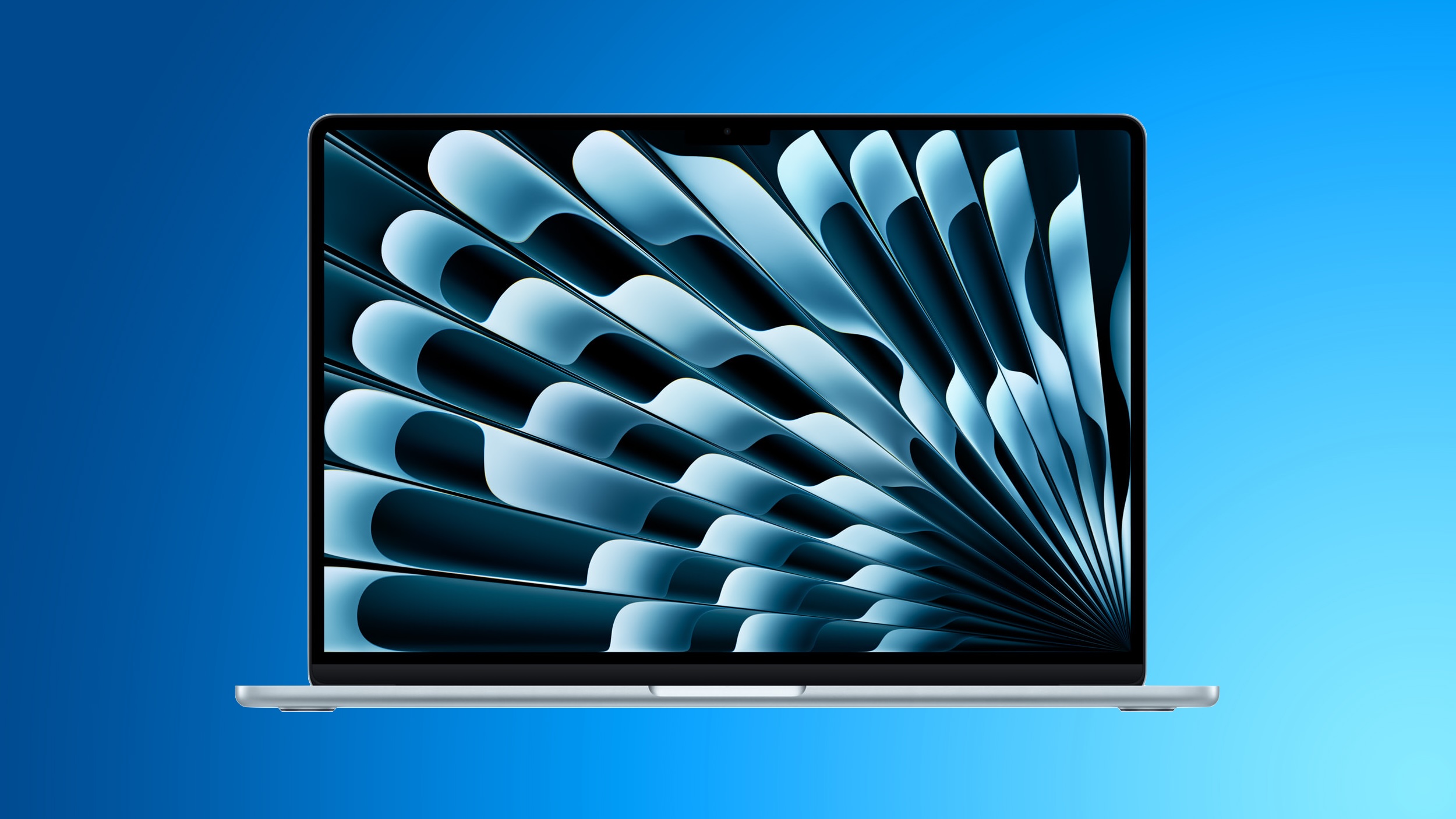
Writing in his latest "Power On" newsletter, Gurman says that he expects the MacBook Air's transition from LCD to OLED to occur with the product's 2028 update, as part of a larger migration to OLED across the company's flagship iPad and MacBook models that includes the iPad mini, MacBook Pro, iPad Air, and MacBook Air – and likely in that order.
Apple already uses OLED displays in the iPad Pro. There are apparently no plans to add OLED to the low-cost iPad. The MacBook Pro will be updated with an OLED display when it is next redesigned, perhaps as soon as later this year, and it will include touch screen functionality, according to Gurman and Apple analyst Ming-Chi Kuo.
Apple is expected to update the MacBook Air with M5 chips imminently, but that model will continue to feature an LCD display. If Apple follows an annual upgrade cycle, the first OLED MacBook Air will likely feature M7 chips. Gurman previously reported that Apple has already started early work on an OLED MacBook Air.
When the MacBook Air moves from LCD to OLED display technology, it will gain several advantages – brighter screens, deeper blacks with higher contrast, improved power efficiency that can extend battery life, and other enhancements.

This article, "OLED MacBook Air Expected in 2028" first appeared on MacRumors.com
Discuss this article in our forums
Writing in his latest "Power On" newsletter, Gurman says that he expects the MacBook Air's transition from LCD to OLED to occur with the product's 2028 update, as part of a larger migration to OLED across the company's flagship iPad and MacBook models that includes the iPad mini, MacBook Pro, iPad Air, and MacBook Air – and likely in that order.
Apple already uses OLED displays in the iPad Pro. There are apparently no plans to add OLED to the low-cost iPad. The MacBook Pro will be updated with an OLED display when it is next redesigned, perhaps as soon as later this year, and it will include touch screen functionality, according to Gurman and Apple analyst Ming-Chi Kuo.
Apple is expected to update the MacBook Air with M5 chips imminently, but that model will continue to feature an LCD display. If Apple follows an annual upgrade cycle, the first OLED MacBook Air will likely feature M7 chips. Gurman previously reported that Apple has already started early work on an OLED MacBook Air.
When the MacBook Air moves from LCD to OLED display technology, it will gain several advantages – brighter screens, deeper blacks with higher contrast, improved power efficiency that can extend battery life, and other enhancements.
Related Roundup: MacBook Air
Tags: Mark Gurman, OLED
Buyer's Guide: 15" MacBook Air (Don't Buy), 13" MacBook Air (Don't Buy)
Related Forum: MacBook Air
This article, "OLED MacBook Air Expected in 2028" first appeared on MacRumors.com
Discuss this article in our forums
Recommended Comments
Join the conversation
You can post now and register later. If you have an account, sign in now to post with your account.