_811205.png)
_e196d8.png)
_32b3d9.png)
_1c53fe.png)

Opera has pushed another update for its flagship browser, with new changes aimed at making video streaming and conferencing better. Here are the details.
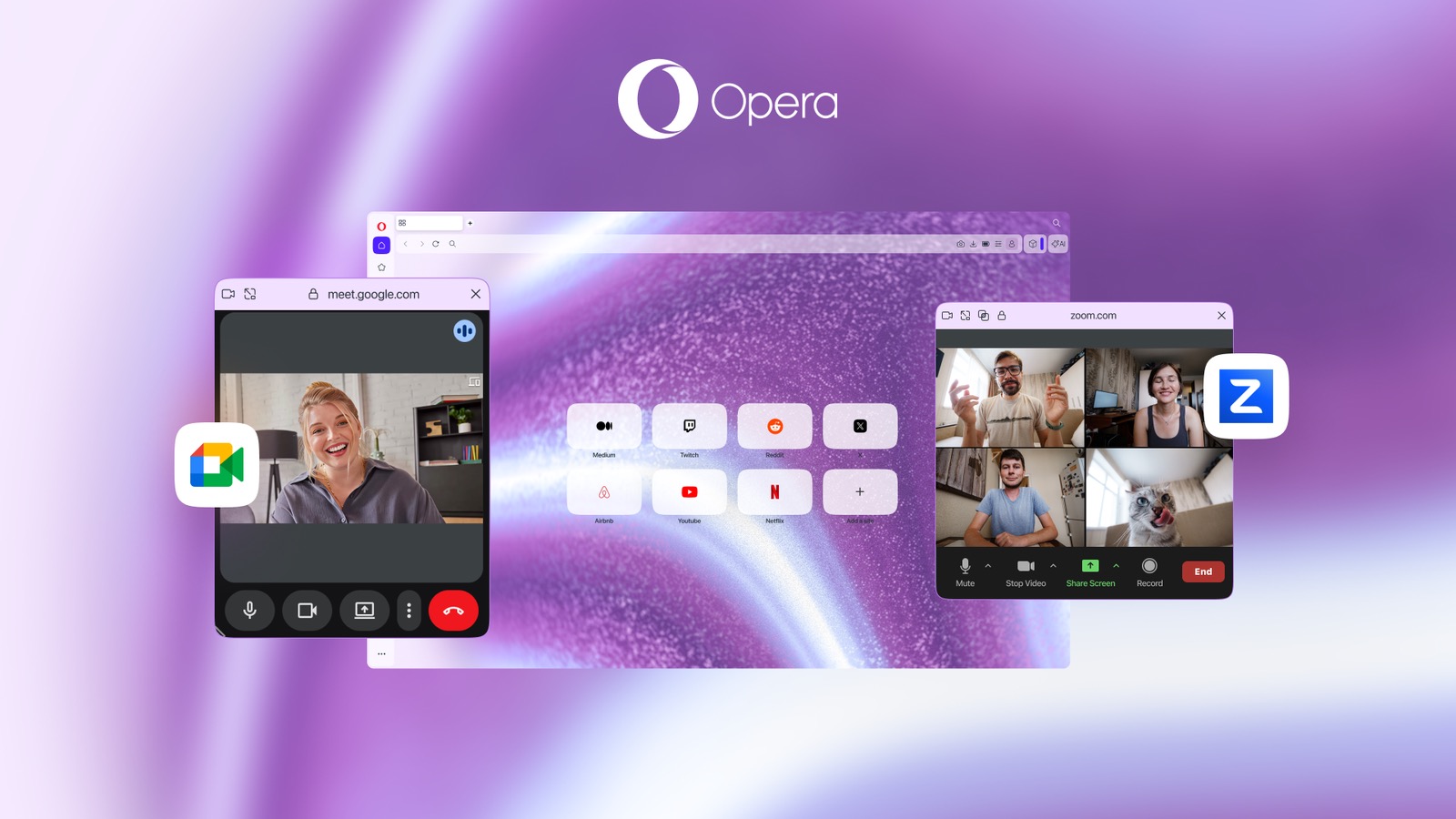
Opera users now get direct access to YouTube and Twitch from the browser sidebar, allowing them to pin the panel for side-by-side viewing or snap the video out with the Video Popout feature, which creates a floating overlay that they can move while navigating the web.
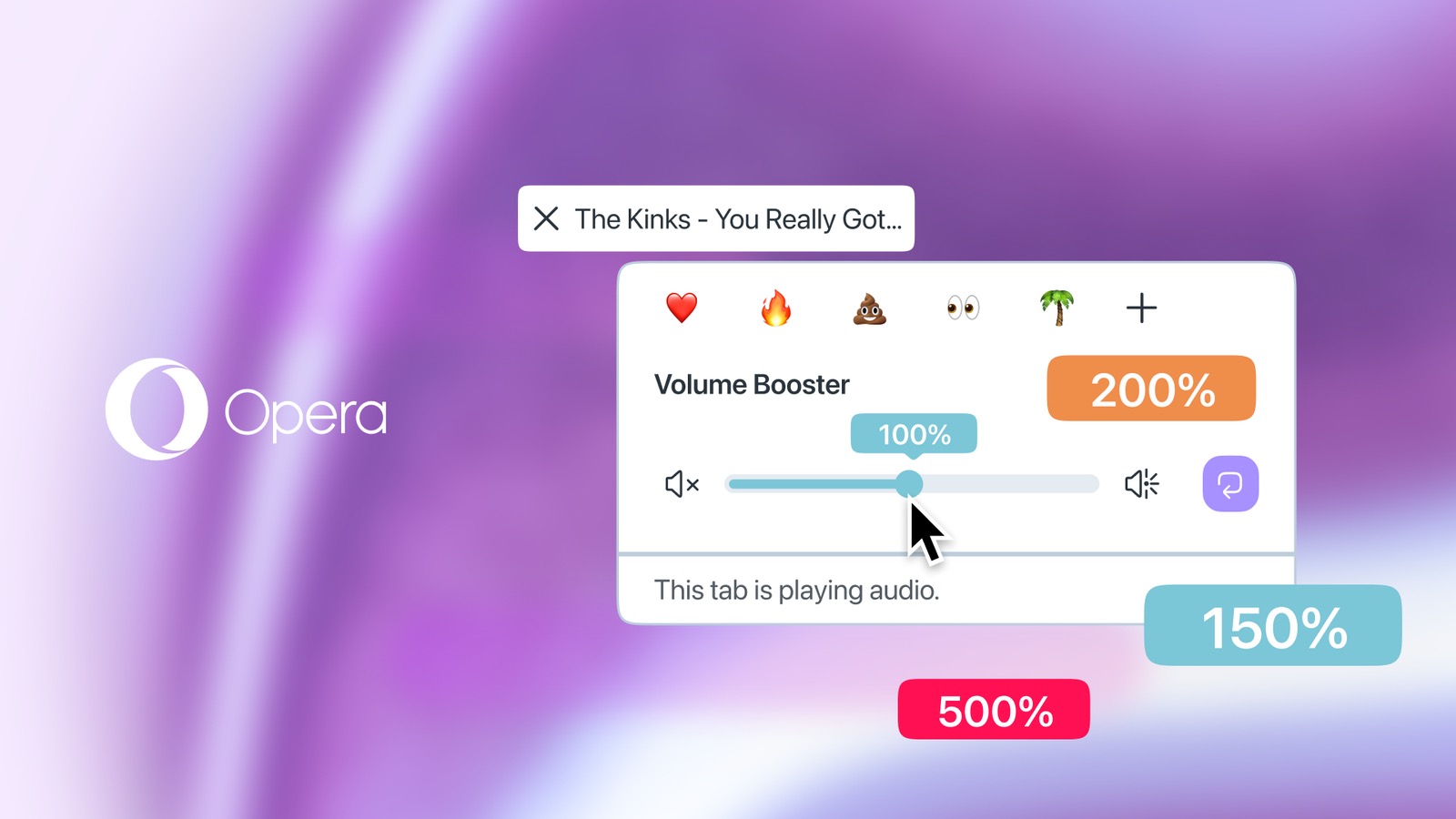
Meanwhile, in what the company is describing as a first for any browser, Opera now has an integrated Volume Booster that lets users increase a tab's volume by up to 500 percent. The feature includes per-tab control, so users can, for example, keep background music at a quiet 5%, while simultaneously boosting a quiet video in another tab to 500%.
The company says this native feature means users no longer need to rely on third-party volume extensions that can cause full-screen glitches and security warnings.
Opera is also touting major quality-of-life upgrades to remote working in the latest update. The app now fully supports any video conferencing website that supports PiP, which includes full compatibility with Zoom. Users also get per-site control over Auto-PiP permissions for every individual conferencing website. And in an aesthetic change for consistency, the Video Popout window matches the chosen Opera One theme for the first time.
Opera browser is available now as a free update and can be downloaded from the company's website.
This article, "Opera Browser Gains Per-Tab Volume Booster, Video Popout" first appeared on MacRumors.com
Discuss this article in our forums
Opera users now get direct access to YouTube and Twitch from the browser sidebar, allowing them to pin the panel for side-by-side viewing or snap the video out with the Video Popout feature, which creates a floating overlay that they can move while navigating the web.
Meanwhile, in what the company is describing as a first for any browser, Opera now has an integrated Volume Booster that lets users increase a tab's volume by up to 500 percent. The feature includes per-tab control, so users can, for example, keep background music at a quiet 5%, while simultaneously boosting a quiet video in another tab to 500%.
The company says this native feature means users no longer need to rely on third-party volume extensions that can cause full-screen glitches and security warnings.
Opera is also touting major quality-of-life upgrades to remote working in the latest update. The app now fully supports any video conferencing website that supports PiP, which includes full compatibility with Zoom. Users also get per-site control over Auto-PiP permissions for every individual conferencing website. And in an aesthetic change for consistency, the Video Popout window matches the chosen Opera One theme for the first time.
Opera browser is available now as a free update and can be downloaded from the company's website.
Tag: Opera Browser
This article, "Opera Browser Gains Per-Tab Volume Booster, Video Popout" first appeared on MacRumors.com
Discuss this article in our forums
Recommended Comments
Join the conversation
You can post now and register later. If you have an account, sign in now to post with your account.