_811205.png)
_e196d8.png)
_32b3d9.png)
_1c53fe.png)

Pebble today announced the Pebble Index 01, a simple smart ring that's designed for recording information. It is equipped with a microphone and a button to start a recording, but little else.
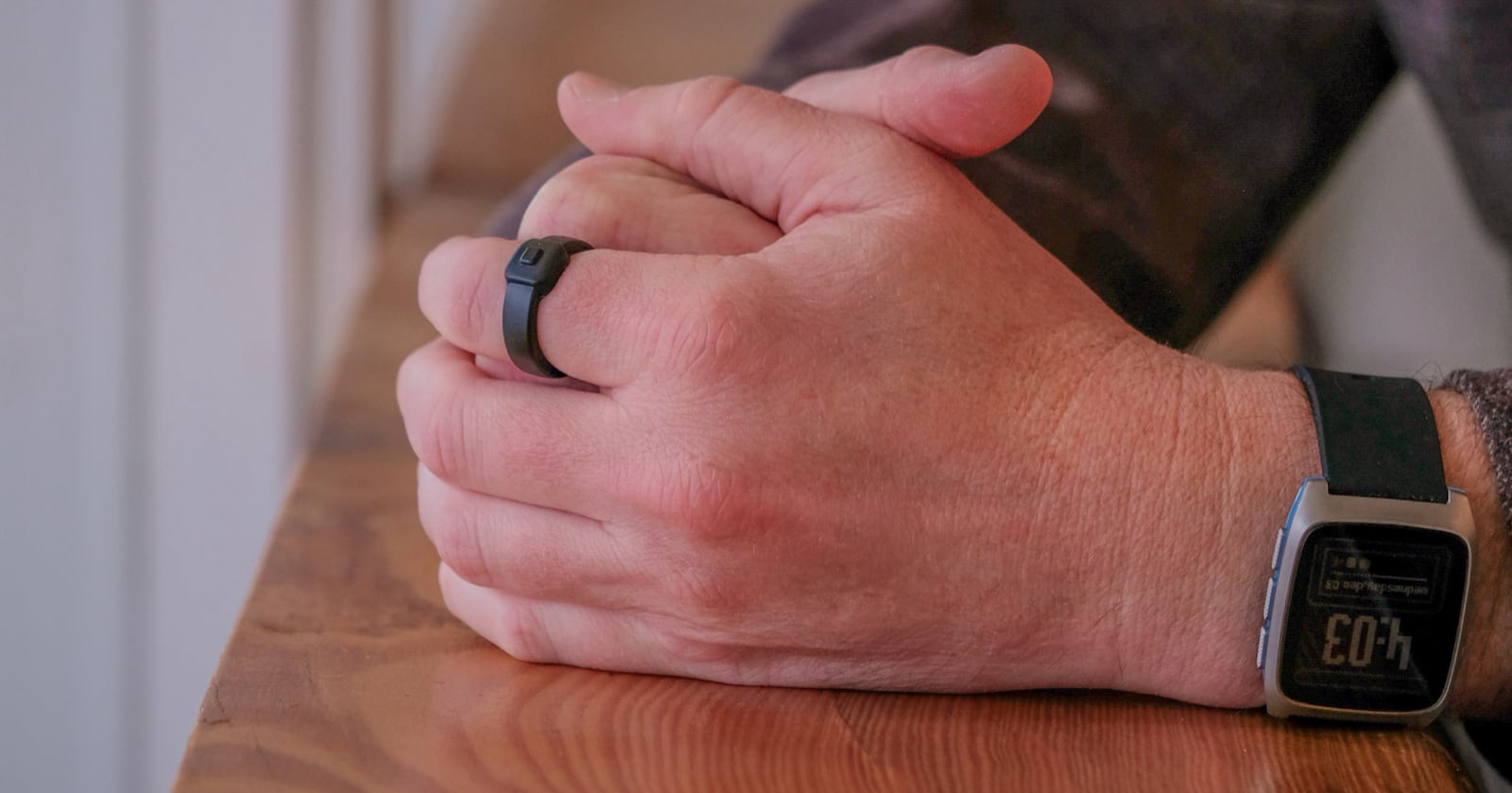
Priced at $75, the Index 01 does not require an internet connection or a subscription, and it doesn't record unless the button is pressed. Recordings are sent to a connected smartphone, and can be saved as a note, added to a calendar, or set as a reminder. Information is processed by open source speech-to-text and AI models locally on an iPhone or Android smartphone.
It is customizable, and single or double button clicks can be set to control different actions like switching to a new song, taking a photo, or activating smart home devices.
The device is made from stainless steel, and it is available in three colors, including silver, gold, and black. Sizes range from 6 to 13. It is resistant to water, and no charging is necessary. Pebble says the battery will last for 12 to 15 hours of recording, which equates to 10-20 recordings per day that are 3-6 seconds in length. Since there is no replaceable battery and no option to charge, the ring is meant to be recycled when the battery dies.
The Pebble Index 01 is priced at $75 and is available for pre-order from the Pebble website. It will ship in March 2026, and after that, the price will increase to $99.
This article, "Pebble Unveils $75 iPhone-Compatible Smart Ring for Quick Voice Recordings" first appeared on MacRumors.com
Discuss this article in our forums
Priced at $75, the Index 01 does not require an internet connection or a subscription, and it doesn't record unless the button is pressed. Recordings are sent to a connected smartphone, and can be saved as a note, added to a calendar, or set as a reminder. Information is processed by open source speech-to-text and AI models locally on an iPhone or Android smartphone.
It is customizable, and single or double button clicks can be set to control different actions like switching to a new song, taking a photo, or activating smart home devices.
The device is made from stainless steel, and it is available in three colors, including silver, gold, and black. Sizes range from 6 to 13. It is resistant to water, and no charging is necessary. Pebble says the battery will last for 12 to 15 hours of recording, which equates to 10-20 recordings per day that are 3-6 seconds in length. Since there is no replaceable battery and no option to charge, the ring is meant to be recycled when the battery dies.
The Pebble Index 01 is priced at $75 and is available for pre-order from the Pebble website. It will ship in March 2026, and after that, the price will increase to $99.
Tag: Pebble
This article, "Pebble Unveils $75 iPhone-Compatible Smart Ring for Quick Voice Recordings" first appeared on MacRumors.com
Discuss this article in our forums
Recommended Comments
Join the conversation
You can post now and register later. If you have an account, sign in now to post with your account.