_811205.png)
_e196d8.png)
_32b3d9.png)
_1c53fe.png)

Porsche is preparing to bring full support for Apple's Digital Key to its new all-electric Cayenne and Macan models.
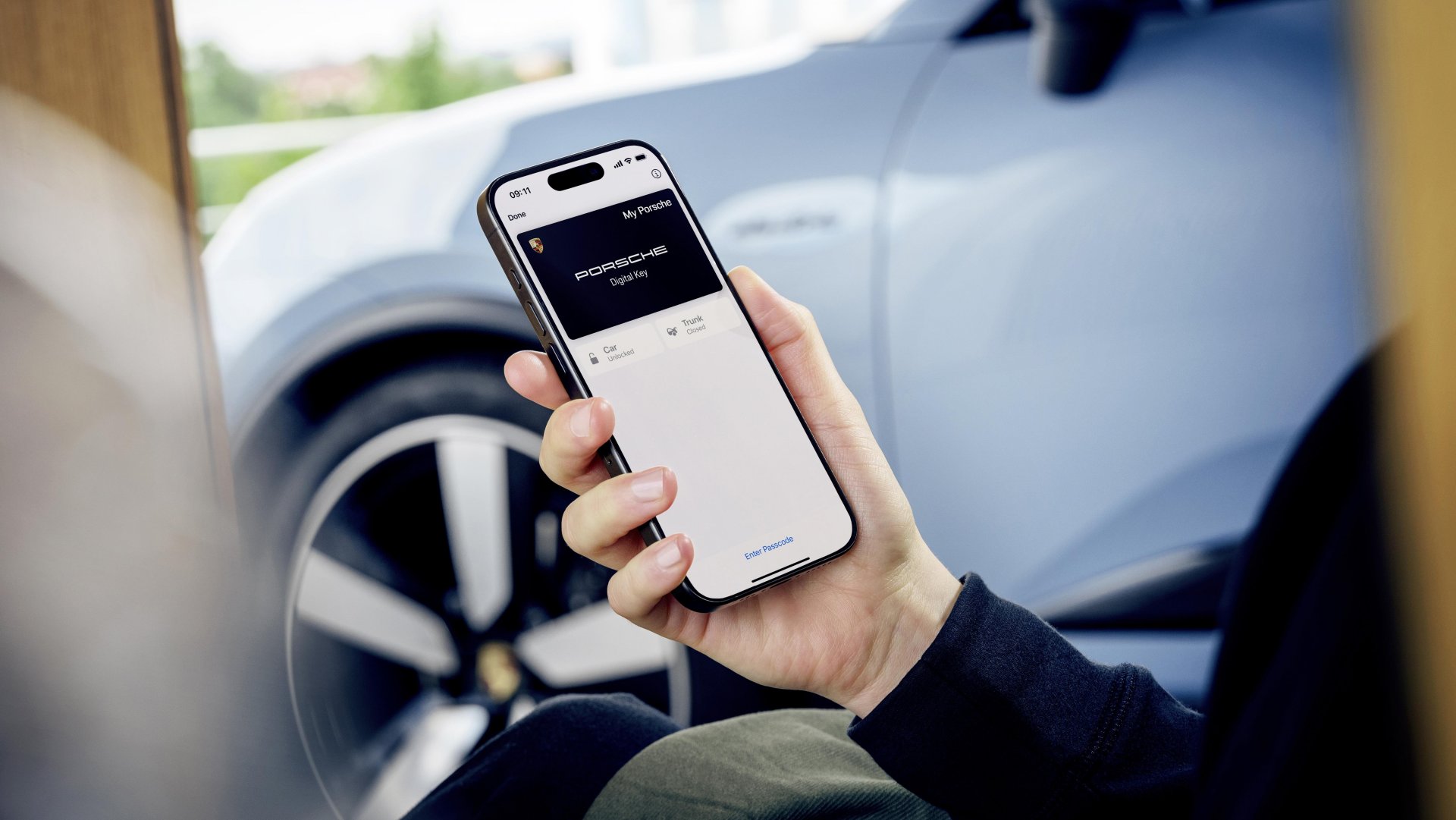
The feature enables unlocking, locking, and starting the vehicle using an iPhone or Apple Watch via NFC, Bluetooth Low Energy, and Ultra Wideband. Digital Keys stored in Apple Wallet will continue to function even when an iPhone has run out of charge. Owners will be able to share access with up to seven additional users.
Porsche was highlighted as an upcoming partner when Apple outlined next-generation Car Key support at WWDC. Porsche Digital Key support will be available on 2026 model year versions of the electric Cayenne and Macan as part of the Comfort Access option.
MacRumors today discovered that Apple has now enabled the required infrastructure on its backend, meaning that Porsche simply needs to roll the feature out, suggesting that this will take place relatively soon. Earlier this week, Samsung announced that its Samsung Wallet service now supports Porsche Digital Key access for select models beginning with the 2026 Macan, using similar standards.
This article, "Porsche Bringing Apple Digital Key Support to 2026 Cayenne and Macan" first appeared on MacRumors.com
Discuss this article in our forums
The feature enables unlocking, locking, and starting the vehicle using an iPhone or Apple Watch via NFC, Bluetooth Low Energy, and Ultra Wideband. Digital Keys stored in Apple Wallet will continue to function even when an iPhone has run out of charge. Owners will be able to share access with up to seven additional users.
Porsche was highlighted as an upcoming partner when Apple outlined next-generation Car Key support at WWDC. Porsche Digital Key support will be available on 2026 model year versions of the electric Cayenne and Macan as part of the Comfort Access option.
MacRumors today discovered that Apple has now enabled the required infrastructure on its backend, meaning that Porsche simply needs to roll the feature out, suggesting that this will take place relatively soon. Earlier this week, Samsung announced that its Samsung Wallet service now supports Porsche Digital Key access for select models beginning with the 2026 Macan, using similar standards.
This article, "Porsche Bringing Apple Digital Key Support to 2026 Cayenne and Macan" first appeared on MacRumors.com
Discuss this article in our forums
Recommended Comments
Join the conversation
You can post now and register later. If you have an account, sign in now to post with your account.