_811205.png)
_e196d8.png)
_32b3d9.png)
_1c53fe.png)

The special new color that Apple is considering for the iPhone 18 Pro and iPhone 18 Pro Max this year is red, according to Bloomberg's Mark Gurman.
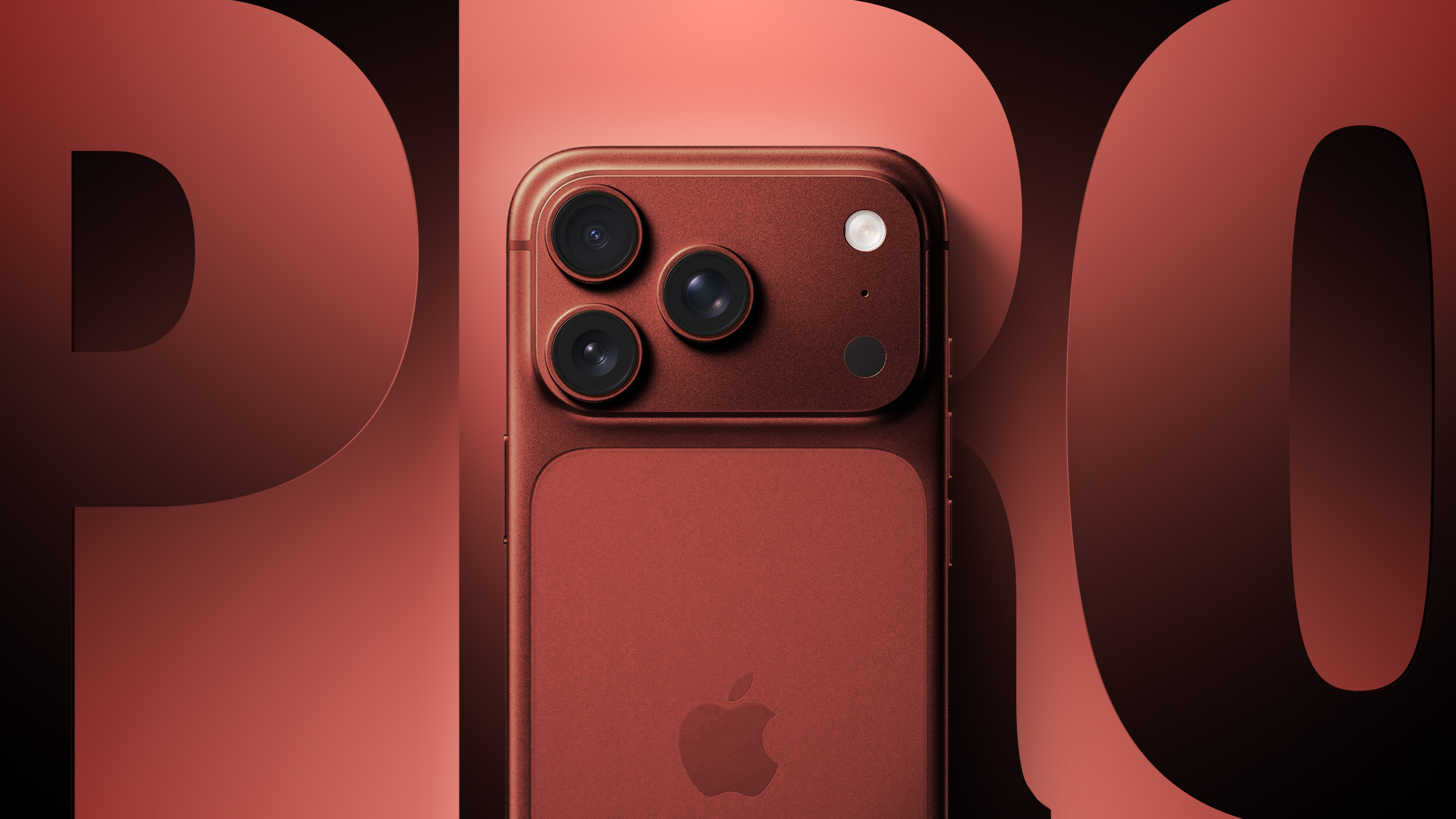
Specifically, he said that Apple is testing a "deep red" finish for the two devices.
If this rumor materializes, it would be the first time that the Pro and Pro Max models ever come in red, and the iPhone 18 Pro models would be the first iPhone models to be available in red since the iPhone 14 and iPhone 14 Plus in (PRODUCT)RED. However, it sounds like it would be more of a burgundy finish than a bright red.
While it was previously rumored that Apple was also considering purple and brown finishes for the iPhone 18 Pro models, Gurman said he believes that those color options are "just variants of the same red idea — given that the tones are fairly similar." In other words, it sounds like those two color options will not actually be offered.
As for the foldable iPhone, Gurman said Apple plans to "stay away from fun colors" and stick to more traditional space gray/black and silver/white finishes.
Apple is expected to unveil the iPhone 18 Pro and foldable iPhone models in September.

This article, "Report: Apple is Testing These iPhone 18 Pro and Foldable iPhone Colors" first appeared on MacRumors.com
Discuss this article in our forums
Specifically, he said that Apple is testing a "deep red" finish for the two devices.
If this rumor materializes, it would be the first time that the Pro and Pro Max models ever come in red, and the iPhone 18 Pro models would be the first iPhone models to be available in red since the iPhone 14 and iPhone 14 Plus in (PRODUCT)RED. However, it sounds like it would be more of a burgundy finish than a bright red.
While it was previously rumored that Apple was also considering purple and brown finishes for the iPhone 18 Pro models, Gurman said he believes that those color options are "just variants of the same red idea — given that the tones are fairly similar." In other words, it sounds like those two color options will not actually be offered.
As for the foldable iPhone, Gurman said Apple plans to "stay away from fun colors" and stick to more traditional space gray/black and silver/white finishes.
Apple is expected to unveil the iPhone 18 Pro and foldable iPhone models in September.
Related Roundup: iPhone 18
Tags: Foldable iPhone, Mark Gurman
Related Forum: iPhone
This article, "Report: Apple is Testing These iPhone 18 Pro and Foldable iPhone Colors" first appeared on MacRumors.com
Discuss this article in our forums
Recommended Comments
Join the conversation
You can post now and register later. If you have an account, sign in now to post with your account.