_811205.png)
_e196d8.png)
_32b3d9.png)
_1c53fe.png)

In macOS 27, Siri's new chatbot capabilities can be accessed straight from Spotlight, Apple announced today.
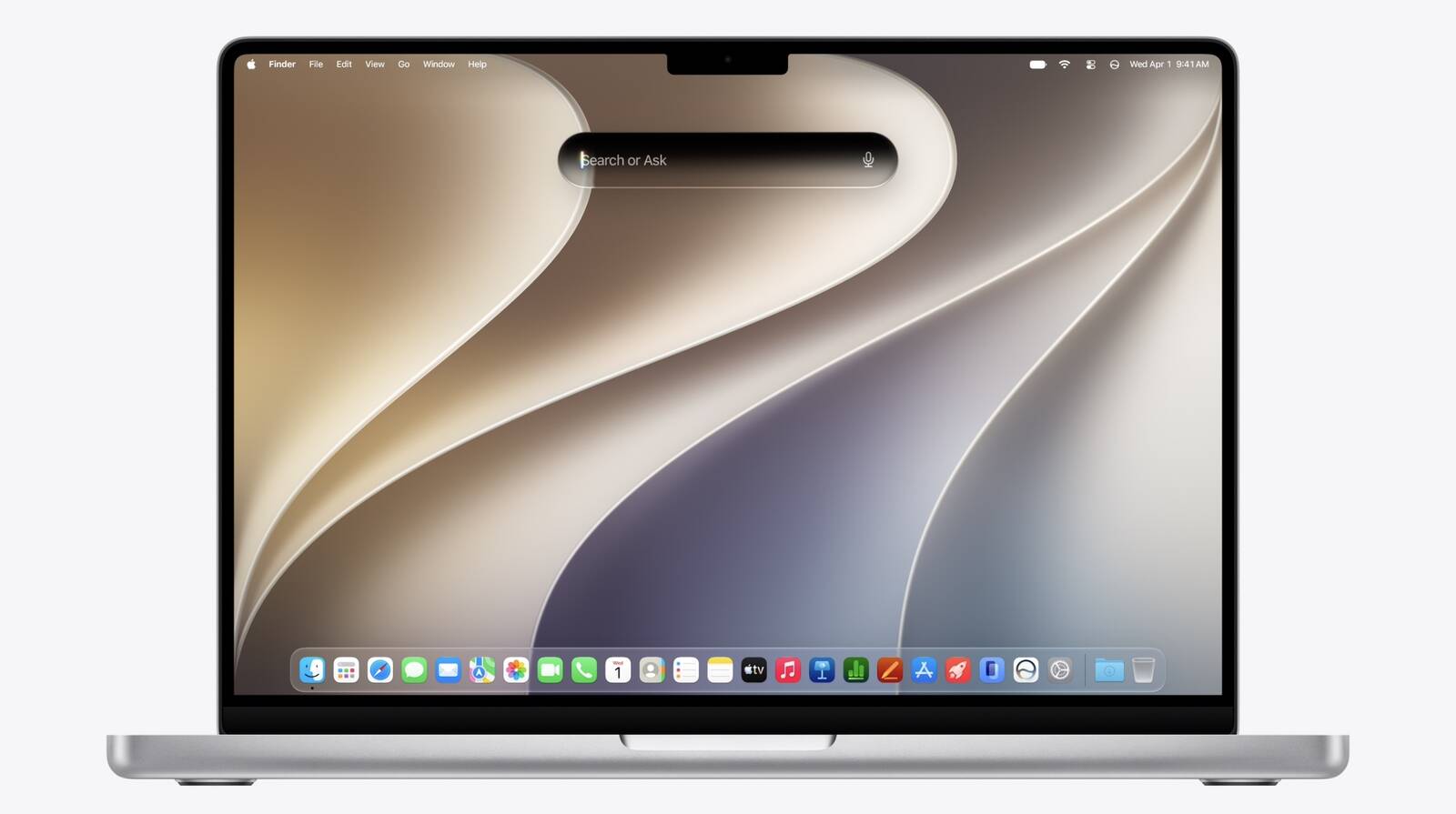
During its WWDC 2026 keynote, Apple revealed that Siri's rich conversational experience can be started right inside the Spotlight prompt, accessed via Command + Space, bringing in context and chat history on the fly.
Conversation history is synced via iCloud, so you can go from device to device. It can use world knowledge, personal content, and allows you to perform tasks like writing Messages or emails.
There's also a new Siri mode in Camera. Apple is introducing broader Apple Intelligence upgrades that can bring smarter capabilities to apps across the iPhone, iPad, and Mac. Stay tuned for all the details.
This article, "Rich Siri Conversations in macOS 27 Can Be Started in Spotlight" first appeared on MacRumors.com
Discuss this article in our forums
During its WWDC 2026 keynote, Apple revealed that Siri's rich conversational experience can be started right inside the Spotlight prompt, accessed via Command + Space, bringing in context and chat history on the fly.
Conversation history is synced via iCloud, so you can go from device to device. It can use world knowledge, personal content, and allows you to perform tasks like writing Messages or emails.
There's also a new Siri mode in Camera. Apple is introducing broader Apple Intelligence upgrades that can bring smarter capabilities to apps across the iPhone, iPad, and Mac. Stay tuned for all the details.
Related Roundup: macOS 27
Tag: Siri
This article, "Rich Siri Conversations in macOS 27 Can Be Started in Spotlight" first appeared on MacRumors.com
Discuss this article in our forums
Recommended Comments
Join the conversation
You can post now and register later. If you have an account, sign in now to post with your account.