_811205.png)
_e196d8.png)
_32b3d9.png)
_1c53fe.png)

Apple Wallet car key support is coming to Rivian's second-generation R1S and R1T electric vehicles with a 2025.46 software update later this month, according to the company's software chief Wassym Bensaid. He did not provide a specific date.
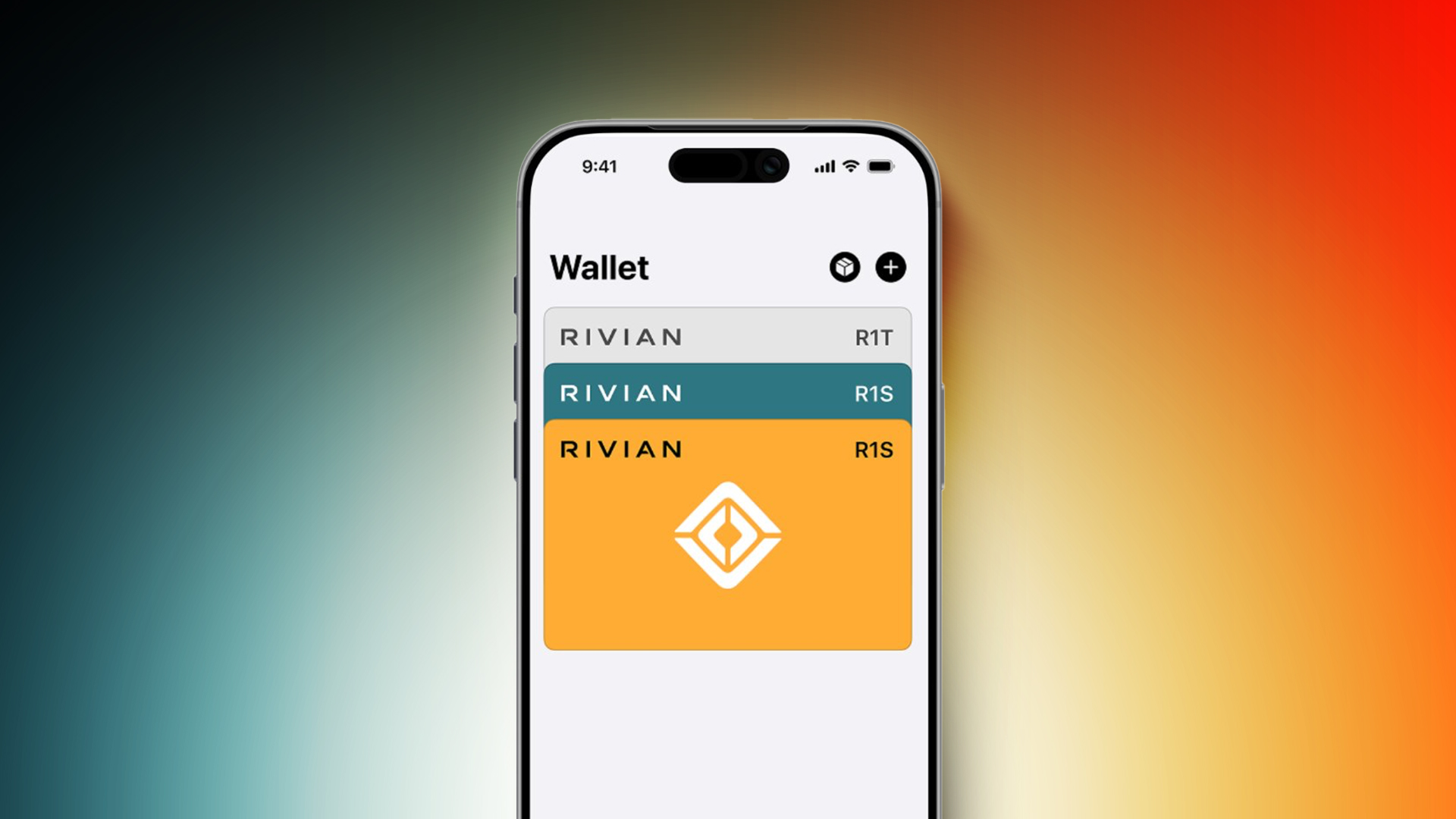
This feature will allow you to remotely unlock, lock, and start a second-generation R1S or R1T with an iPhone or Apple Watch, without needing to use the Rivian app. Express Mode will be supported, meaning you can keep your iPhone in your pocket as you approach the vehicle, as unlocking the device with Face ID is not required.
Rivian is implementing a newer version of the feature with Ultra Wideband technology for passive entry, eliminating the need to place your iPhone near an NFC reader.
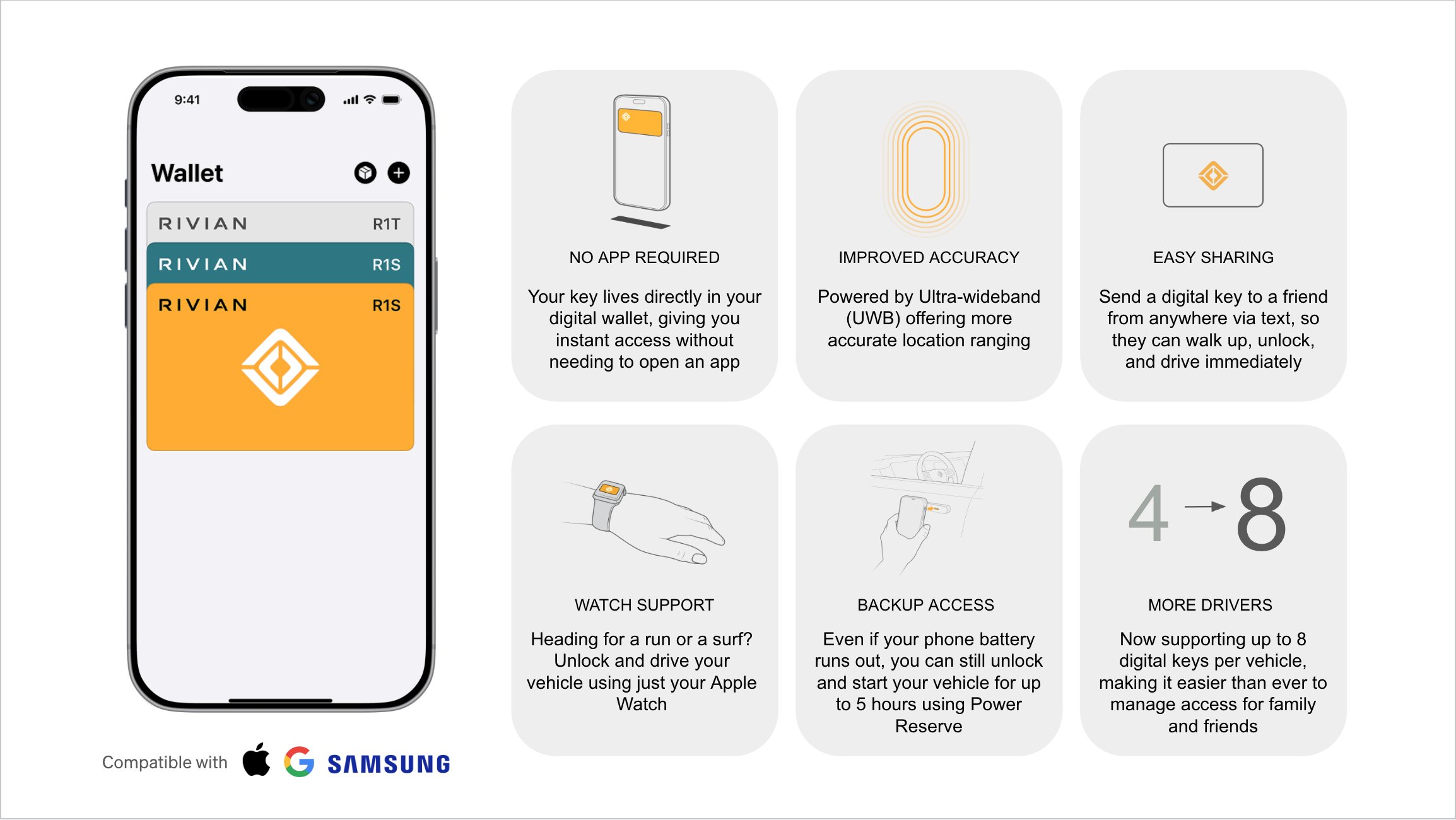
If your iPhone battery runs out, a Power Reserve feature ensures the Apple Wallet key can still be used for up to five hours after the device shut off.
You can share an Apple Wallet car key with up to eight family and friends via AirDrop or any messaging app, such as the Messages app or WhatsApp.
Apple Wallet car keys will not be supported in Rivian's first-generation R1S and R1T vehicles that were built through the 2024 model year.
Despite implementing Apple Wallet car key support, Rivian remains opposed to CarPlay. The electric vehicle maker does offer a built-in Apple Music app with a Connect+ subscription, which costs $14.99 per month or $149.99 per year.
This article, "Rivian to Offer iPhone Car Keys in Apple Wallet App Later This Month" first appeared on MacRumors.com
Discuss this article in our forums
This feature will allow you to remotely unlock, lock, and start a second-generation R1S or R1T with an iPhone or Apple Watch, without needing to use the Rivian app. Express Mode will be supported, meaning you can keep your iPhone in your pocket as you approach the vehicle, as unlocking the device with Face ID is not required.
Rivian is implementing a newer version of the feature with Ultra Wideband technology for passive entry, eliminating the need to place your iPhone near an NFC reader.
If your iPhone battery runs out, a Power Reserve feature ensures the Apple Wallet key can still be used for up to five hours after the device shut off.
You can share an Apple Wallet car key with up to eight family and friends via AirDrop or any messaging app, such as the Messages app or WhatsApp.
Apple Wallet car keys will not be supported in Rivian's first-generation R1S and R1T vehicles that were built through the 2024 model year.
Despite implementing Apple Wallet car key support, Rivian remains opposed to CarPlay. The electric vehicle maker does offer a built-in Apple Music app with a Connect+ subscription, which costs $14.99 per month or $149.99 per year.
This article, "Rivian to Offer iPhone Car Keys in Apple Wallet App Later This Month" first appeared on MacRumors.com
Discuss this article in our forums
Recommended Comments
Join the conversation
You can post now and register later. If you have an account, sign in now to post with your account.