_811205.png)
_e196d8.png)
_32b3d9.png)
_1c53fe.png)

Today marks the 10th anniversary of Safari Technology Preview, a version of Safari that's aimed at testing new web technologies.
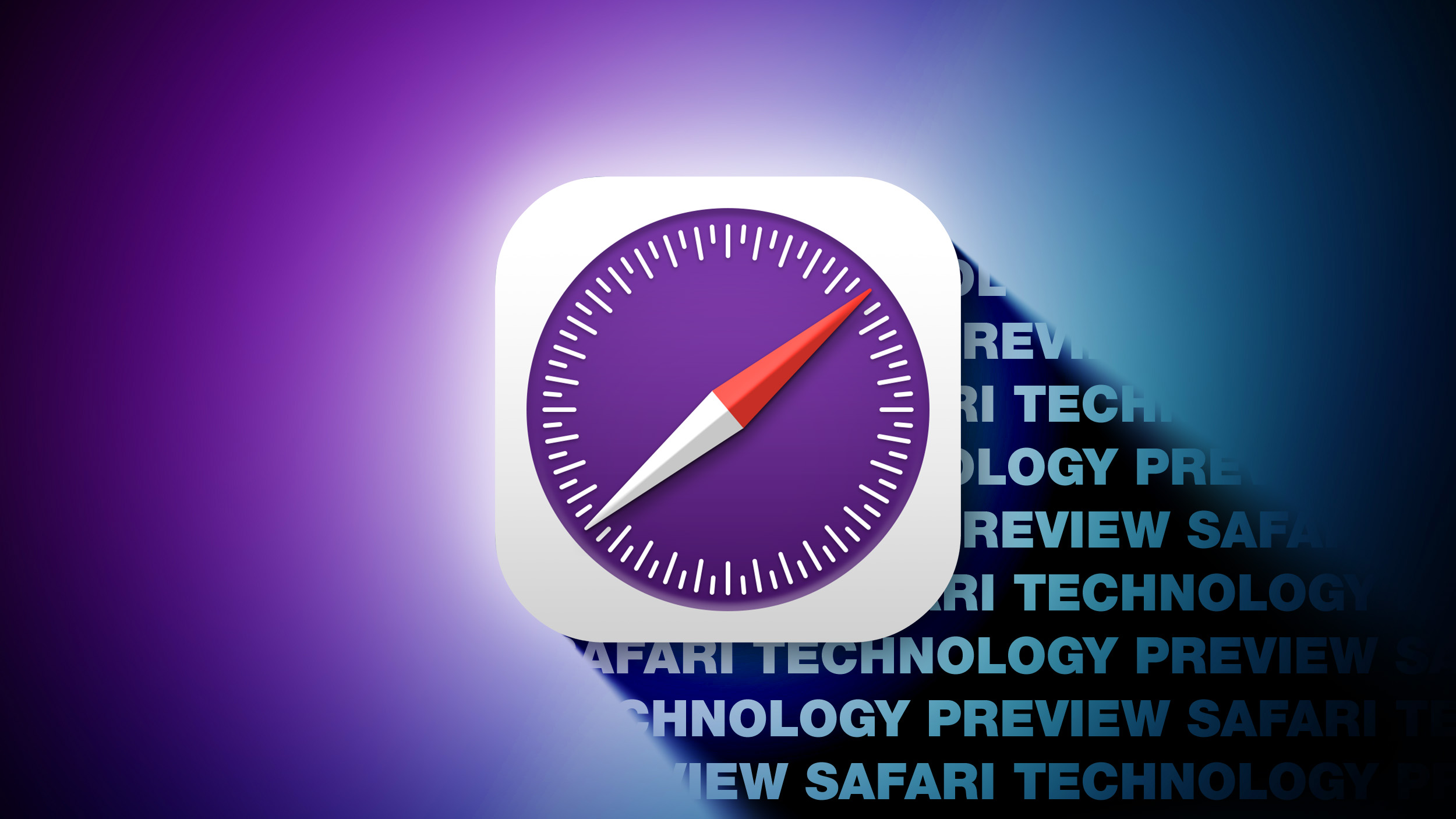
Apple first announced Safari Technology Preview for Mac on March 30, 2016, and rolled it out that same day. At the time, Apple said that it wanted to get feedback from developers on browser development using a method more easily accessible than WebKit. "Get a sneak peek at upcoming web technologies in macOS and iOS with Safari Technology Preview and experiment with these technologies in your websites and extensions," reads the description on Apple's developer website.
Safari Technology Preview can be used side-by-side with the main Safari browser, and it can be set as the default if users prefer it. Though it is designed for developers, it does not require a developer account to download and use. Safari Technology Preview has a purple icon to distinguish it from the standard version of Safari.
STP is compatible with macOS Sequoia and macOS Tahoe right now, and when macOS 27 launches, it will work with macOS 27 and macOS Tahoe.
Apple regularly releases updates for Safari Technology Preview, and over the last decade, we've had 240 versions. Apple provides detailed release notes for each update, highlighting new additions and bug fixes in STP that will later come to the primary version of Safari.
Safari Technology Preview can be downloaded from Apple's developer website.
This article, "Safari Technology Preview Turns 10: A Decade of Testing Apple's Web Technologies" first appeared on MacRumors.com
Discuss this article in our forums
Apple first announced Safari Technology Preview for Mac on March 30, 2016, and rolled it out that same day. At the time, Apple said that it wanted to get feedback from developers on browser development using a method more easily accessible than WebKit. "Get a sneak peek at upcoming web technologies in macOS and iOS with Safari Technology Preview and experiment with these technologies in your websites and extensions," reads the description on Apple's developer website.
Safari Technology Preview can be used side-by-side with the main Safari browser, and it can be set as the default if users prefer it. Though it is designed for developers, it does not require a developer account to download and use. Safari Technology Preview has a purple icon to distinguish it from the standard version of Safari.
STP is compatible with macOS Sequoia and macOS Tahoe right now, and when macOS 27 launches, it will work with macOS 27 and macOS Tahoe.
Apple regularly releases updates for Safari Technology Preview, and over the last decade, we've had 240 versions. Apple provides detailed release notes for each update, highlighting new additions and bug fixes in STP that will later come to the primary version of Safari.
Safari Technology Preview can be downloaded from Apple's developer website.
This article, "Safari Technology Preview Turns 10: A Decade of Testing Apple's Web Technologies" first appeared on MacRumors.com
Discuss this article in our forums
Recommended Comments
Join the conversation
You can post now and register later. If you have an account, sign in now to post with your account.