_811205.png)
_e196d8.png)
_32b3d9.png)
_1c53fe.png)

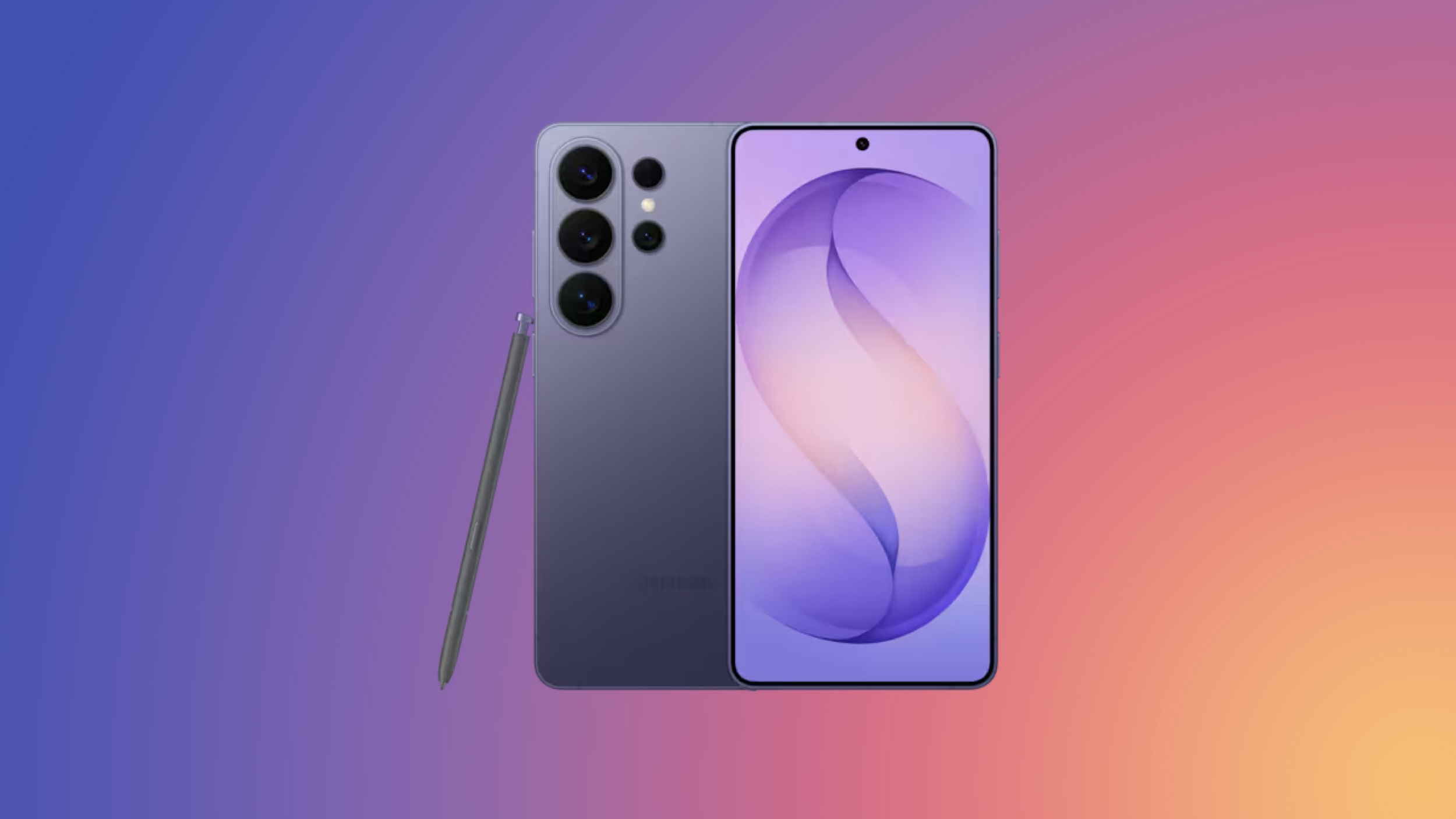
Samsung this week debuted pre-orders for its newest line of Galaxy products, including the S26 smartphones and Galaxy Buds4. You can find a few early launch discounts on some of these products, plus discounts on Samsung's most popular monitors and TVs, with notable markdowns on products like The Frame TVs.
 Note: MacRumors is an affiliate partner with Samsung. When you click a link and make a purchase, we may receive a small payment, which helps us keep the site running.
You can get up to $500 instant trade-in credit when pre-ordering the Galaxy S26, up to $700 credit for the Galaxy S26+, and up to $900 credit for the Galaxy S26 Ultra. If not trading in an older device, Samsung is still offering $150 in Samsung credit when pre-ordering each smartphone.
Galaxy S26+ - Up to $700 trade-in credit
Galaxy S26 Ultra - Up to $900 trade-in credit
Galaxy Buds4 - Save 30% on select cases when pre-ordering
Galaxy Buds4 Pro - Save 30% on select cases when pre-ordering
Galaxy XR - Save up to $1,140 with the Explorer Pack

In regards to TVs, there are quite a few models of The Frame TV on sale, including all-time low prices on The Frame models from 2025. You can get the 2025 65-inch The Frame TV for $1,199.99 ($600 off), as well as the 75-inch Frame Pro for $1,999.99 ($1,200 off), a match of the all-time low price.
55-inch QLED Q7F Smart TV - $399.99, down from $529.99
55-inch QLED Q8F Smart TV - $599.99, down from $749.99
75-inch Vision AI Smart TV - $699.99, down from $1,199.99
50-inch The Frame - $799.99, down from $1,099.99
75-inch Neo QLED QN70F Smart TV - $1,199.99, down from $1,599.99
65-inch The Frame - $1,199.99, down from $1,799.99
55-inch OLED S95F Smart TV - $1,999.99, down from $2,299.99
75-inch The Frame Pro - $1,999.99, down from $3,199.99
85-inch The Frame Pro - $3,299.99, down from $4,299.99
85-inch Neo QLED QN90F Smart TV - $2,499.99, down from $4,499.99
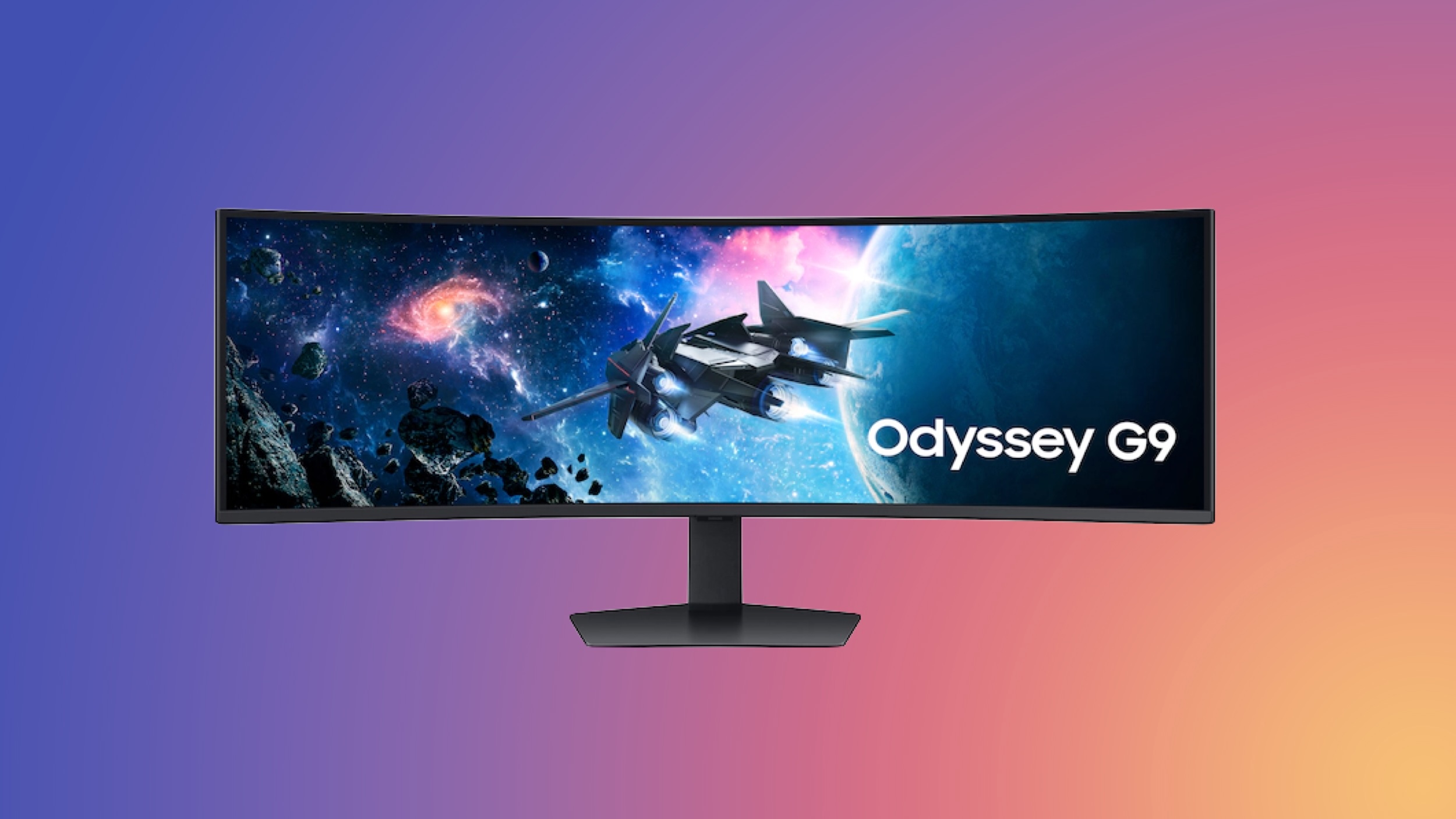
Samsung also has a few unique monitor deals this week, offering a free copy of Resident Evil Requiem at no cost when purchasing select monitors. This includes the 27-inch Odyssey OLED G50SF Monitor for $349.99, down from $549.99, and the 49-inch Odyssey G95C Monitor for $849.99, down from $1,299.99. When you register these monitors after purchasing them, you'll get a download code for Resident Evil Requiem, which is a $70 value.
27-inch Odyssey OLED G50SF - $349.99, down from $549.99 (with free copy of Resident Evil Requiem)
32-inch Smart Monitor M8 - $399.99, down from $699.99
49-inch Odyssey G95C - $849.99, down from $1,299.99 (with free copy of Resident Evil Requiem)
57-inch Odyssey Neo G9 - $1,499.99, down from $2,299.99
55-inch Odyssey Ark 2nd Gen - $1,699.99, down from $2,699.99
If you're on the hunt for more discounts, be sure to visit our Apple Deals roundup where we recap the best Apple-related bargains of the past week.
Interested in hearing more about the best deals you can find in 2026? Sign up for our Deals Newsletter and we'll keep you updated so you don't miss the biggest deals of the season!
This article, "Samsung Introduces Pre-Order Discounts on Galaxy S26 Smartphones, Alongside TV and Monitor Deals" first appeared on MacRumors.com
Discuss this article in our forums
Galaxy Products
Note: MacRumors is an affiliate partner with Samsung. When you click a link and make a purchase, we may receive a small payment, which helps us keep the site running.
You can get up to $500 instant trade-in credit when pre-ordering the Galaxy S26, up to $700 credit for the Galaxy S26+, and up to $900 credit for the Galaxy S26 Ultra. If not trading in an older device, Samsung is still offering $150 in Samsung credit when pre-ordering each smartphone.
- Galaxy S26 - Up to $500 trade-in credit
Galaxy S26+ - Up to $700 trade-in credit
Galaxy S26 Ultra - Up to $900 trade-in credit
Galaxy Buds4 - Save 30% on select cases when pre-ordering
Galaxy Buds4 Pro - Save 30% on select cases when pre-ordering
Galaxy XR - Save up to $1,140 with the Explorer Pack
TVs
In regards to TVs, there are quite a few models of The Frame TV on sale, including all-time low prices on The Frame models from 2025. You can get the 2025 65-inch The Frame TV for $1,199.99 ($600 off), as well as the 75-inch Frame Pro for $1,999.99 ($1,200 off), a match of the all-time low price.
- 55-inch QLED QEF1 Smart TV - $399.99, down from $599.99
55-inch QLED Q7F Smart TV - $399.99, down from $529.99
55-inch QLED Q8F Smart TV - $599.99, down from $749.99
75-inch Vision AI Smart TV - $699.99, down from $1,199.99
50-inch The Frame - $799.99, down from $1,099.99
75-inch Neo QLED QN70F Smart TV - $1,199.99, down from $1,599.99
65-inch The Frame - $1,199.99, down from $1,799.99
55-inch OLED S95F Smart TV - $1,999.99, down from $2,299.99
75-inch The Frame Pro - $1,999.99, down from $3,199.99
85-inch The Frame Pro - $3,299.99, down from $4,299.99
85-inch Neo QLED QN90F Smart TV - $2,499.99, down from $4,499.99
Monitors
Samsung also has a few unique monitor deals this week, offering a free copy of Resident Evil Requiem at no cost when purchasing select monitors. This includes the 27-inch Odyssey OLED G50SF Monitor for $349.99, down from $549.99, and the 49-inch Odyssey G95C Monitor for $849.99, down from $1,299.99. When you register these monitors after purchasing them, you'll get a download code for Resident Evil Requiem, which is a $70 value.
- 32-inch ViewFinity S70A UHD Monitor - $299.99, down from $459.99
27-inch Odyssey OLED G50SF - $349.99, down from $549.99 (with free copy of Resident Evil Requiem)
32-inch Smart Monitor M8 - $399.99, down from $699.99
49-inch Odyssey G95C - $849.99, down from $1,299.99 (with free copy of Resident Evil Requiem)
57-inch Odyssey Neo G9 - $1,499.99, down from $2,299.99
55-inch Odyssey Ark 2nd Gen - $1,699.99, down from $2,699.99
If you're on the hunt for more discounts, be sure to visit our Apple Deals roundup where we recap the best Apple-related bargains of the past week.
Deals Newsletter
Interested in hearing more about the best deals you can find in 2026? Sign up for our Deals Newsletter and we'll keep you updated so you don't miss the biggest deals of the season!
Related Roundup: Apple Deals
This article, "Samsung Introduces Pre-Order Discounts on Galaxy S26 Smartphones, Alongside TV and Monitor Deals" first appeared on MacRumors.com
Discuss this article in our forums
Recommended Comments
Join the conversation
You can post now and register later. If you have an account, sign in now to post with your account.