_811205.png)
_e196d8.png)
_32b3d9.png)
_1c53fe.png)

Shazam has published its annual Fast Forward list, and an accompanying Apple Music playlist. The list takes a look ahead at some of the most exciting music artists who are being discovered through the song identification tool. 2026's list features more than 60 music artists who are poised to have a breakthrough year.
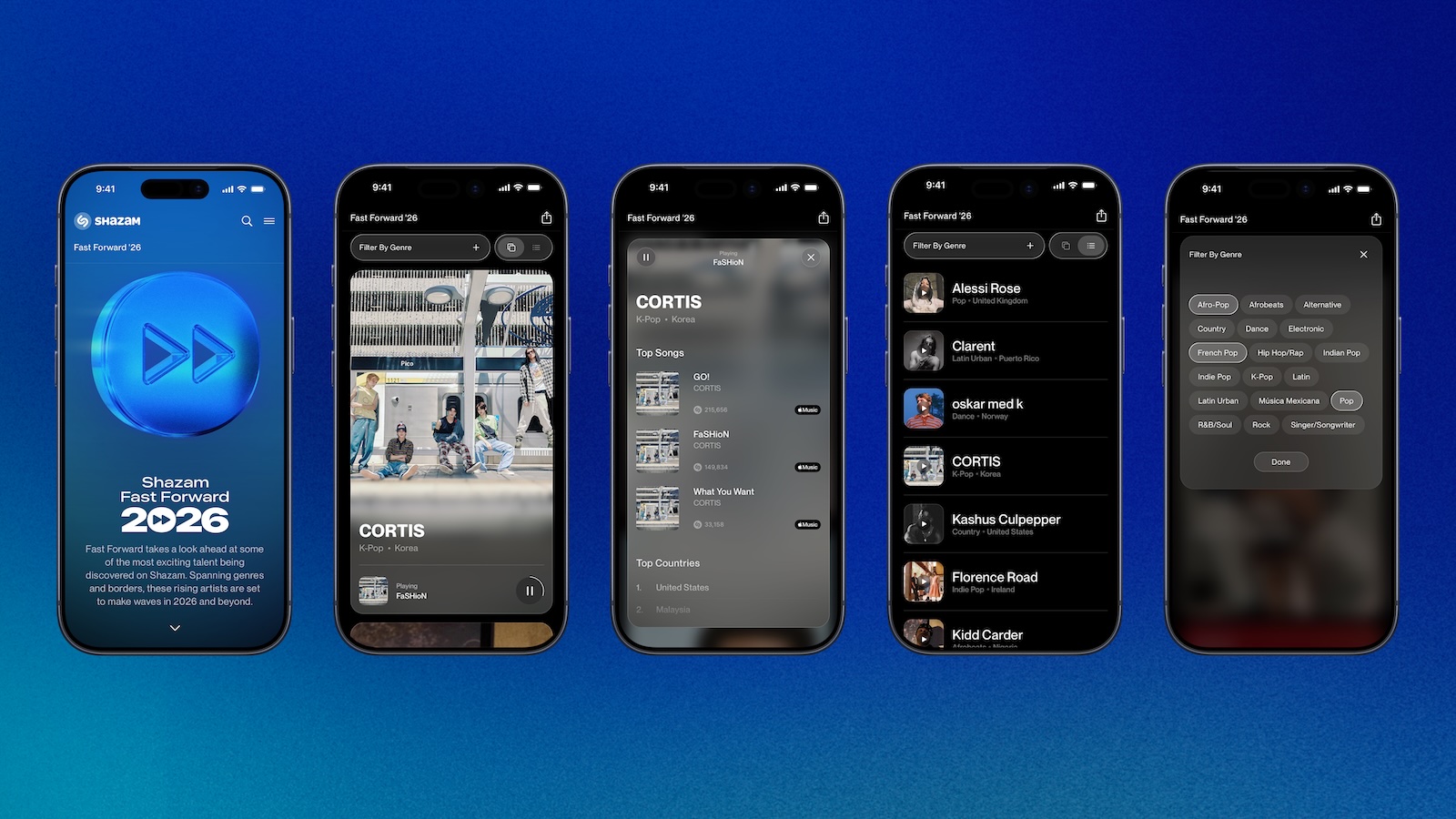
Here is how Apple describes this year's playlist:
This article, "Shazam's Fast Forward Playlist Reveals Music Artists Set to Rise in 2026" first appeared on MacRumors.com
Discuss this article in our forums
Here is how Apple describes this year's playlist:
Every day, Shazam gets millions of requests from users around the world who are curious about the artist behind a song. These requests come from all over-TikTok videos, car commercials, overhearing something in the wild-which makes it a powerful tool for predicting tomorrow's heavy hitters. For 2026, we've assembled a playlist featuring over 60 artists-based on Shazam data and reviewed by our editors-that are poised to have a breakthrough year. From K-pop group CORTIS to Alabama country crooner Kashus Culpepper to Irish rock band Florence Road, it's a remarkably diverse group of artists hailing from all corners of the globe. Have a listen and add the ones you love to your library before the world catches on.Some well-known music artists, including Benson Boone, Ice Spice, and Ayra Starr, were featured in Shazam's previous Fast Forward lists.
Tags: Apple Music, Shazam
This article, "Shazam's Fast Forward Playlist Reveals Music Artists Set to Rise in 2026" first appeared on MacRumors.com
Discuss this article in our forums
Recommended Comments
Join the conversation
You can post now and register later. If you have an account, sign in now to post with your account.