_811205.png)
_e196d8.png)
_32b3d9.png)
_1c53fe.png)

Apple co-founder and former CEO Steve Jobs was born on February 24, 1955, so today would have marked his 71st birthday if he hadn't passed away in 2011 at the age of 56.
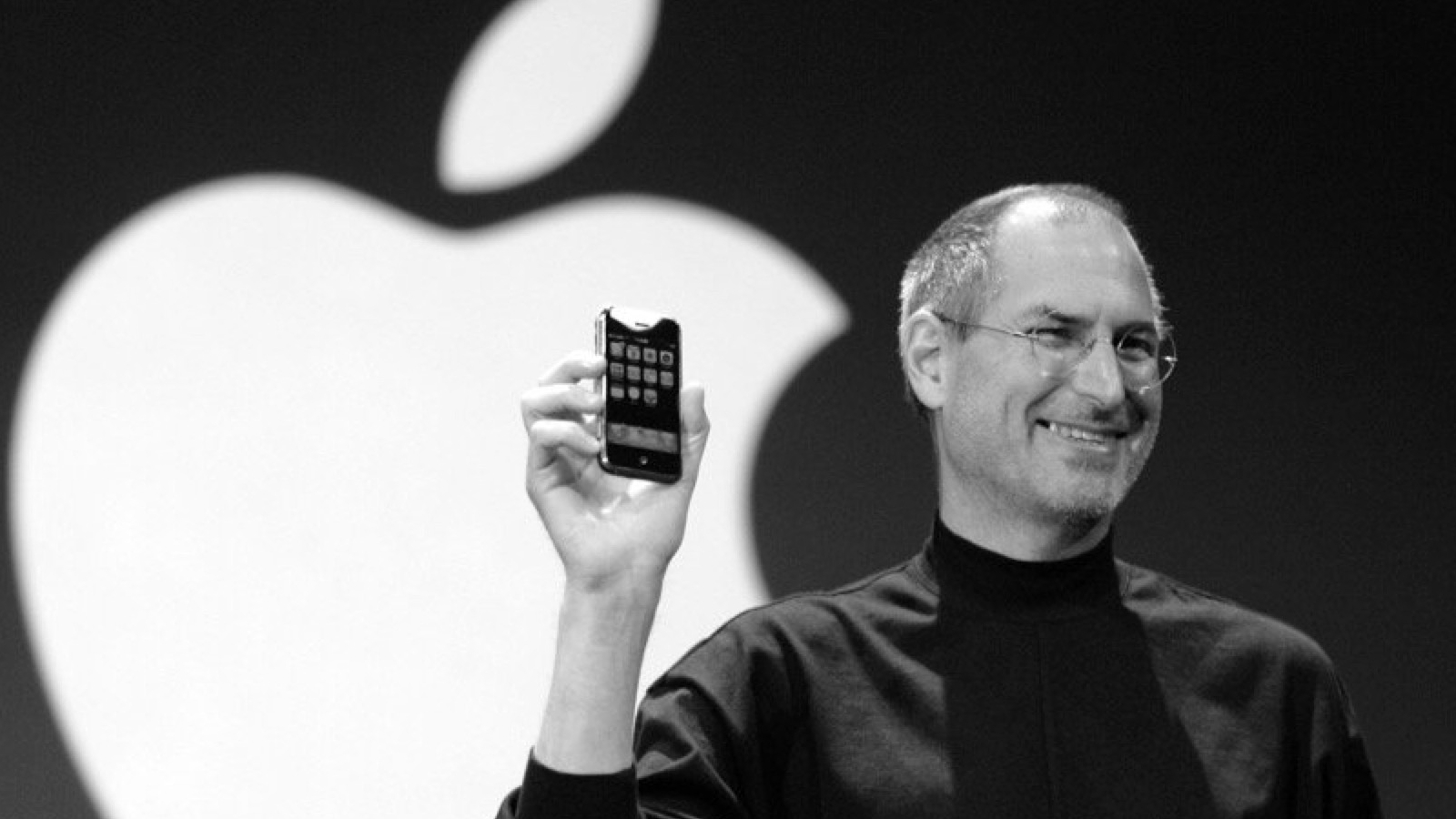
In 1976, Steve Jobs and Steve Wozniak co-founded Apple Computer Company to market Wozniak's Apple I, a pioneering personal computer. Their collaboration led to the introduction of the Apple II in 1977, which significantly influenced the personal computing industry.
In 1984, Apple launched the Macintosh, notable for its graphical user interface and the iconic "1984" Super Bowl commercial directed by Ridley Scott. However, internal conflicts led to Jobs' departure from Apple in 1985. He then founded NeXT Inc., focusing on advanced computer platforms.
In 1997, Apple acquired NeXT, bringing Jobs back to the company as interim CEO. Under his leadership, Apple revitalized its product line and introduced groundbreaking products like the iMac, iPod, and iPhone. Apple Computer Company was renamed Apple Inc. in 2007 as the company expanded its focus from computers to consumer electronics.
Jobs remained at the helm until his death in 2011, during which time Apple transformed into one of the world's leading technology companies.
We miss you, Steve!
This article, "Steve Jobs Would Have Celebrated His 71st Birthday Today" first appeared on MacRumors.com
Discuss this article in our forums
In 1976, Steve Jobs and Steve Wozniak co-founded Apple Computer Company to market Wozniak's Apple I, a pioneering personal computer. Their collaboration led to the introduction of the Apple II in 1977, which significantly influenced the personal computing industry.
In 1984, Apple launched the Macintosh, notable for its graphical user interface and the iconic "1984" Super Bowl commercial directed by Ridley Scott. However, internal conflicts led to Jobs' departure from Apple in 1985. He then founded NeXT Inc., focusing on advanced computer platforms.
In 1997, Apple acquired NeXT, bringing Jobs back to the company as interim CEO. Under his leadership, Apple revitalized its product line and introduced groundbreaking products like the iMac, iPod, and iPhone. Apple Computer Company was renamed Apple Inc. in 2007 as the company expanded its focus from computers to consumer electronics.
Jobs remained at the helm until his death in 2011, during which time Apple transformed into one of the world's leading technology companies.
We miss you, Steve!
Tag: Steve Jobs
This article, "Steve Jobs Would Have Celebrated His 71st Birthday Today" first appeared on MacRumors.com
Discuss this article in our forums
Recommended Comments
Join the conversation
You can post now and register later. If you have an account, sign in now to post with your account.