_811205.png)
_e196d8.png)
_32b3d9.png)
_1c53fe.png)

Apple today announced that Tap to Pay on iPhone is now available in South Africa, allowing merchants to accept contactless payments using only their iPhone and a partner-enabled iOS app.
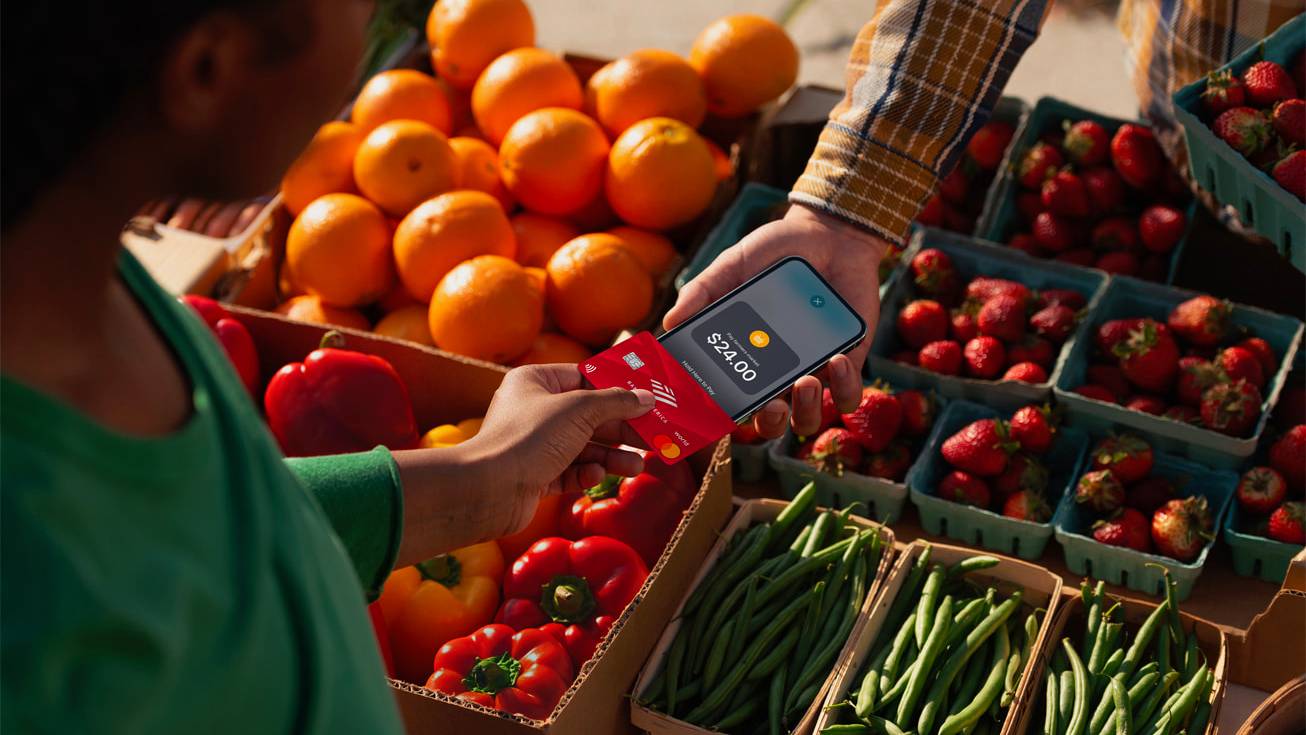
The feature lets businesses of any size accept contactless credit and debit cards, Apple Pay, and other digital wallets at checkout. Merchants prompt customers to hold their card, iPhone, Apple Watch, or other digital wallet near the merchant's device, with the payment completed via NFC technology. No additional hardware or payment terminal is required.
iStore Pay and Yoco are the first payment platforms in South Africa to support the feature. The launch supports Mastercard and Visa, with American Express support coming soon.
Tap to Pay on iPhone first launched in the United States in February 2022 and has been expanding steadily ever since. A major wave of rollouts across 2025 brought the feature to dozens of new markets, including 18 new countries in May, five more European countries in September, and launches in Singapore and Hong Kong in December. Malaysia followed in April 2026, and Apple confirmed at the start of this year that the feature had reached 50 markets globally.
As with all Tap to Pay on iPhone transactions, privacy is built in. Transactions are encrypted and processed through the device's Secure Element, and Apple says it has no knowledge of what is purchased or who is buying it. Card numbers and transaction data are not stored on the device or Apple's servers.
Tap to Pay on iPhone requires an iPhone XS or later running the latest version of iOS.
This article, "Tap to Pay on iPhone Launches in South Africa" first appeared on MacRumors.com
Discuss this article in our forums
The feature lets businesses of any size accept contactless credit and debit cards, Apple Pay, and other digital wallets at checkout. Merchants prompt customers to hold their card, iPhone, Apple Watch, or other digital wallet near the merchant's device, with the payment completed via NFC technology. No additional hardware or payment terminal is required.
iStore Pay and Yoco are the first payment platforms in South Africa to support the feature. The launch supports Mastercard and Visa, with American Express support coming soon.
Tap to Pay on iPhone first launched in the United States in February 2022 and has been expanding steadily ever since. A major wave of rollouts across 2025 brought the feature to dozens of new markets, including 18 new countries in May, five more European countries in September, and launches in Singapore and Hong Kong in December. Malaysia followed in April 2026, and Apple confirmed at the start of this year that the feature had reached 50 markets globally.
As with all Tap to Pay on iPhone transactions, privacy is built in. Transactions are encrypted and processed through the device's Secure Element, and Apple says it has no knowledge of what is purchased or who is buying it. Card numbers and transaction data are not stored on the device or Apple's servers.
Tap to Pay on iPhone requires an iPhone XS or later running the latest version of iOS.
Tags: South Africa, Tap to Pay on iPhone
This article, "Tap to Pay on iPhone Launches in South Africa" first appeared on MacRumors.com
Discuss this article in our forums
Recommended Comments
Join the conversation
You can post now and register later. If you have an account, sign in now to post with your account.