_811205.png)
_e196d8.png)
_32b3d9.png)
_1c53fe.png)

Messaging app Telegram now has a native Apple Watch app. The app supports viewing and responding to Telegram messages from the wrist.
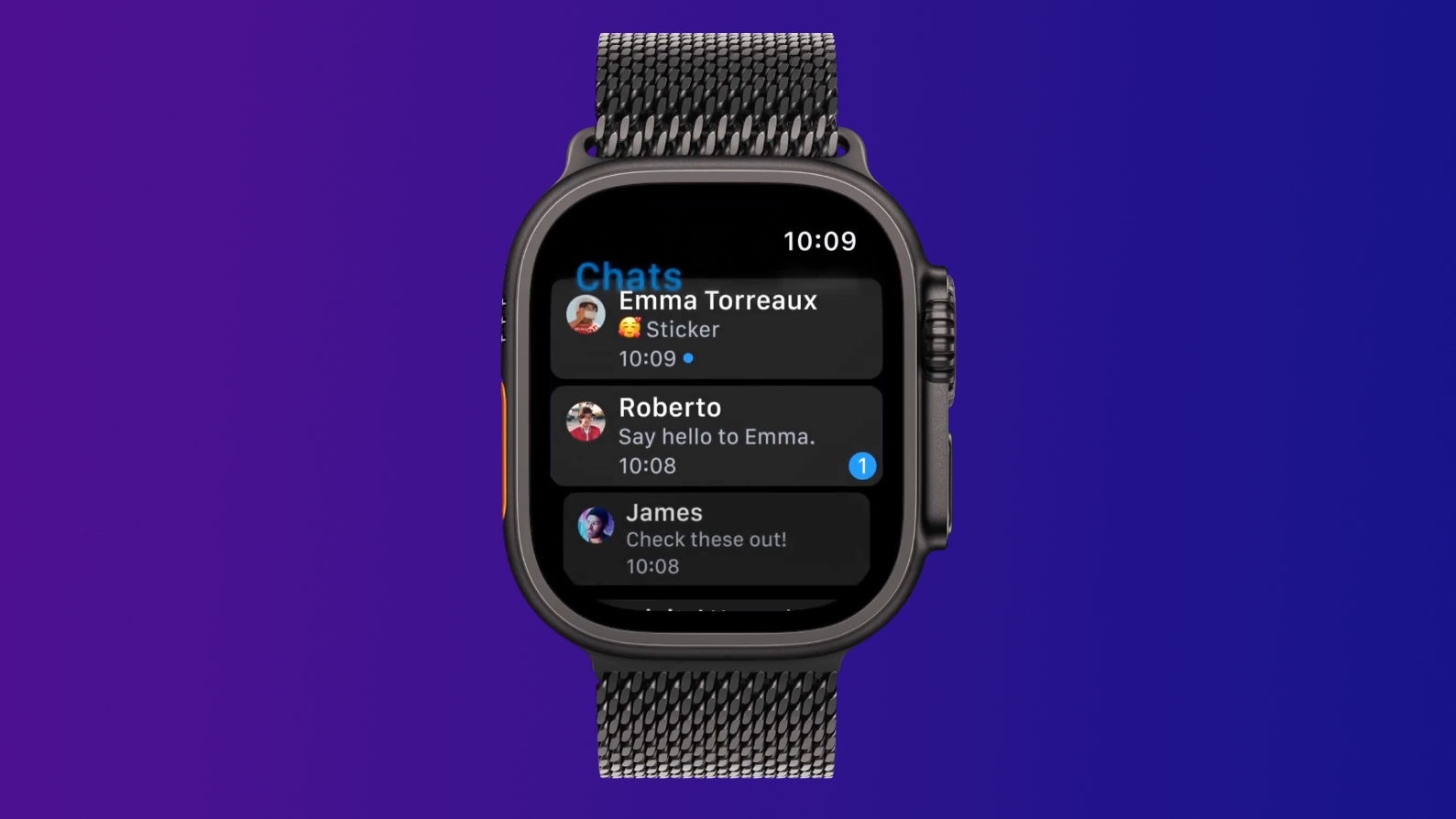
Features like stickers, voice messages, and location information can be shared from the Apple Watch app.
Telegram had an Apple Watch app back in 2015, but it was discontinued and removed from the App Store a few years back. There have been third-party Telegram apps for the Apple Watch, but now Telegram users can once again use a first-party solution.
This article, "Telegram Gets Native Apple Watch App" first appeared on MacRumors.com
Discuss this article in our forums
Features like stickers, voice messages, and location information can be shared from the Apple Watch app.
Telegram had an Apple Watch app back in 2015, but it was discontinued and removed from the App Store a few years back. There have been third-party Telegram apps for the Apple Watch, but now Telegram users can once again use a first-party solution.
Related Roundup: Apple Watch 11
Tag: Telegram
Buyer's Guide: Apple Watch (Caution)
This article, "Telegram Gets Native Apple Watch App" first appeared on MacRumors.com
Discuss this article in our forums
Recommended Comments
Join the conversation
You can post now and register later. If you have an account, sign in now to post with your account.